LM Studio with Gemma 4
LM Studio enables local execution of large language models with a simple and efficient runtime environment. In this lab, we deploy Gemma 4 on a headless Linux server to provide high-performance, server-side inference. Using LM Link, the model can be securely accessed from a MacBook, allowing seamless remote interaction through a lightweight interface without requiring a full local setup.
Installing LM Studio
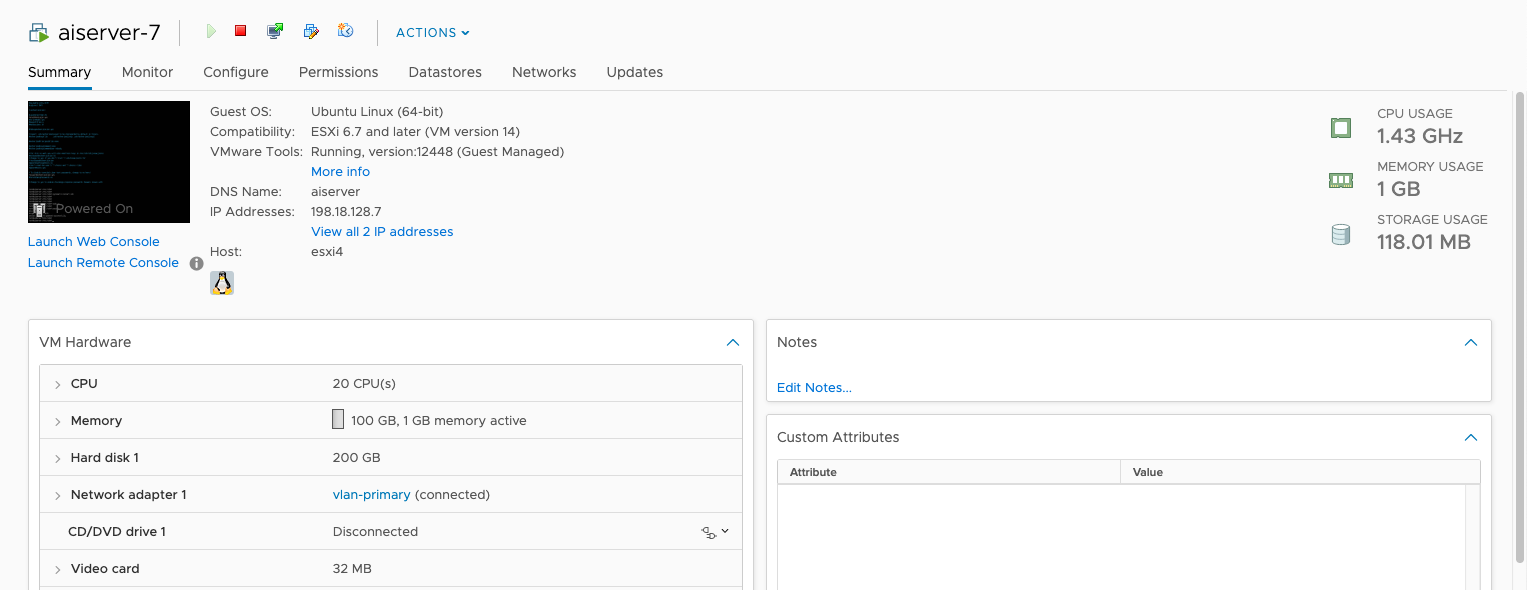
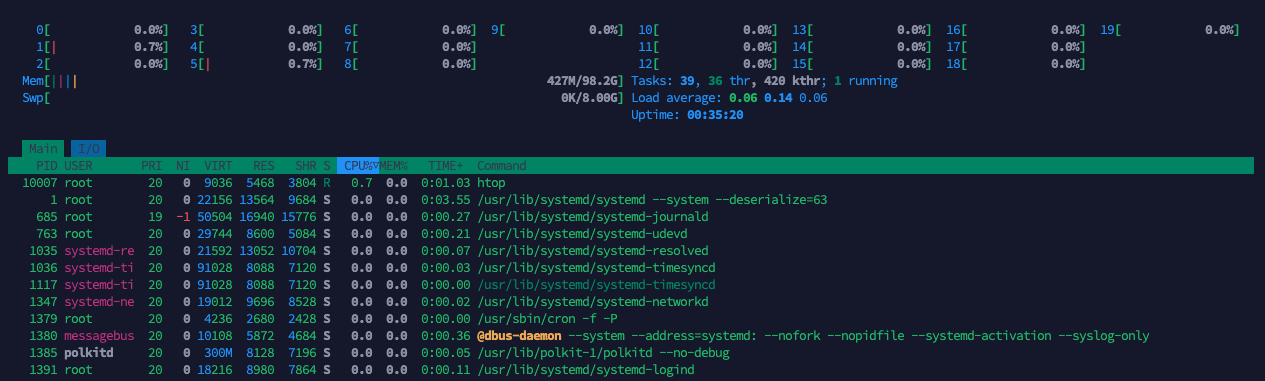
Here’s the hardware that we will use to run LMS, it has 20 CPU Cores and 100 GB of RAM, but with no dedicated GPU
Next run this command to install LM Studio
1
curl -fsSL https://lmstudio.ai/install.sh | bash
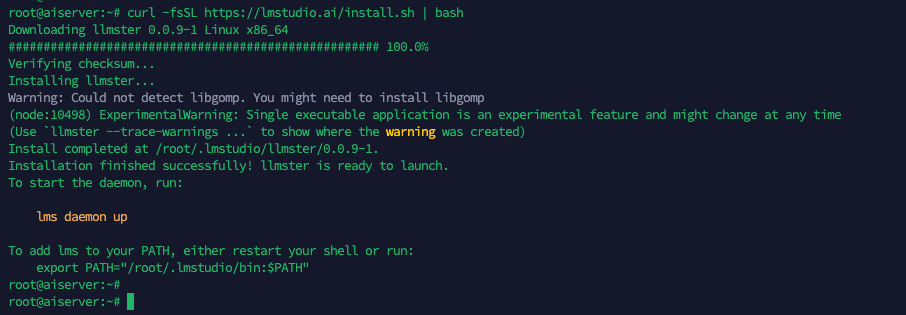
Then update our .bashrc configuration and refresh the LM Studio Bootstrap
1
2
source ~/.bashrc
lms bootstrap
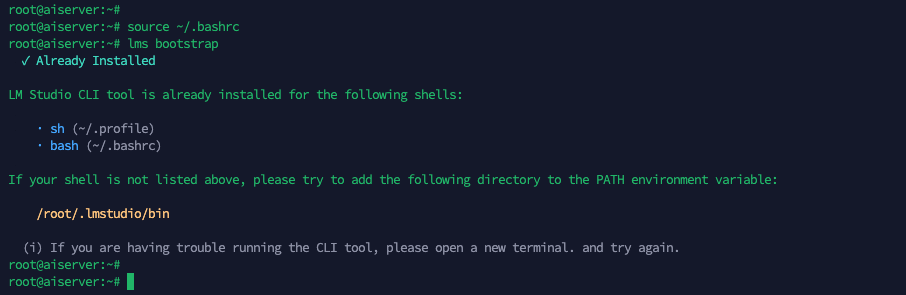
Next to ensure our LM Studio will keep running, we will use tmux

Then inside the tmux, bring the LMS daemon service up
1
lms daemon up
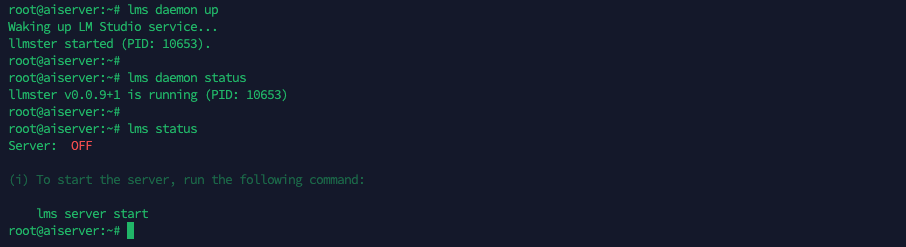
the server status will stay off because we’re not using the API service
Loading LLM
Now that we have our LM Studio up and running, we can proceed to load the models. Here we use “lms get” to see the available models
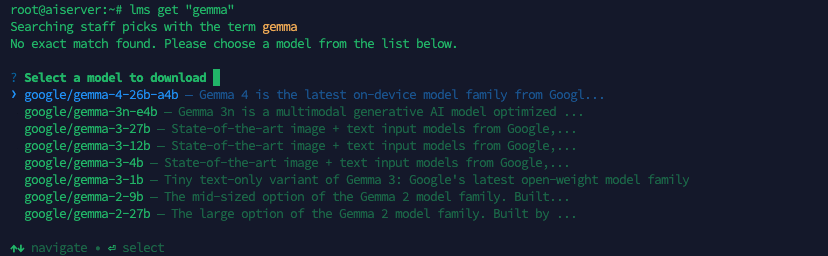
Unfortunately because the Gemma models are quite new, the one that we’re looking for (the 2B model) is not yet available via command line, so we go to the lmstudio website to get the huggingface link for a direct download
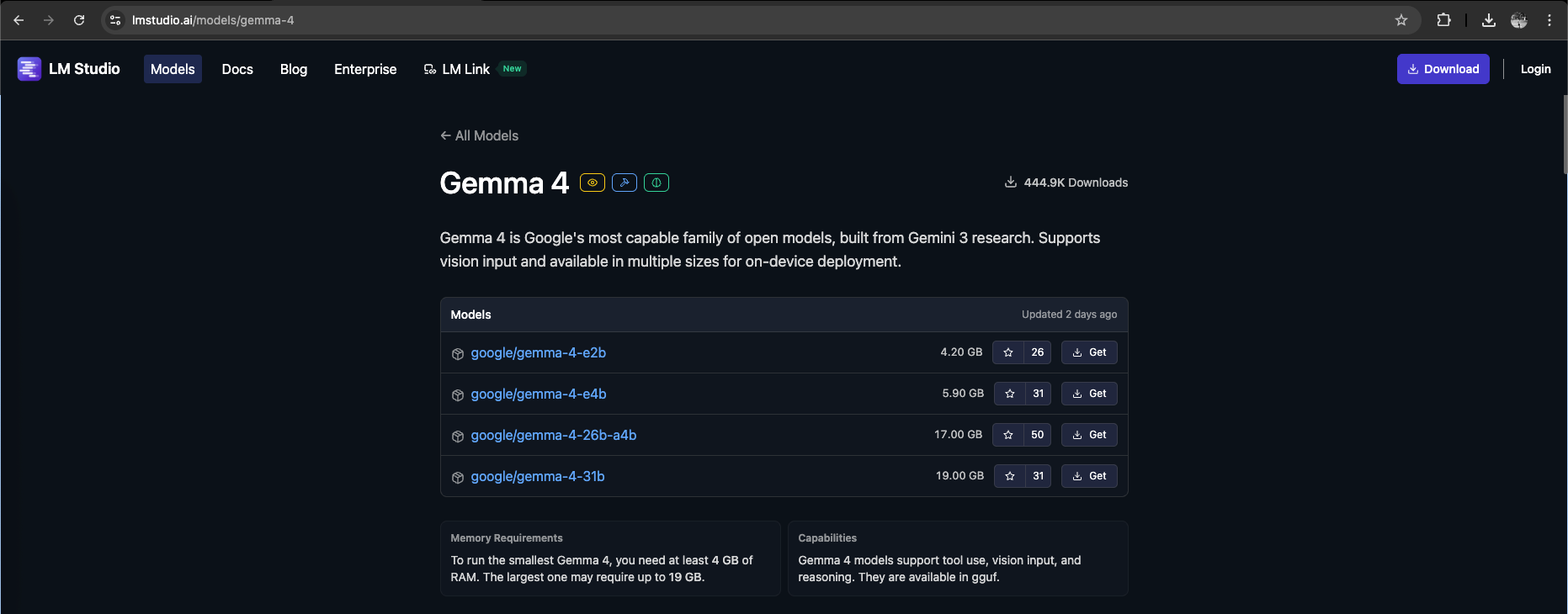
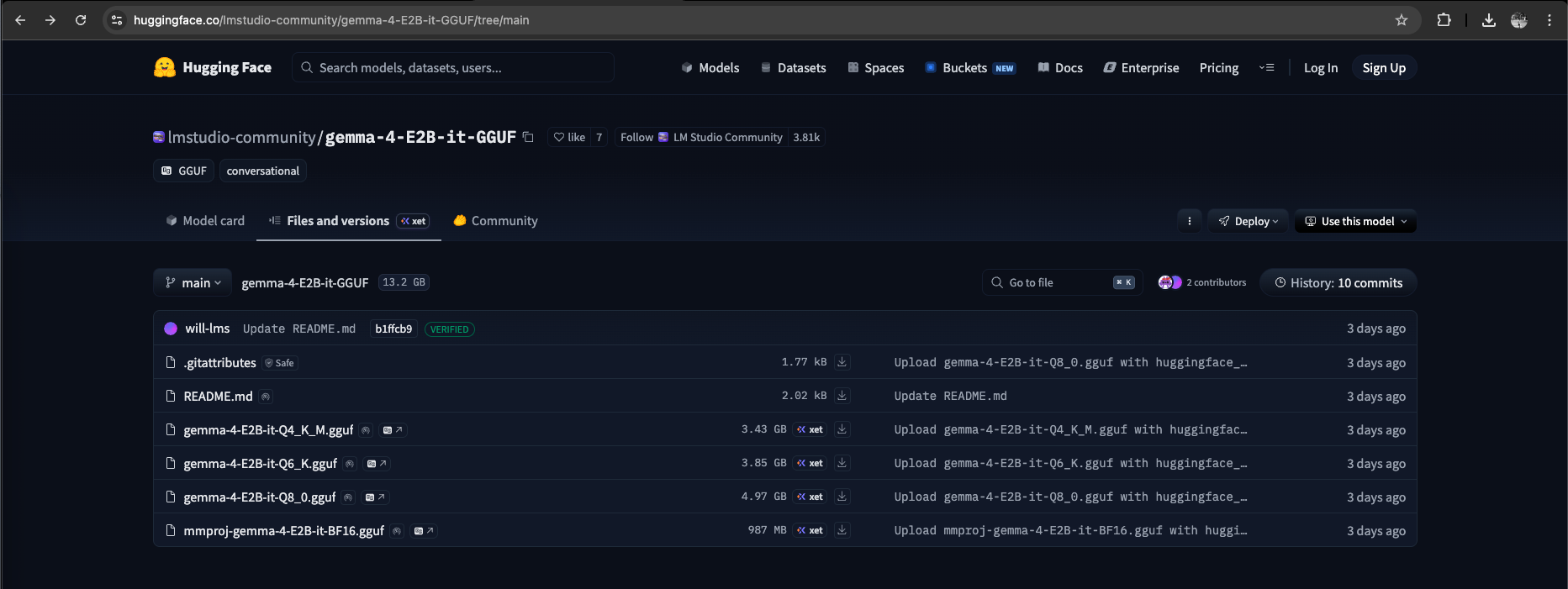
Here we’re downloading the model with 2B Parameter and 8-bit quantization, meaning the model uses about 2 billion weights for language processing while compressing them into 8-bit precision to reduce memory usage and improve performance with minimal loss in accuracy.
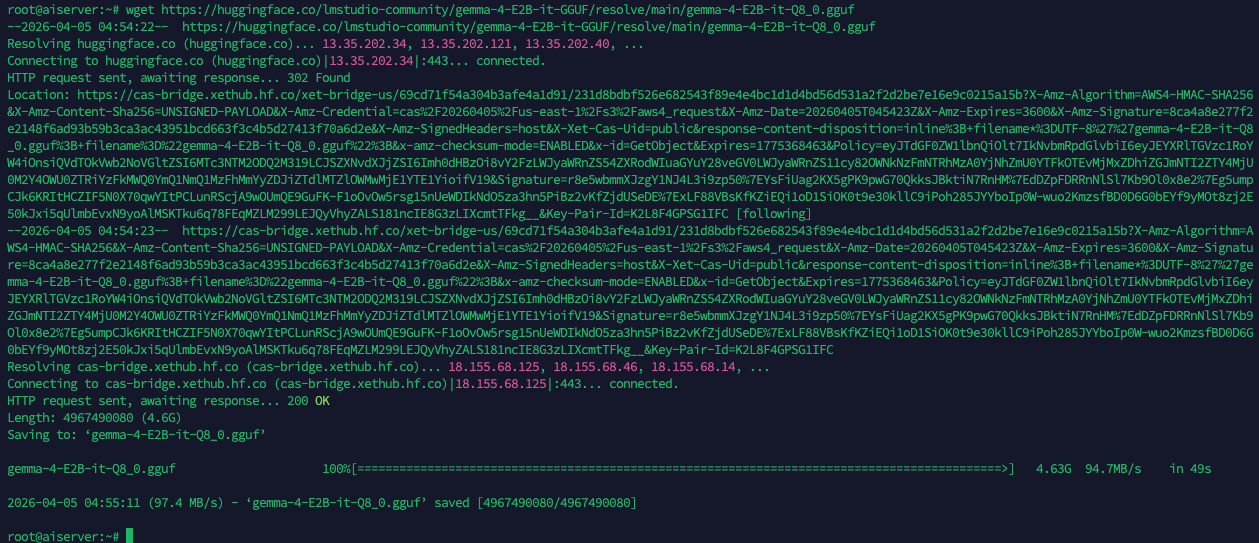
8-bit retains higher accuracy but requires more memory, while 6-bit and especially 4-bit offer greater efficiency at the cost of more noticeable quality degradation.
Next we use “lms import” to import the downloaded model
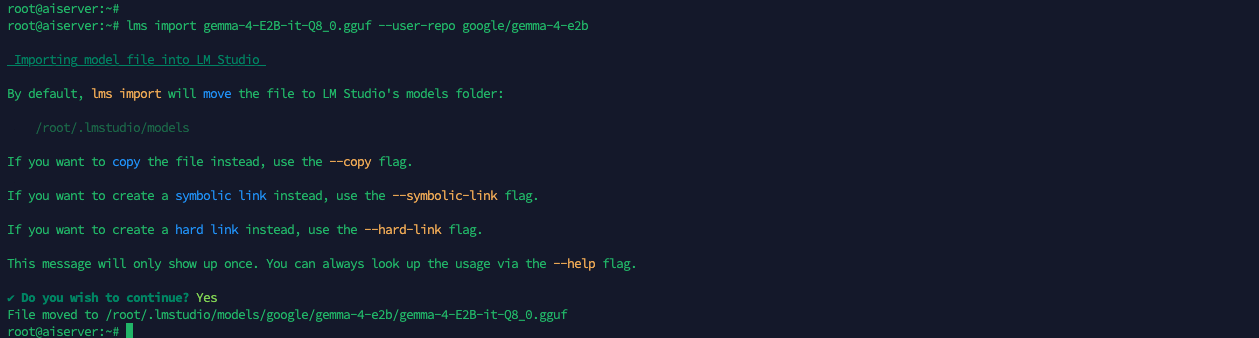
Then use “lms ls” to see the imported models

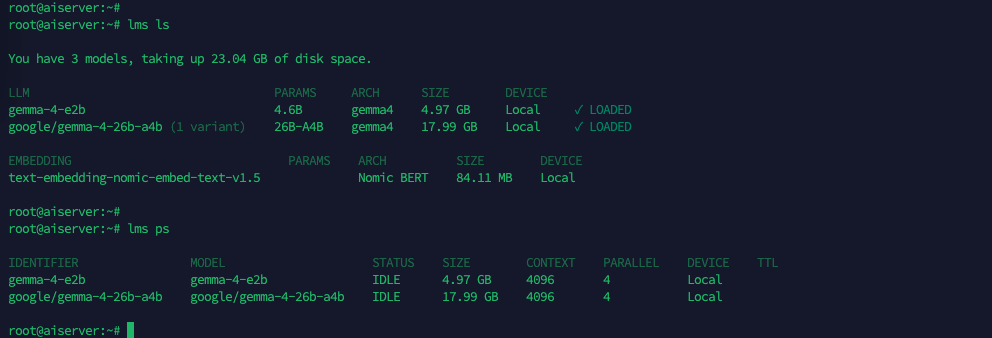
Next we need to load the model into memory using “lms load”, this initializes it for inference, making it ready to accept prompts and generate responses

Use “lms ps” to see the loaded models

Now that the model is loaded, we can initiate chat using “lms chat”
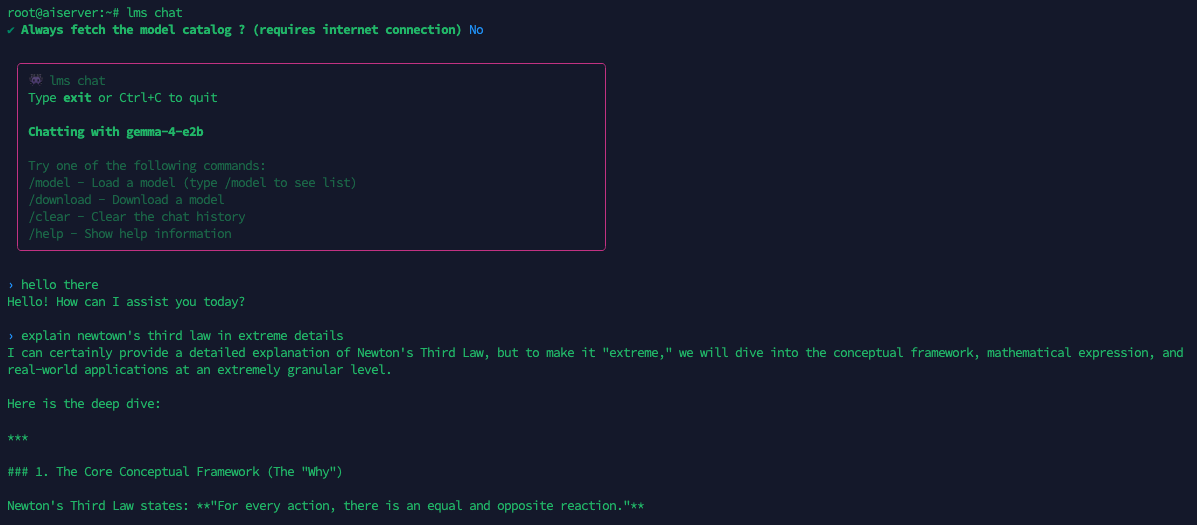
Here we try to give it some coding tasks to see how much it’s using the host’s resources, this 2B model only uses around 7 cpu cores and 1 gb of memory
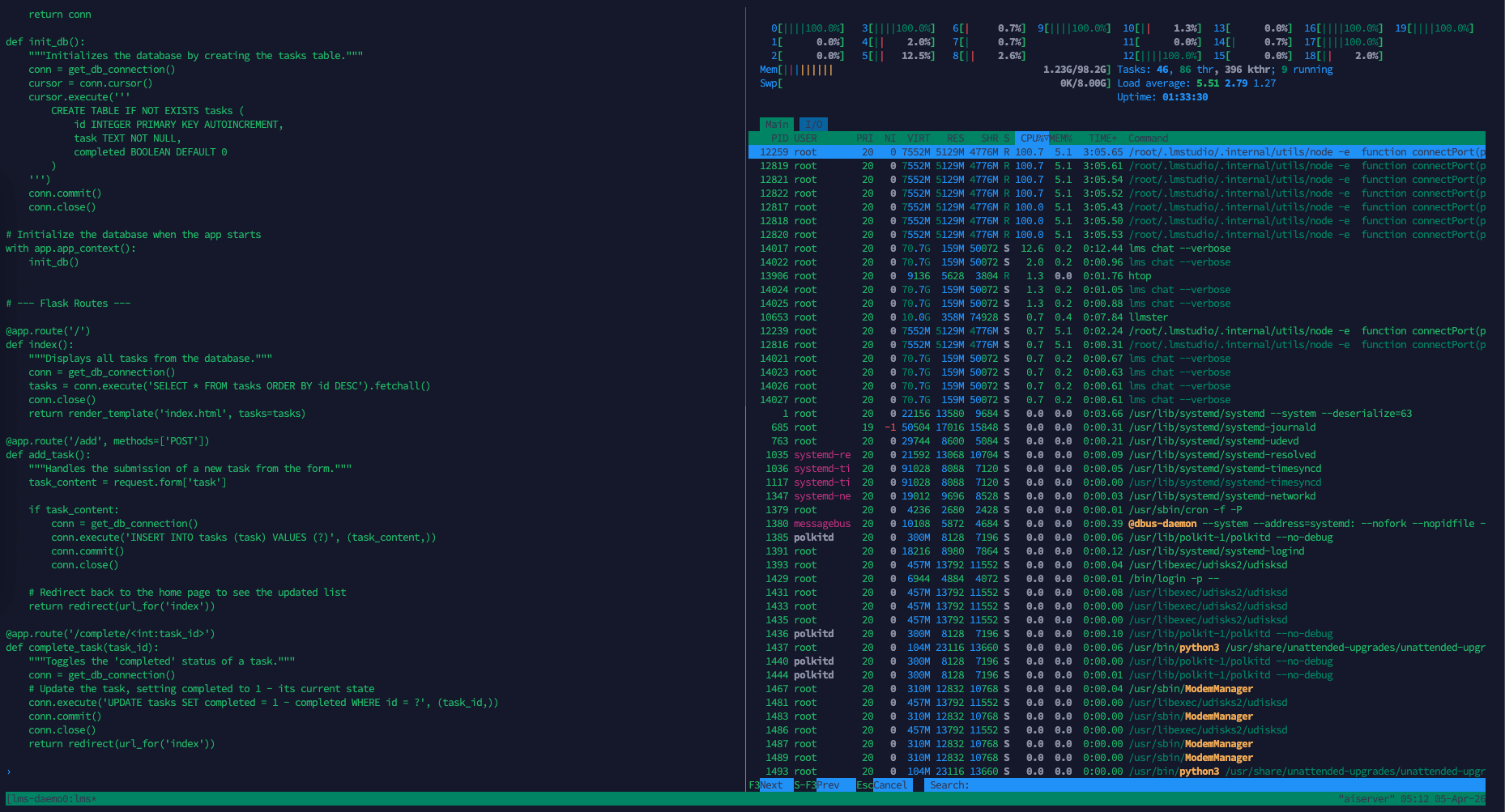
While generating responses at 15 tokens per second, which is not bad

Next, we will run a larger Gemma 4 variant—the 26B model. This model is interesting because, although it contains 26 billion parameters in total, it activates only about 4 billion parameters per token (hence the name 26B 4AB), allowing it to deliver performance comparable to larger models while maintaining inference speeds closer to smaller ones.
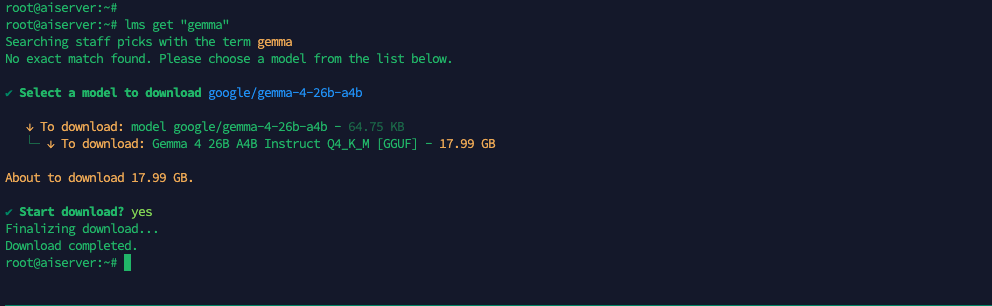
After finish downloading, we load the model into memory
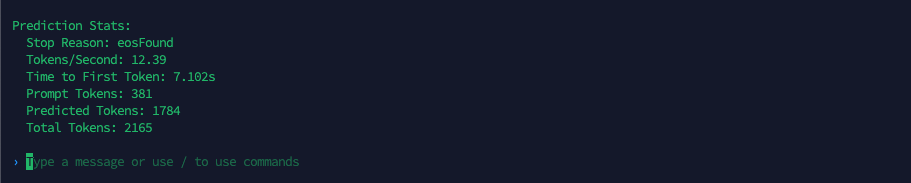
And here we start stress testing the model, when given a similar task, it uses similar cpu usage but almost 10 times the memory compared to the 2B model
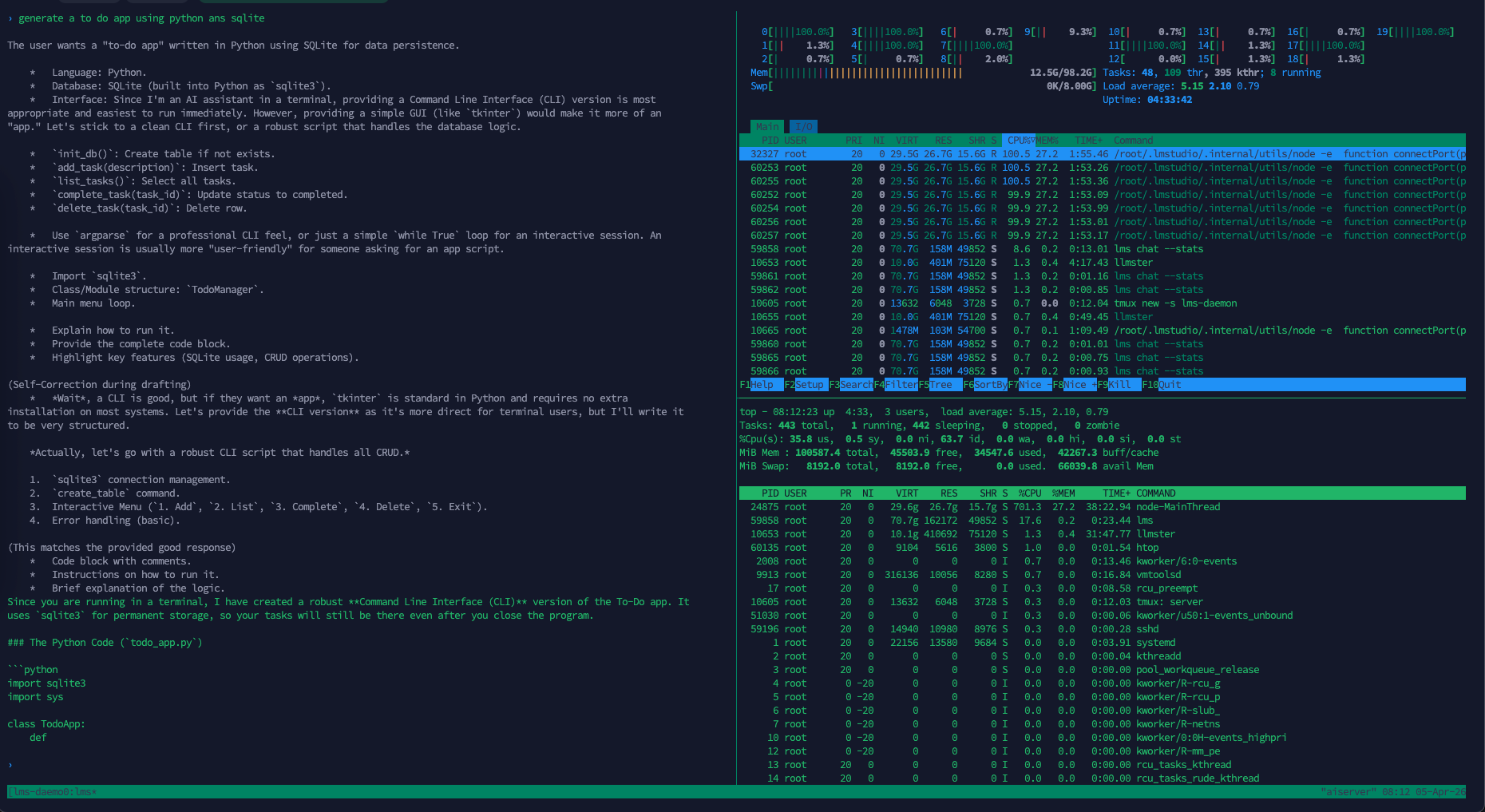
Its delivering a respectable 12 tokens per second, considering the size of the model, it’s quite speedy compared to the 2B
LM Link
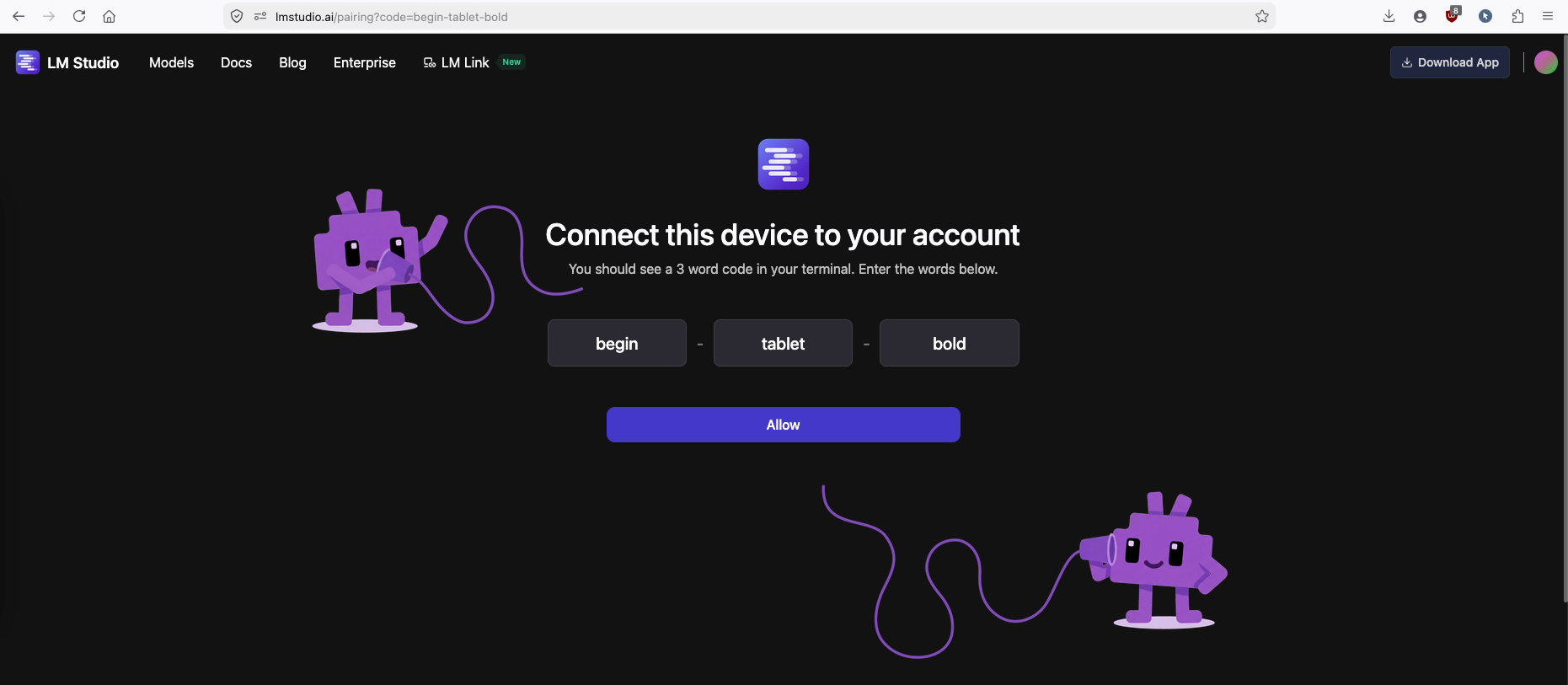
Next we want to play around with this models using our LM Studio App from a remote Laptop, while using the headless linux as the server running the LLM. To do that first we need to login to LM Studio with “lms login”

Copy the generated URL and open on the web browser
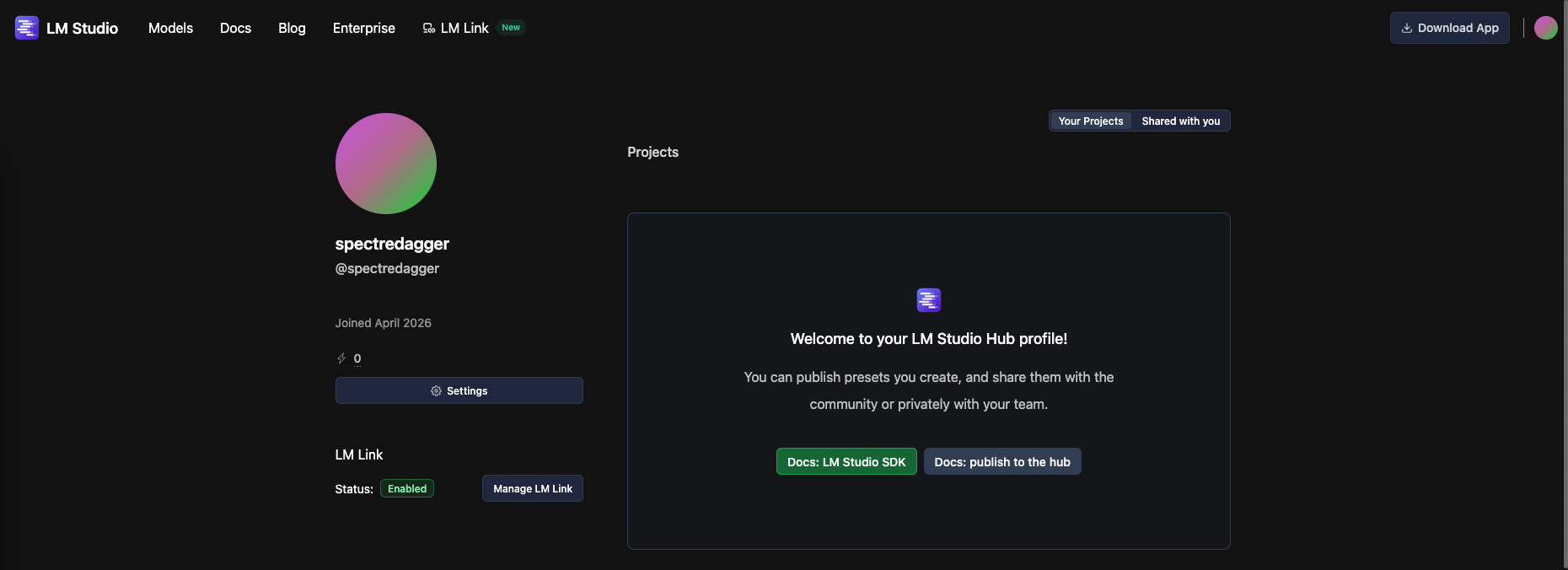
After loggin in to the LMS account, go to profile and ensure the LM Link is enabled
Next on the MacBook side, open the LM Studio App and select LM Link then Add Device
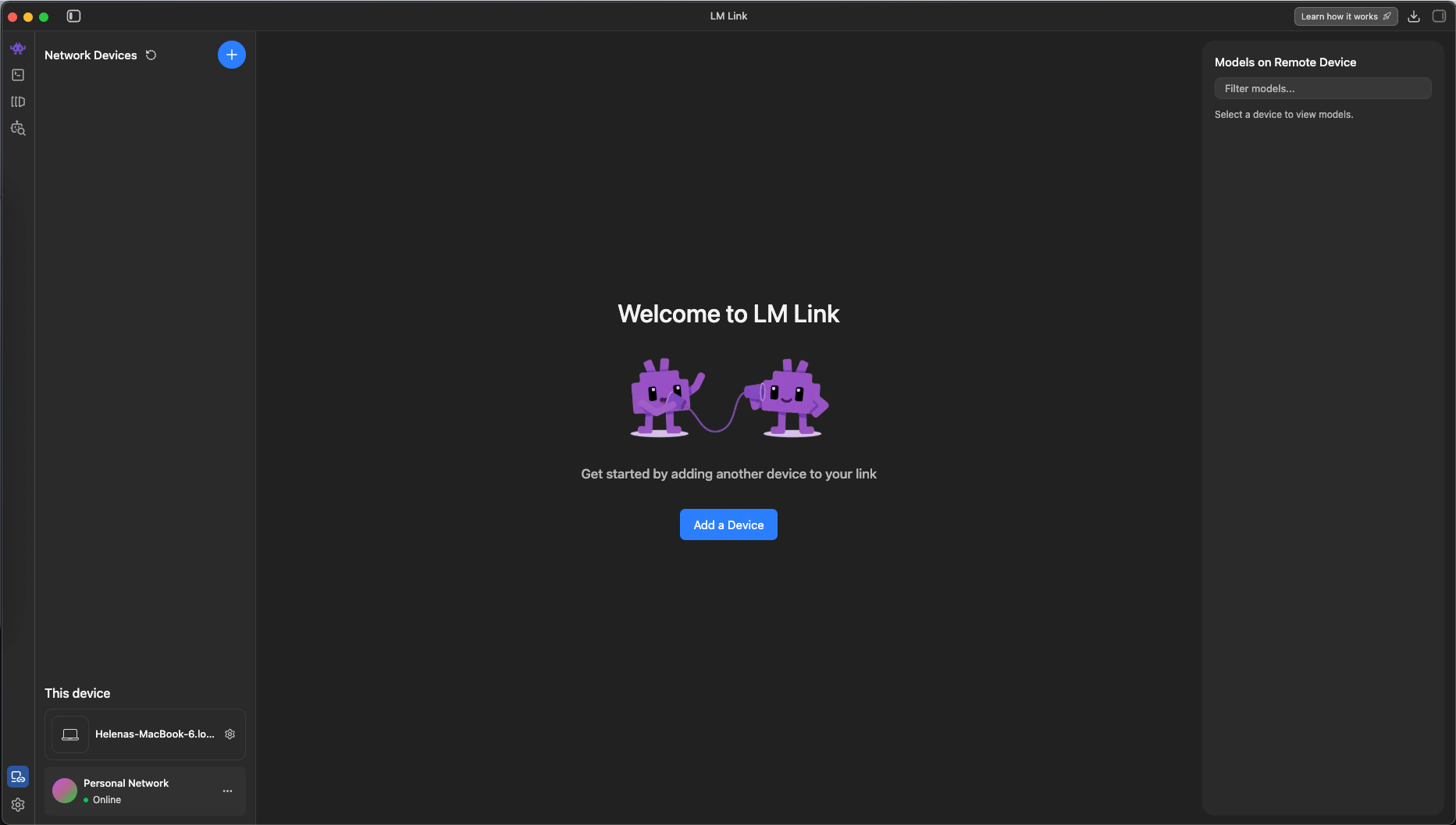
Choose the Headless Machine
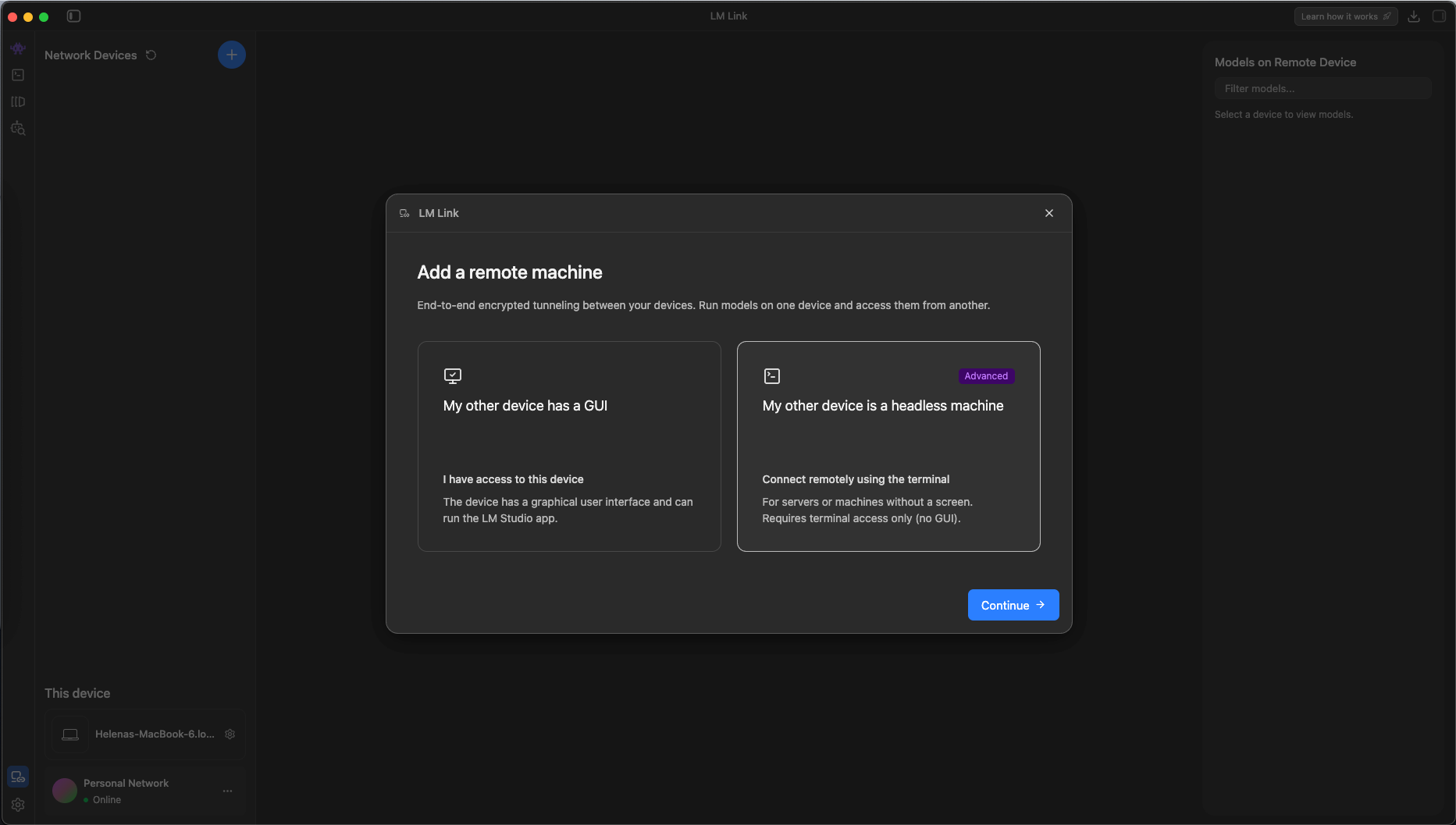
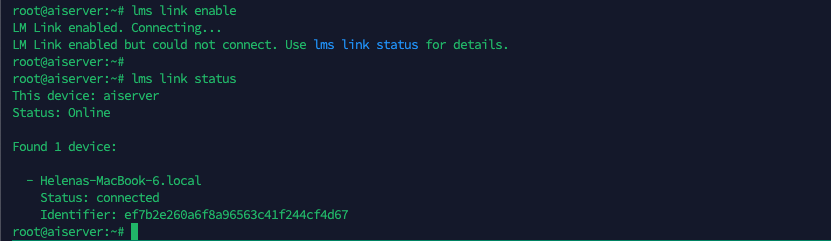
Back to our linux server, run “lms link enable” to finish the LM Link configuration
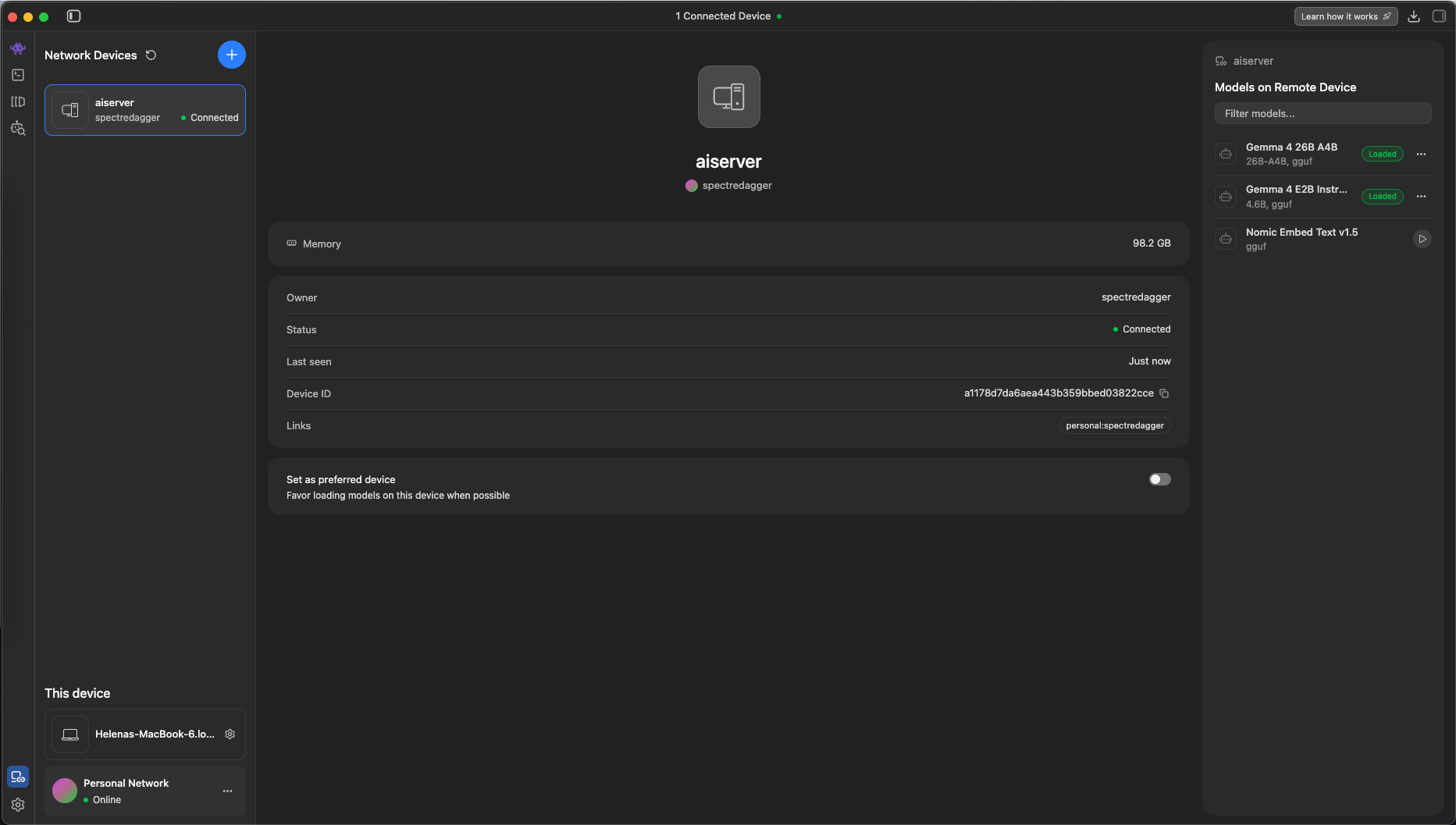
Then the linux server should show up on the LM Studio App
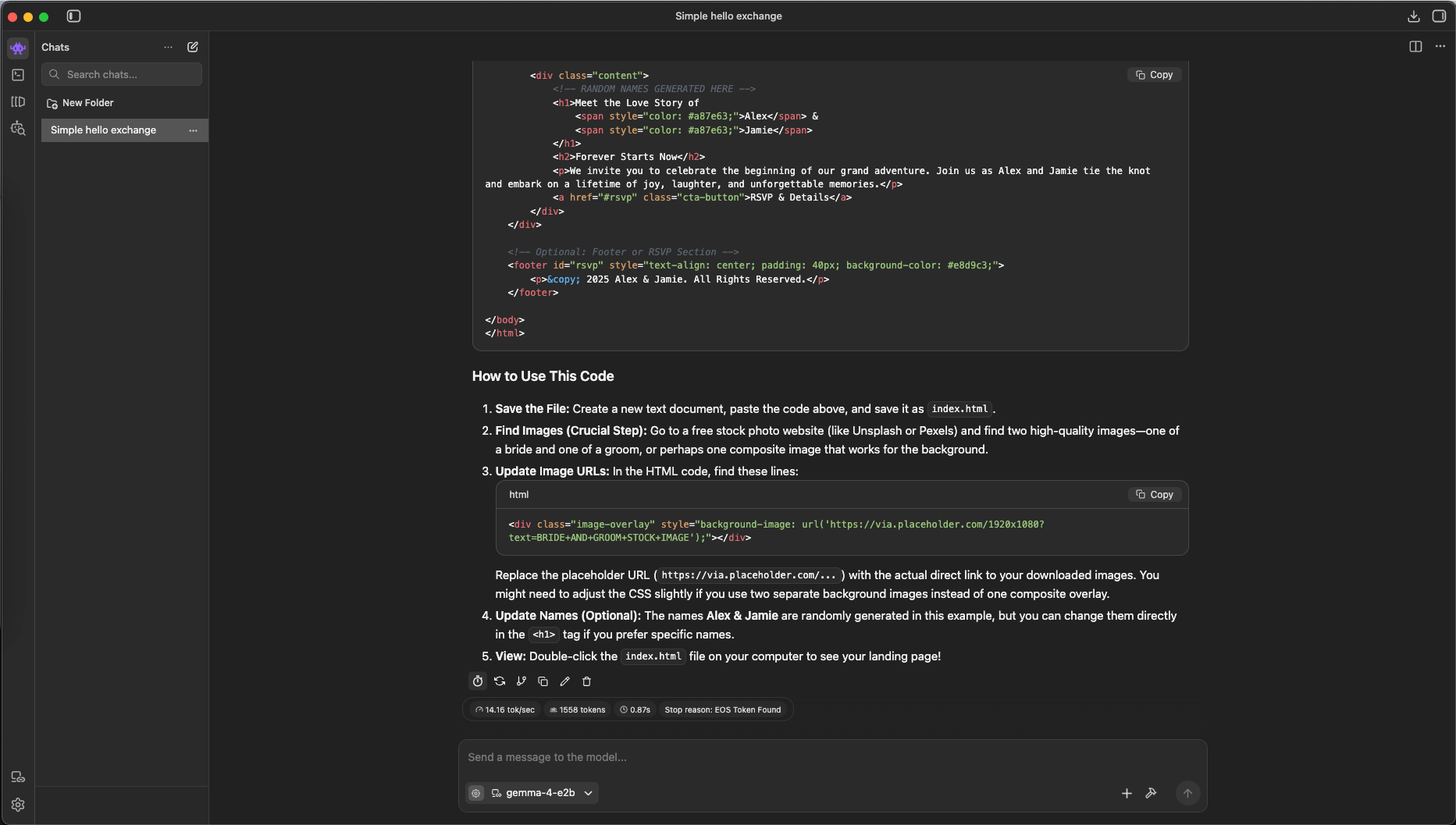
Now we can run the models remotely from our laptop, here we try giving it coding task to the 2B model
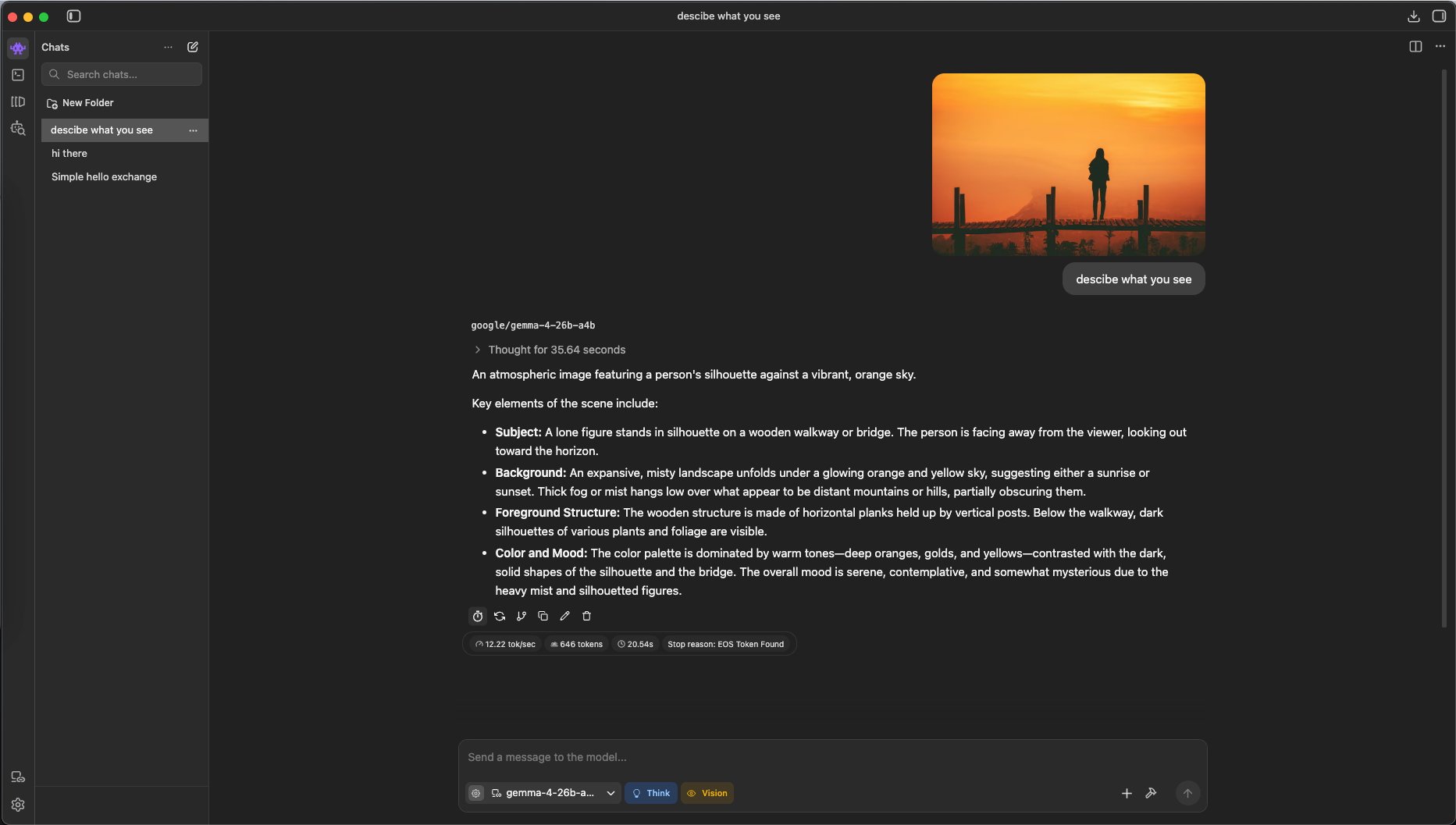
Because the larger model natively supports reasoning and vision, it can accept images as part of the prompt and use its multimodal understanding to analyze them and generate more informed responses.