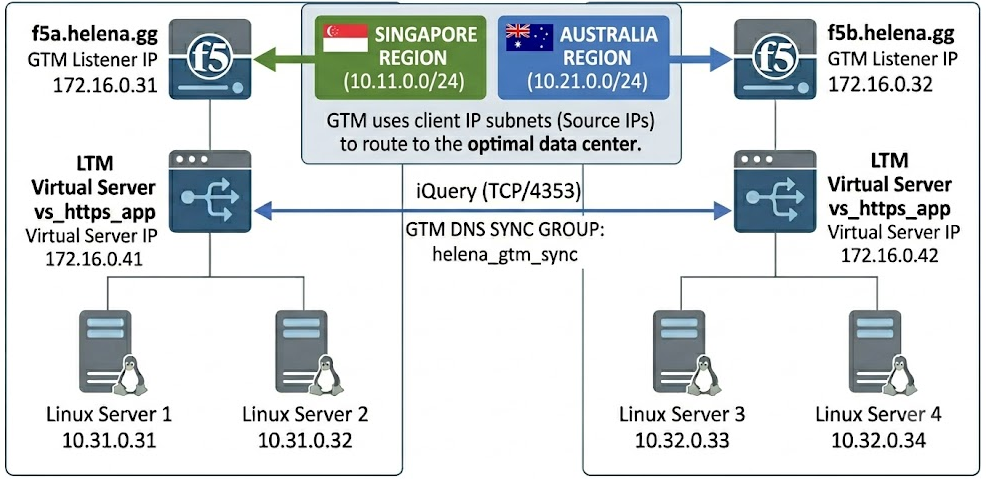
Following from our previous LTM lab, we will now configure GTM. GTM is an intelligent, DNS-based traffic manager that routes users globally before a network connection is ever established. In this lab, we scale our infrastructure into a dual-data-center mesh spanning DC Jakarta (f5a.helena.gg) and DC Surabaya (f5b.helena.gg). Using an encrypted iQuery sync group (helena_gtm_sync), local port 53 listeners, and Windows DNS zone delegation
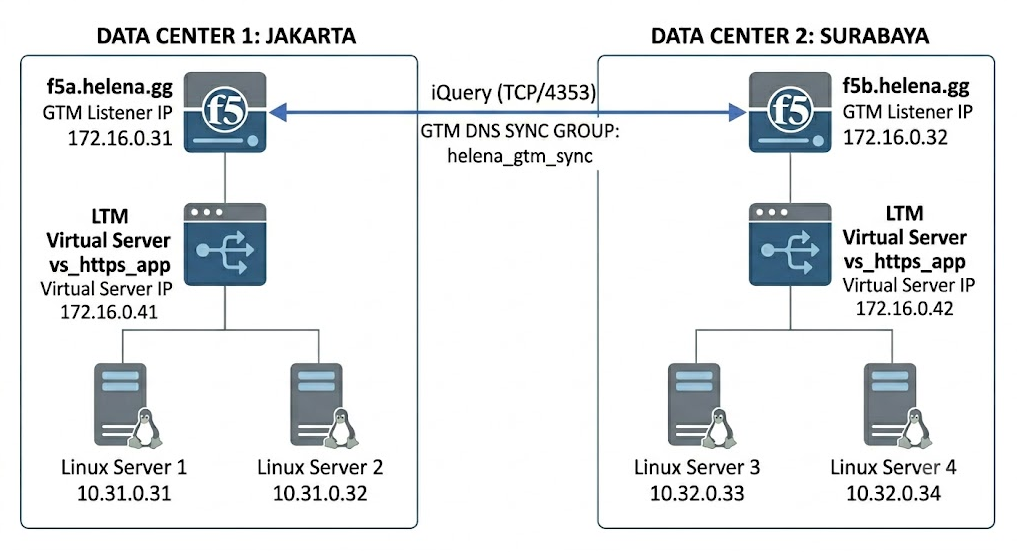
DC Surabaya
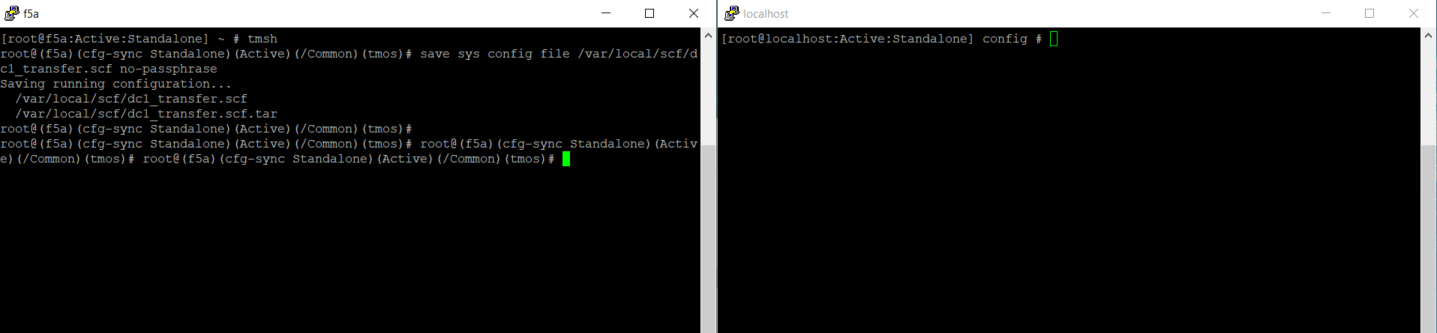
In the last lab, we have configured a single standalone LTM box which we will call the DC Jakarta box, now we will deploy another box to cover the DC Surabaya box. Because the underlying LTM configurationis similar, we will export the configuration from box 1 using cli commands
1
2
tmsh
save sys config file /var/local/scf/dc1_transfer.scf no-passphrase
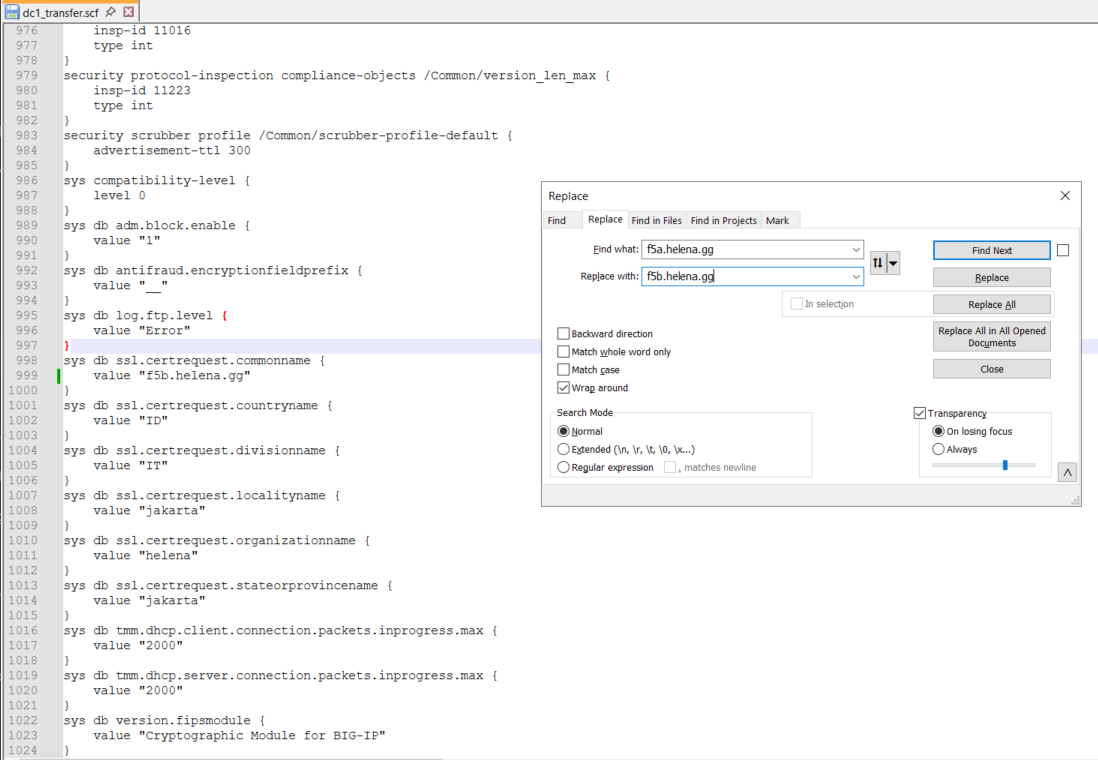
Then we can edit the .scf file and adjust the values like IP Addresses and naming conventions to fit our box 2
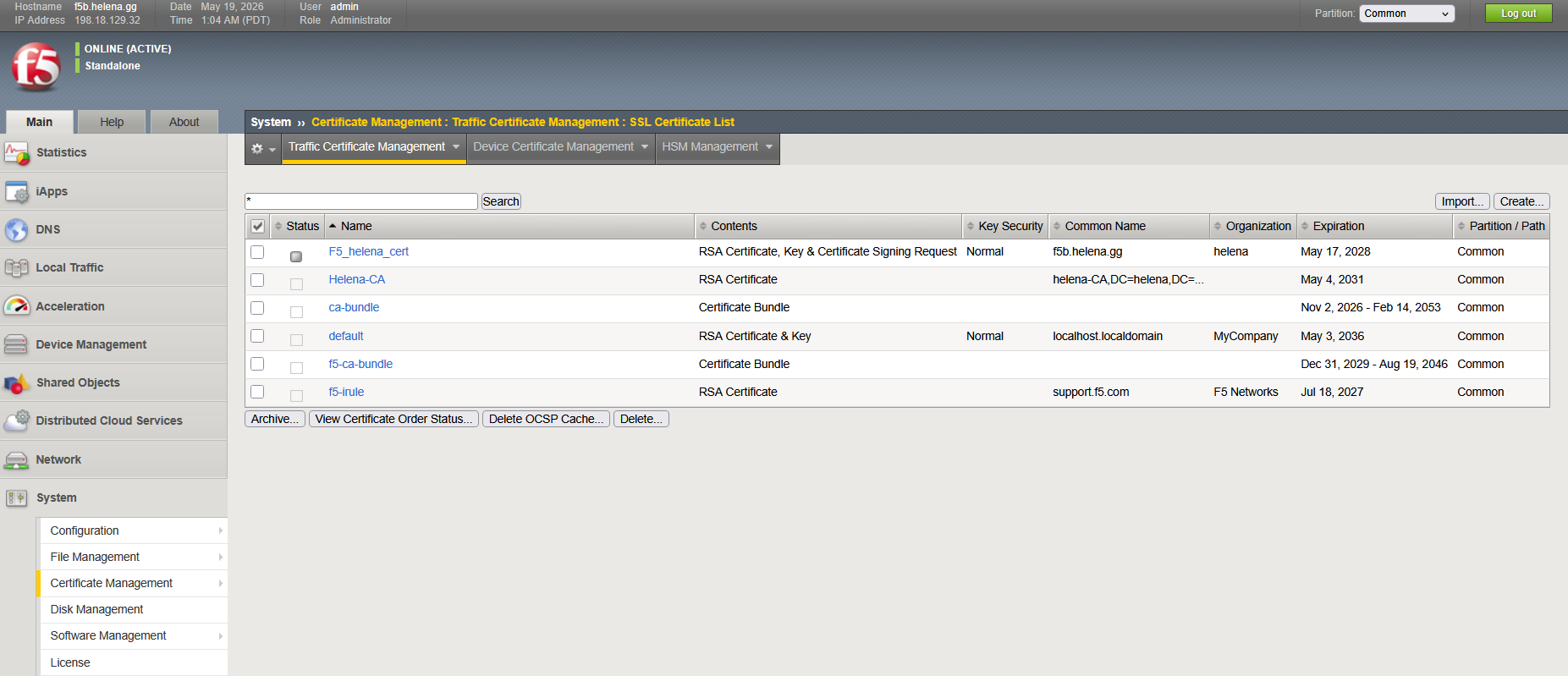
Next we prepare the Box 2, its a freshly installed F5 with with only certificates configured so we don’t face certificates error when importing config from Box 1
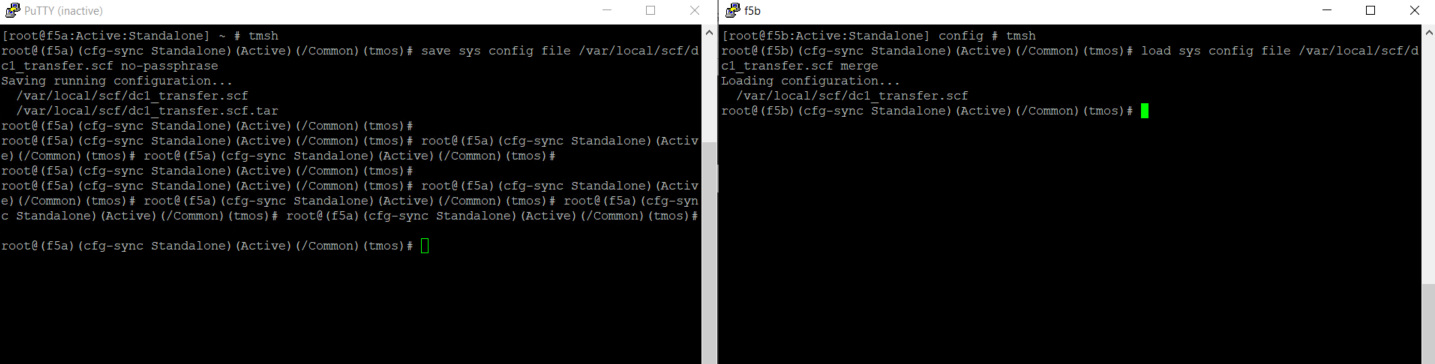
Then we can load the backup on Box 2 using cli command
1
2
tmsh
load sys config file /var/local/scf/dc1_transfer.scf merge
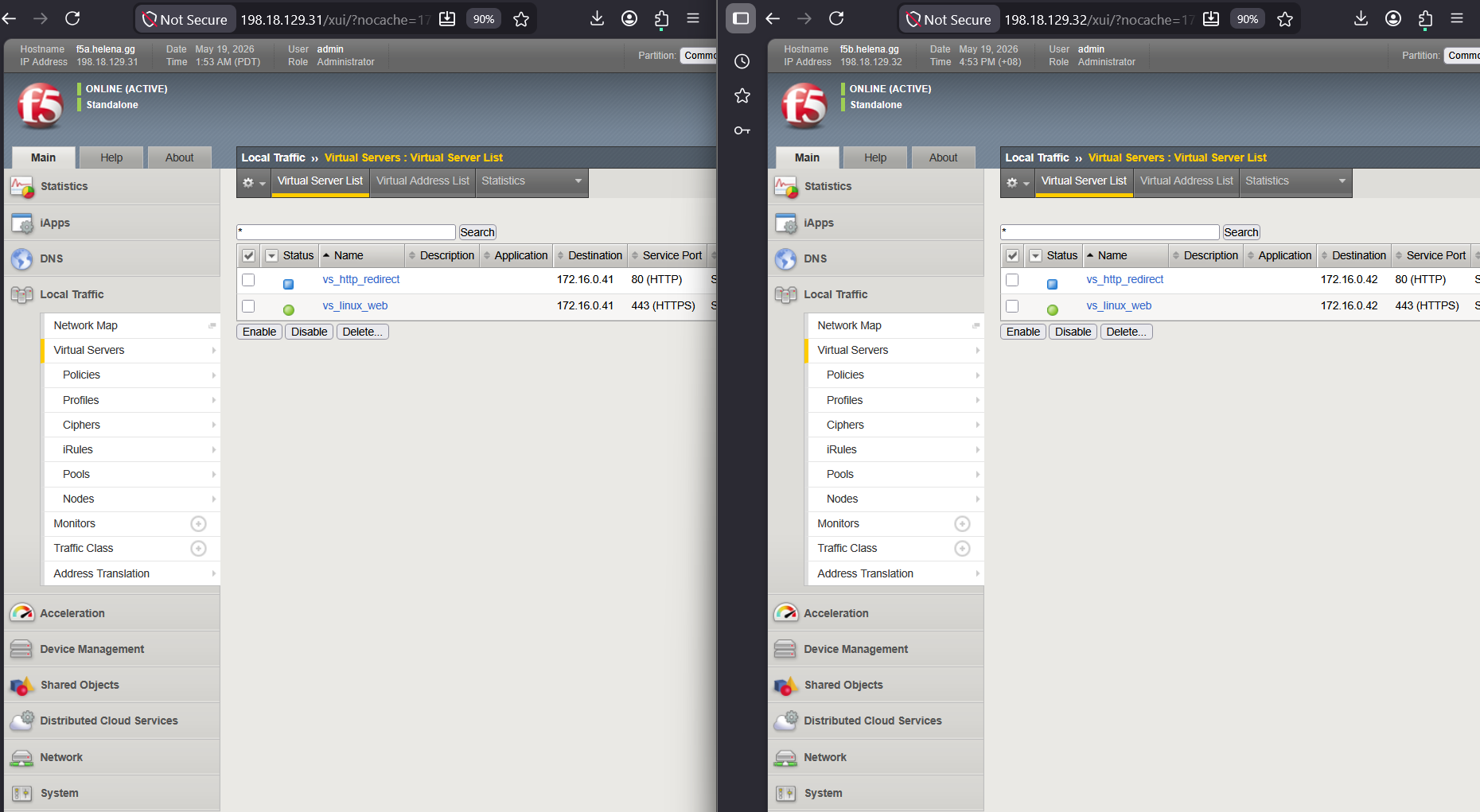
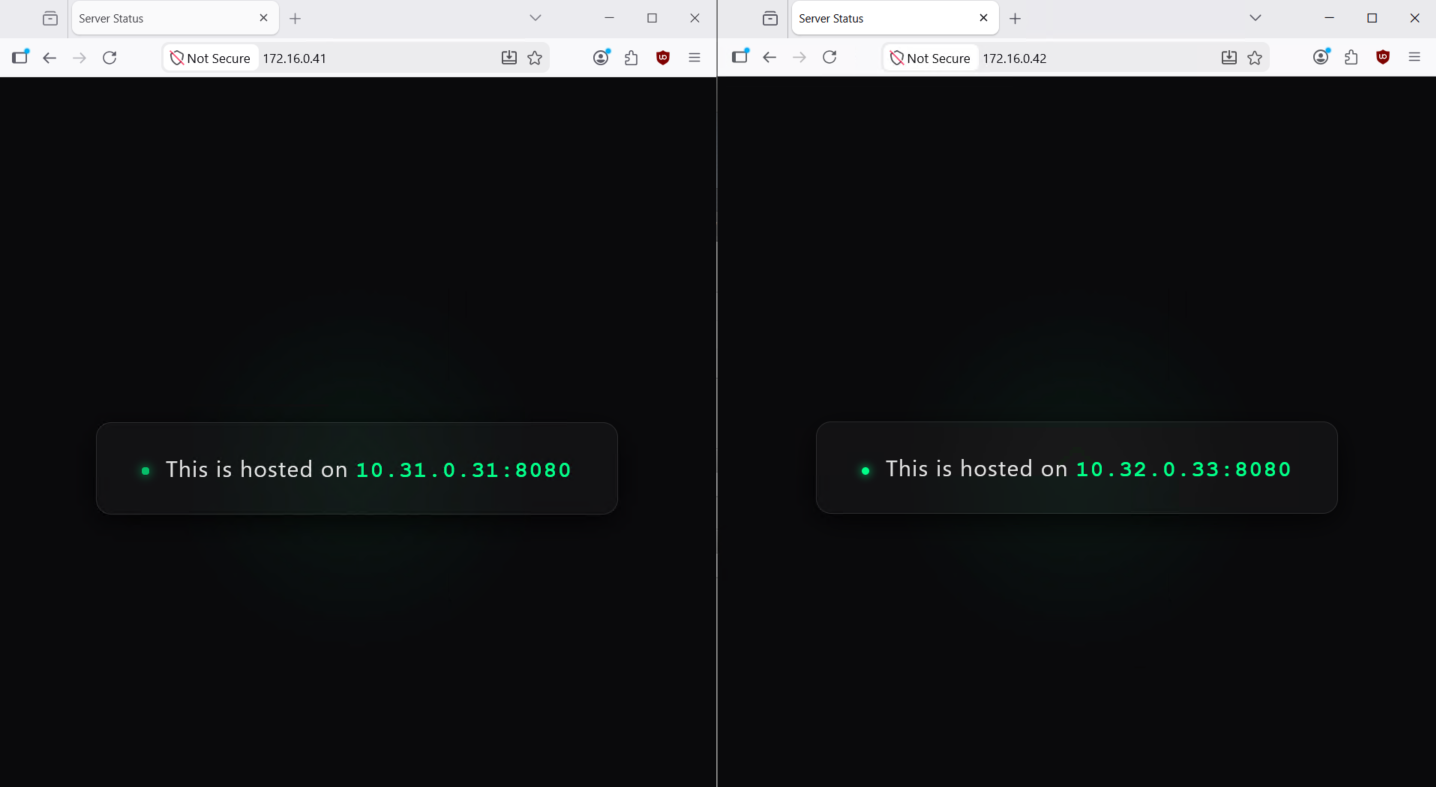
Now both DC 1 and DC 2 boxes are up with LTM configurations
Enabling GTM Sync
Next we will configure the GTM Sync between these 2 boxes so we can configure all DNS/GTM configuration from Box 1, first we need them to trust each other’s certificates by running this command
1
bigip_add 172.16.0.x
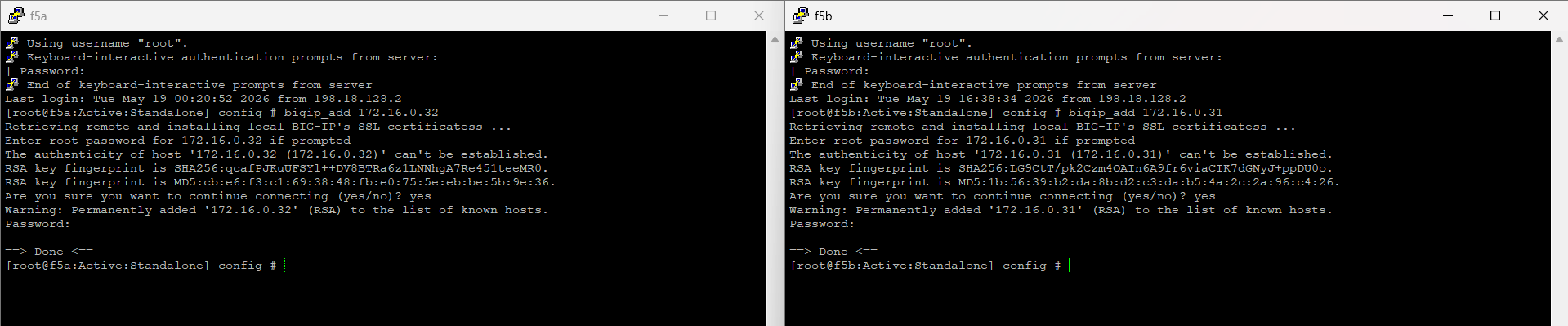
Then on DNS » Settigs » GSLB » General, we enable the Sync with the same group name
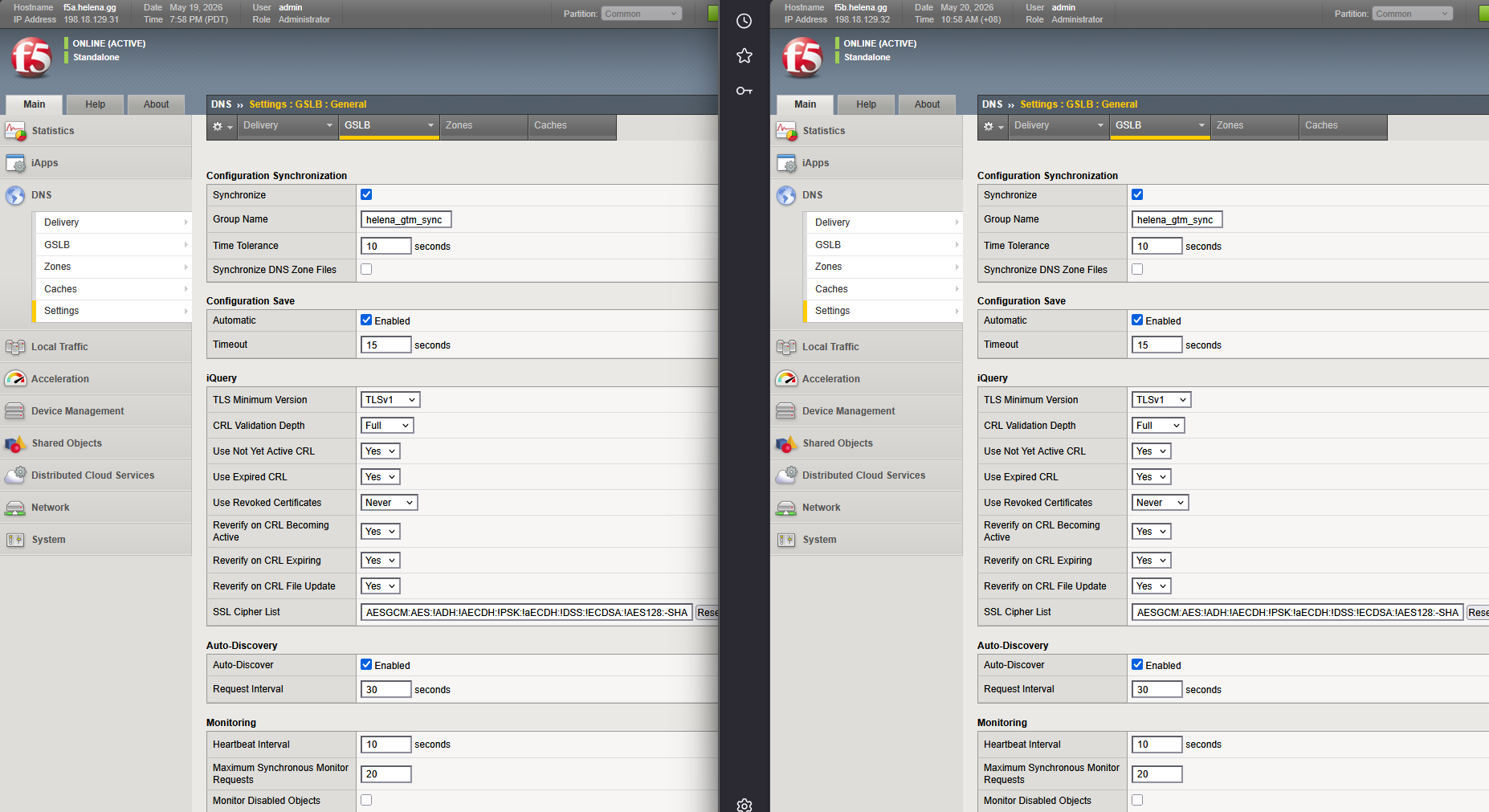
Configuring GTM
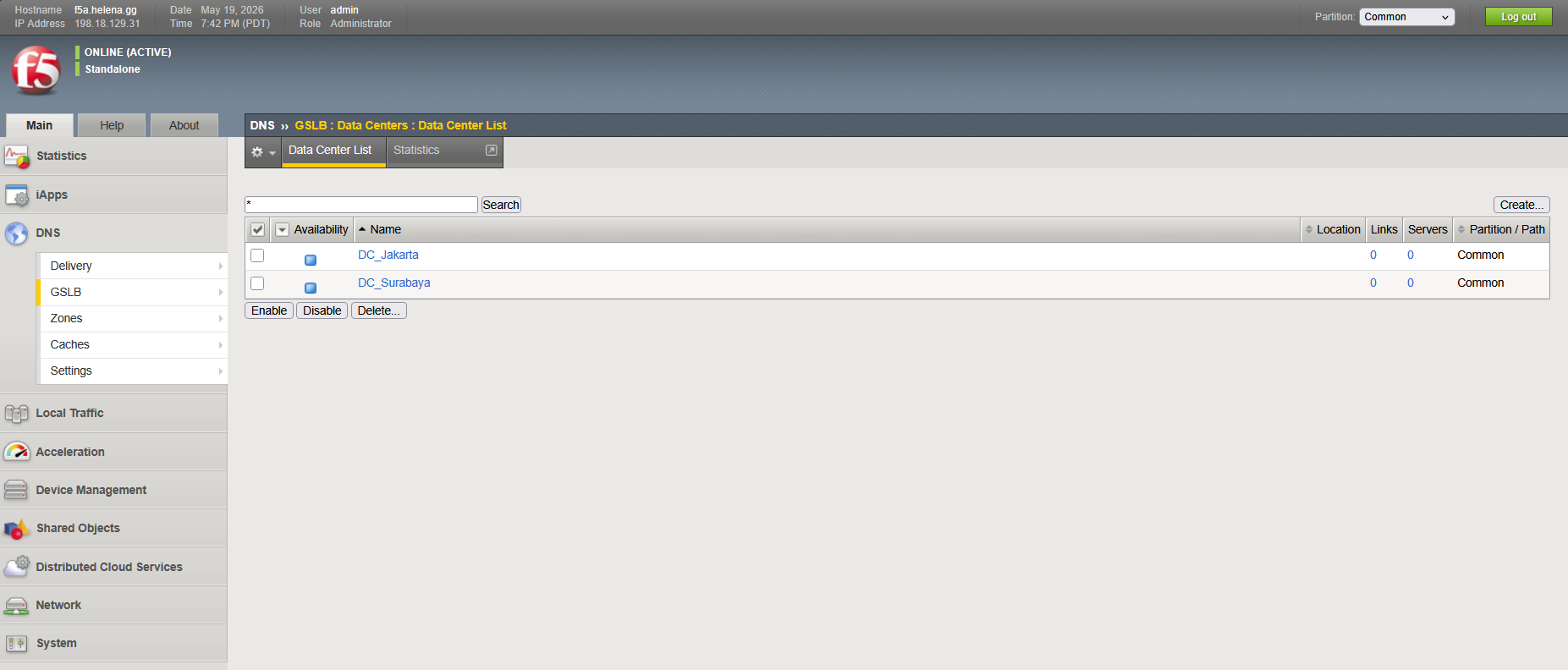
Now we can start configuring GTM, first we will create 2 Datacenters
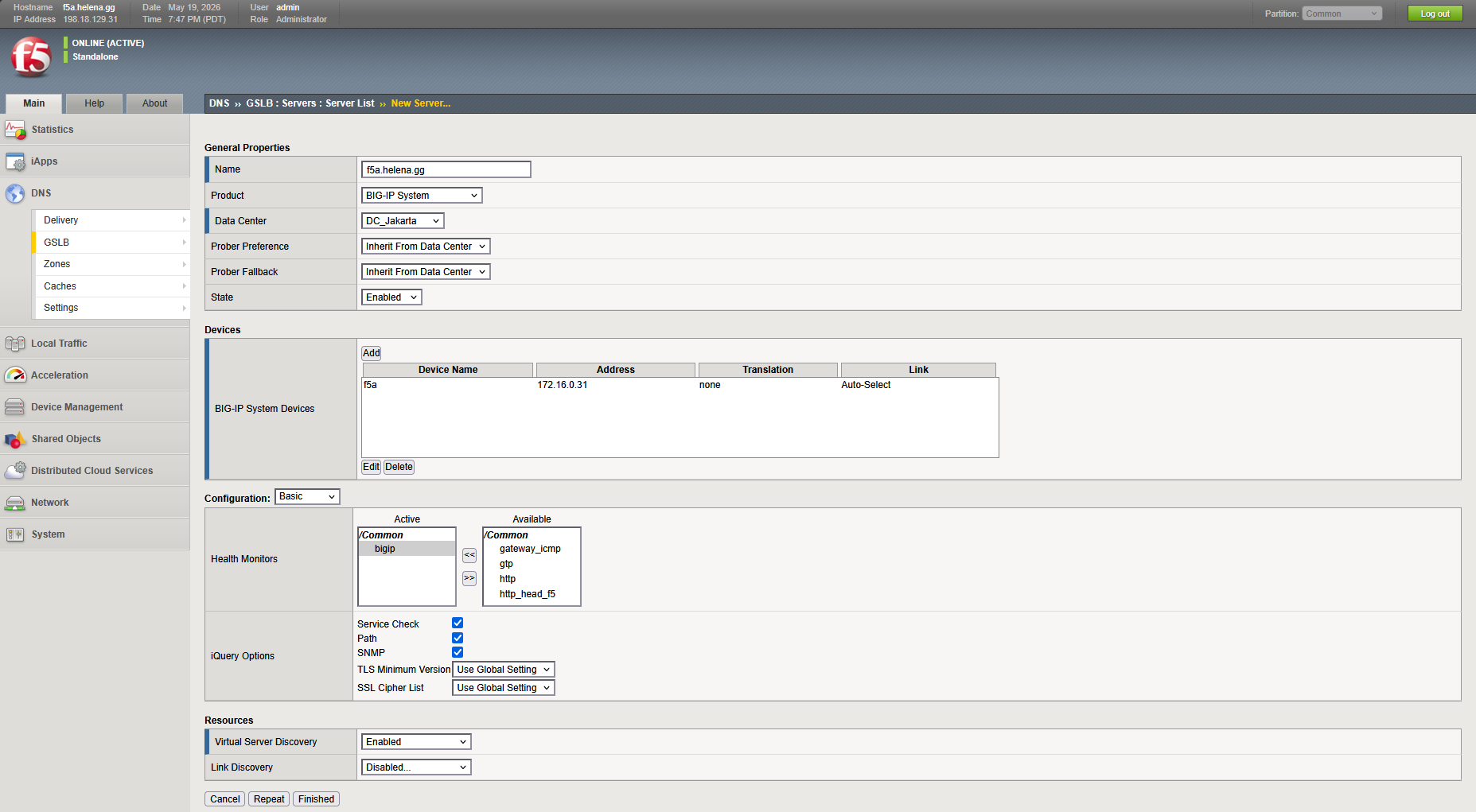
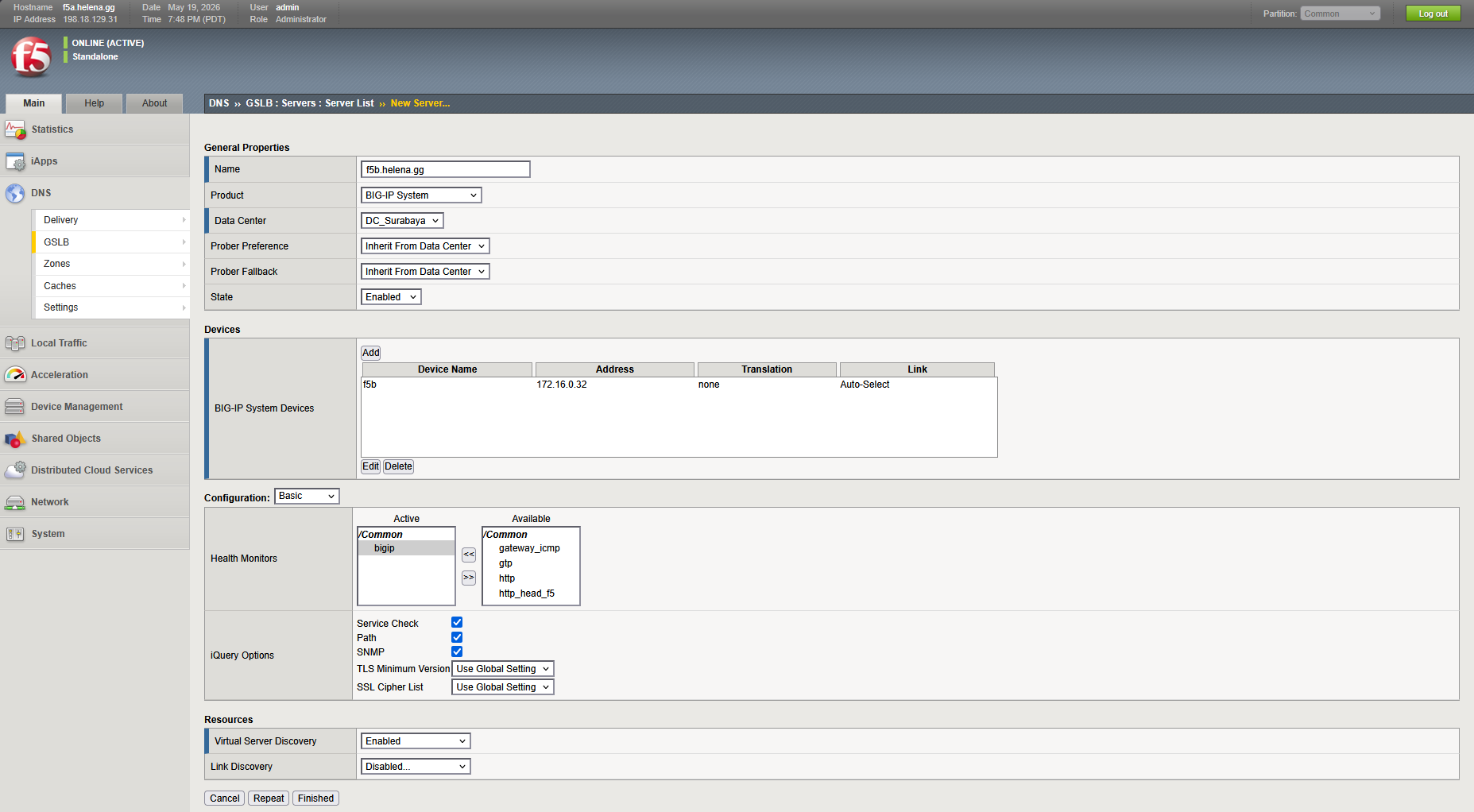
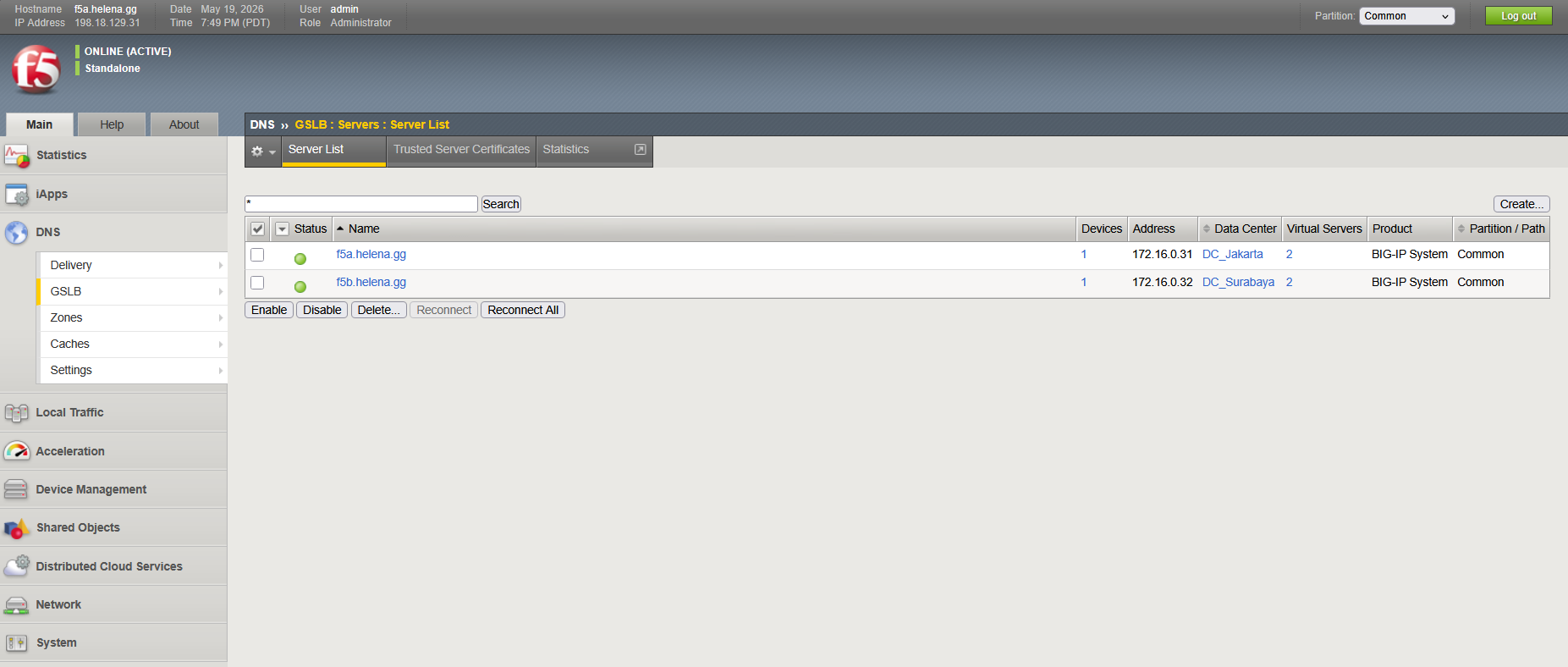
Then we create Server List for both boxes, pointing to the external Self IPs with VS discovery enabled so all VS from each box are discovered
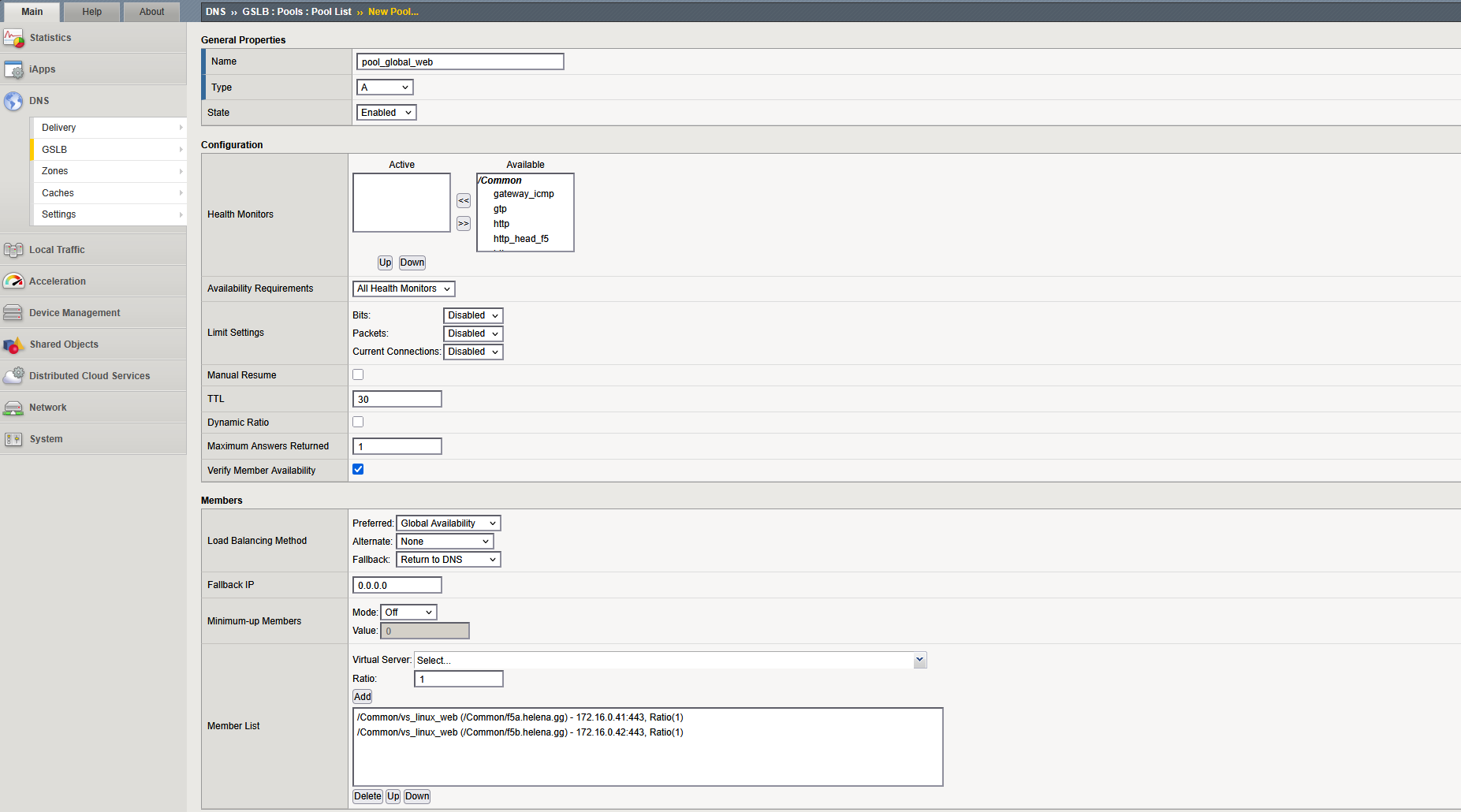
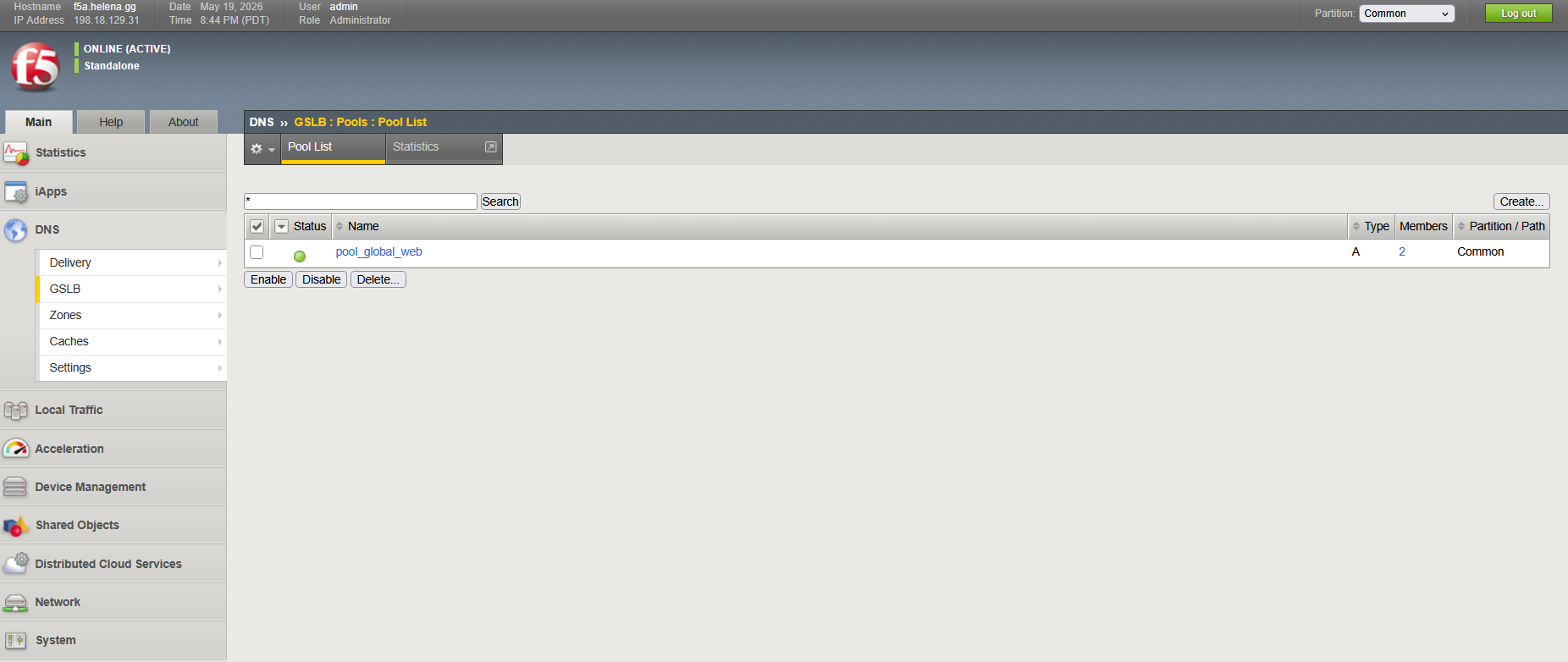
After that we create the Pool List and select the web VS from each box
Next we create the Wide IP List, this is the actual FQDN that we will query from endpoint, in this case we will call it web.f5.helena.gg and point it to the Pool we created
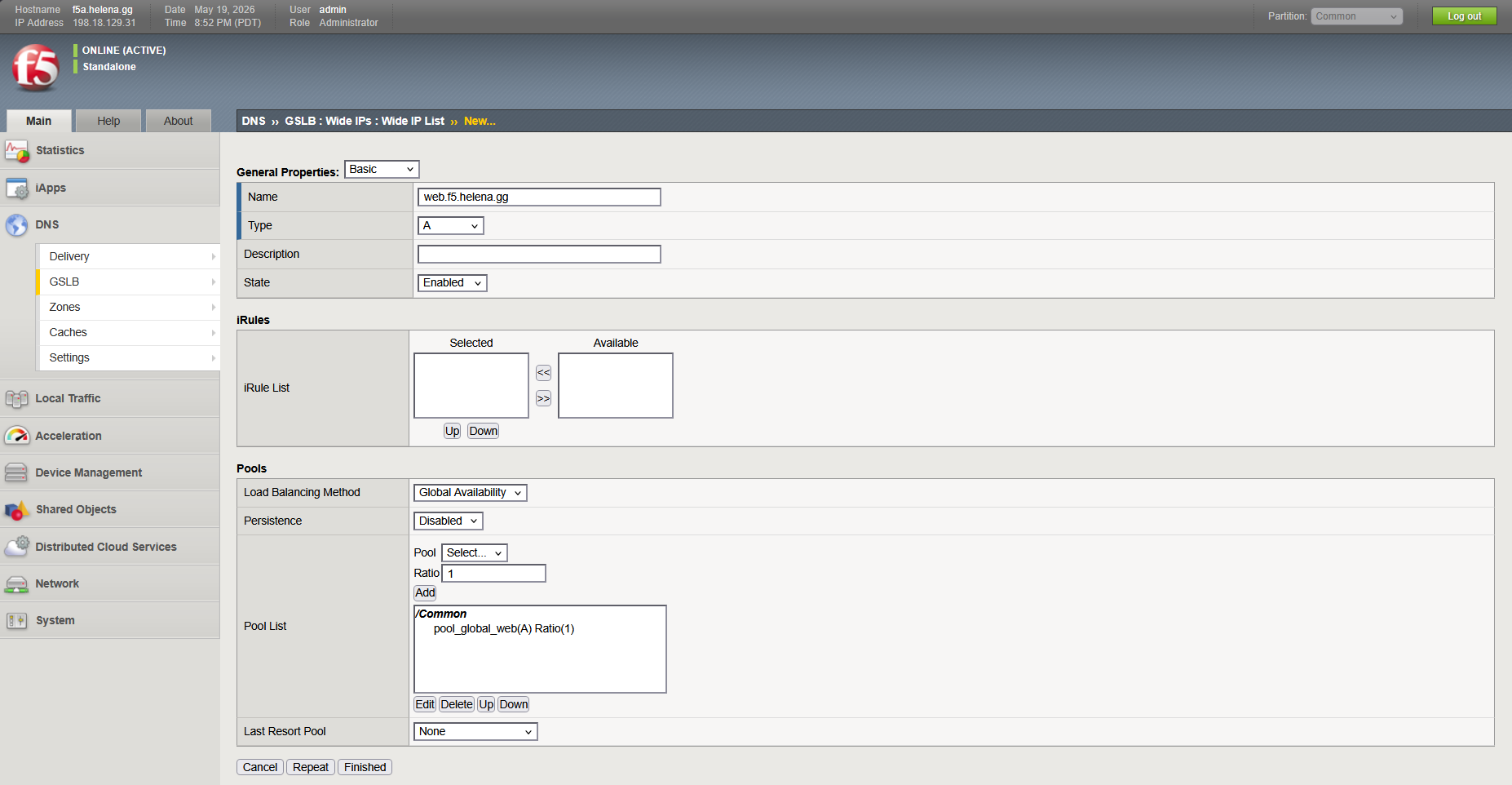
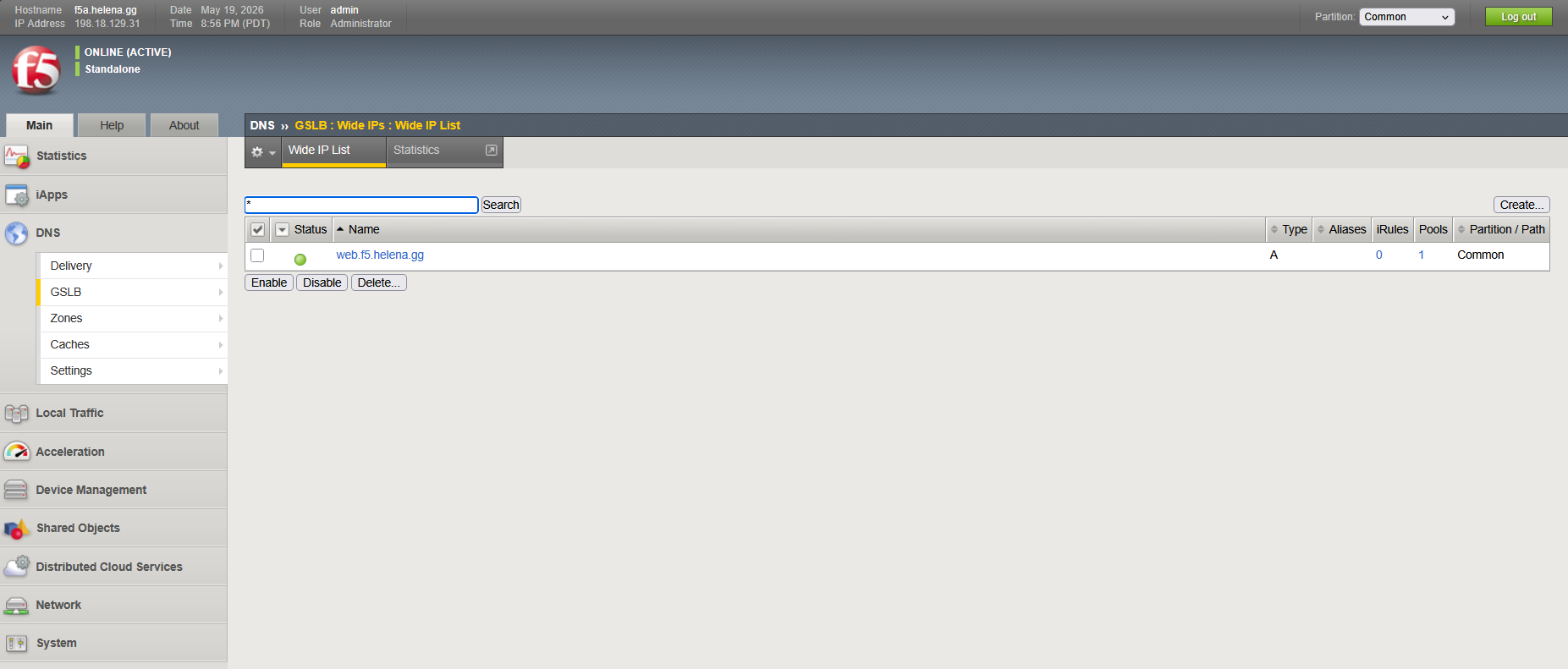
Lastly we create the GTM Listener, this allows our F5 box to listen and respond to DNS queries on port 53
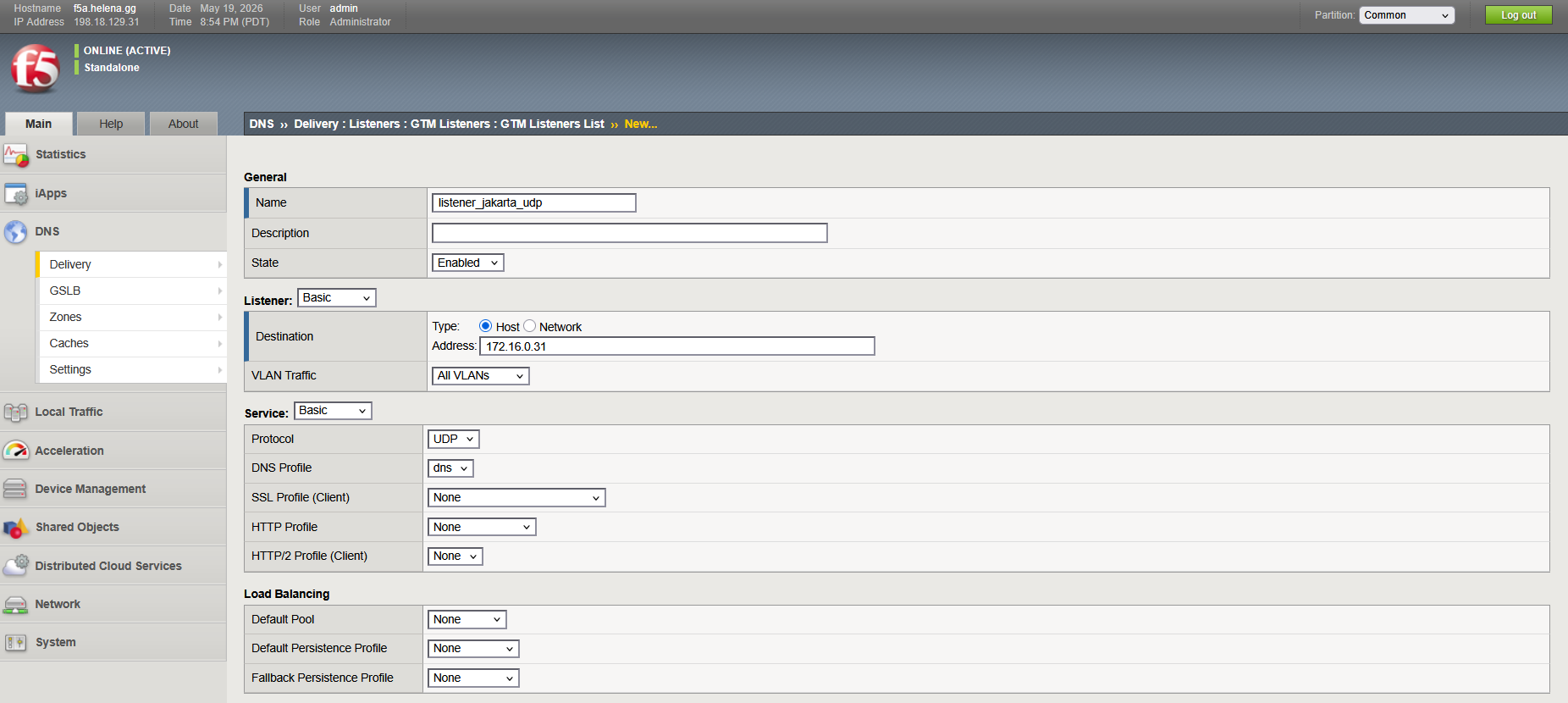
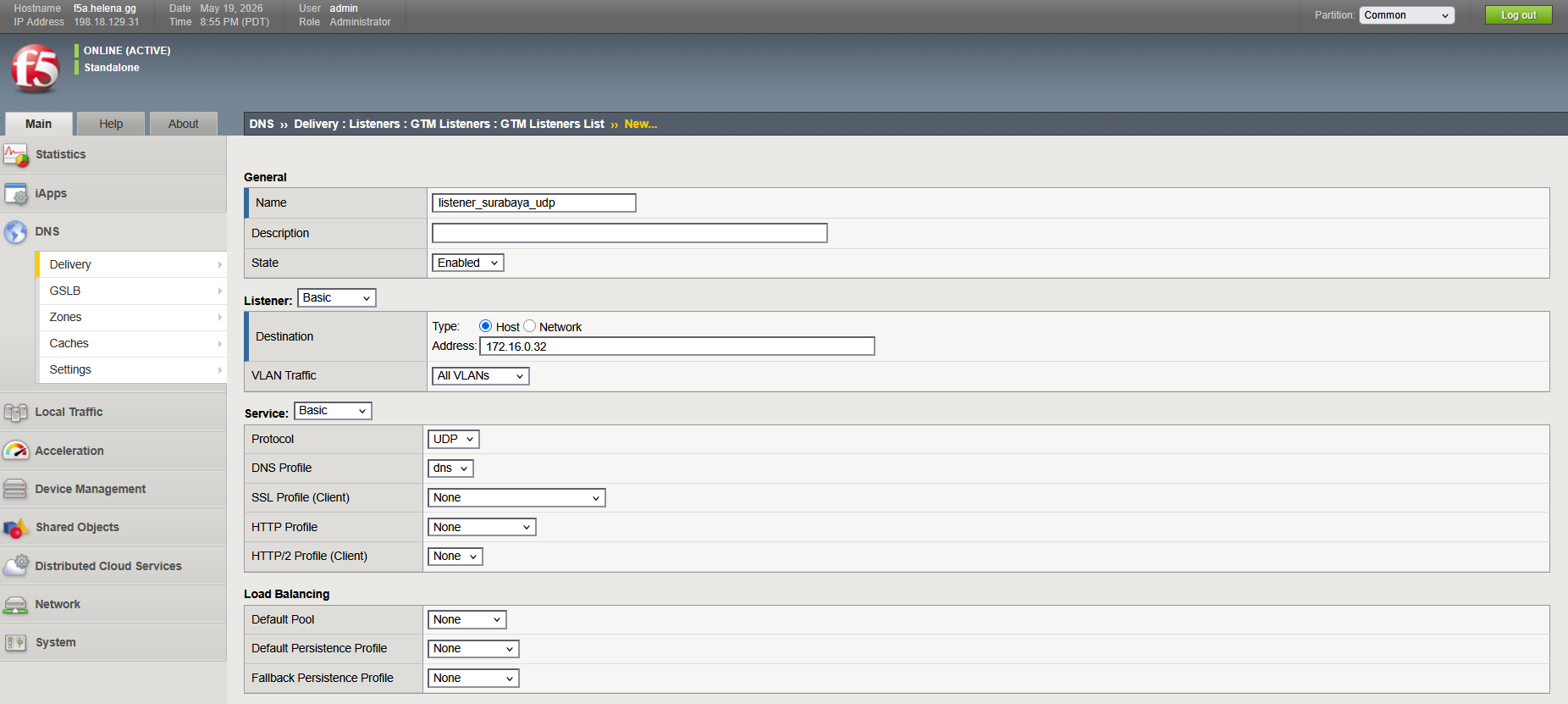
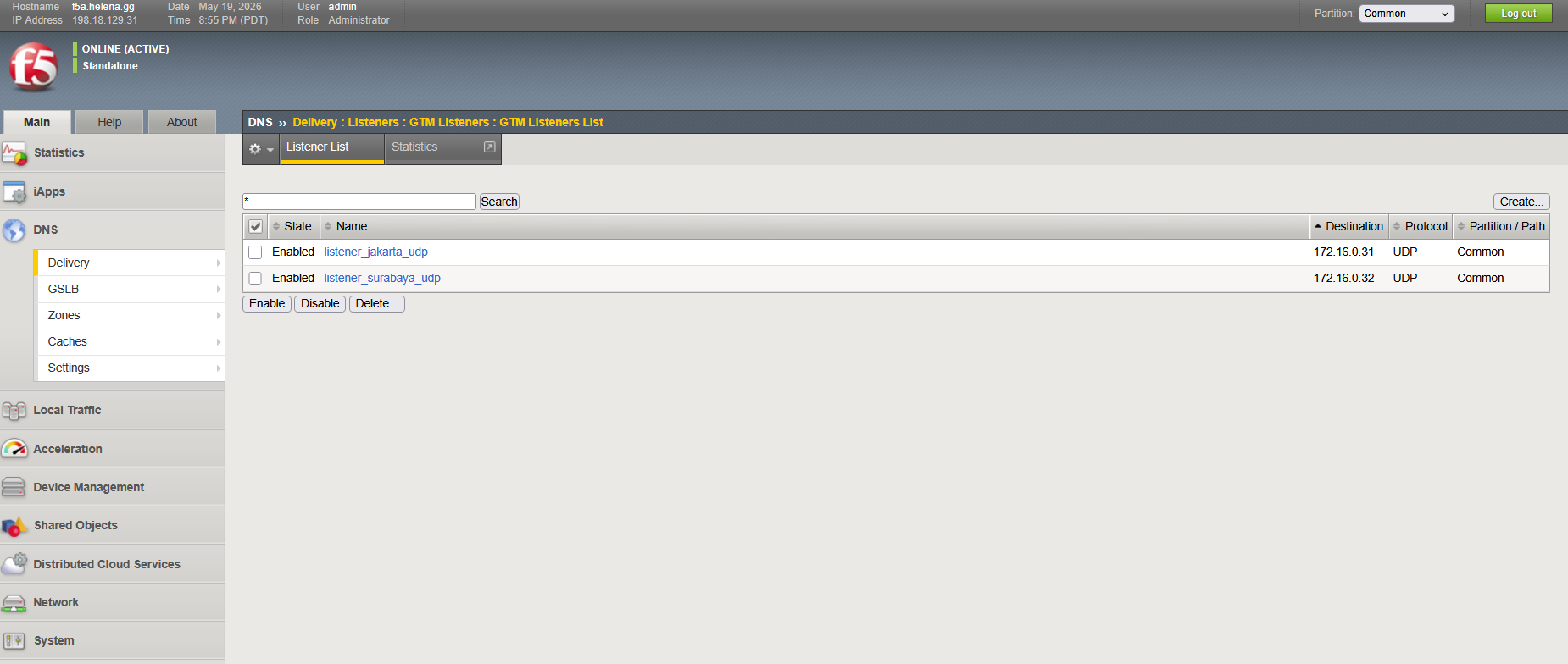
At this point, all configuration should be identical on Box 1 and Box 2 because of the GTM Sync
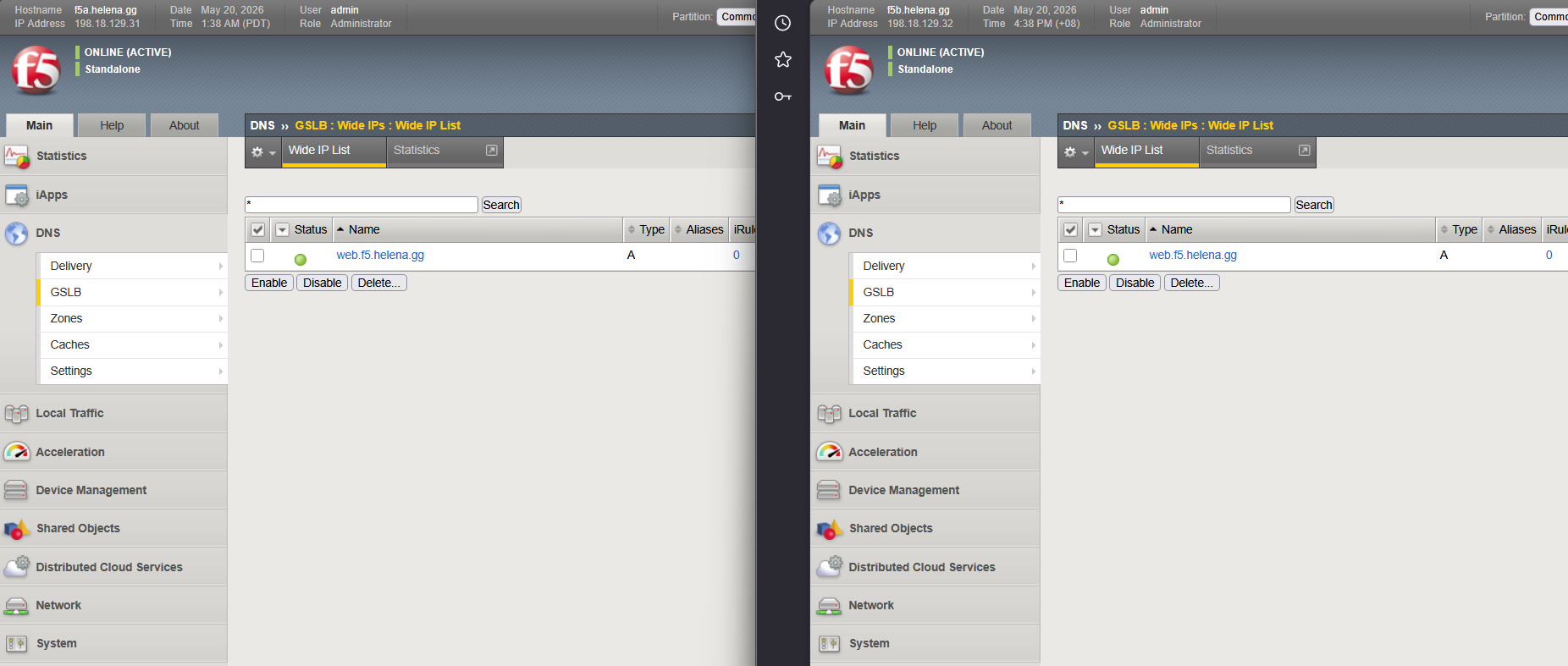
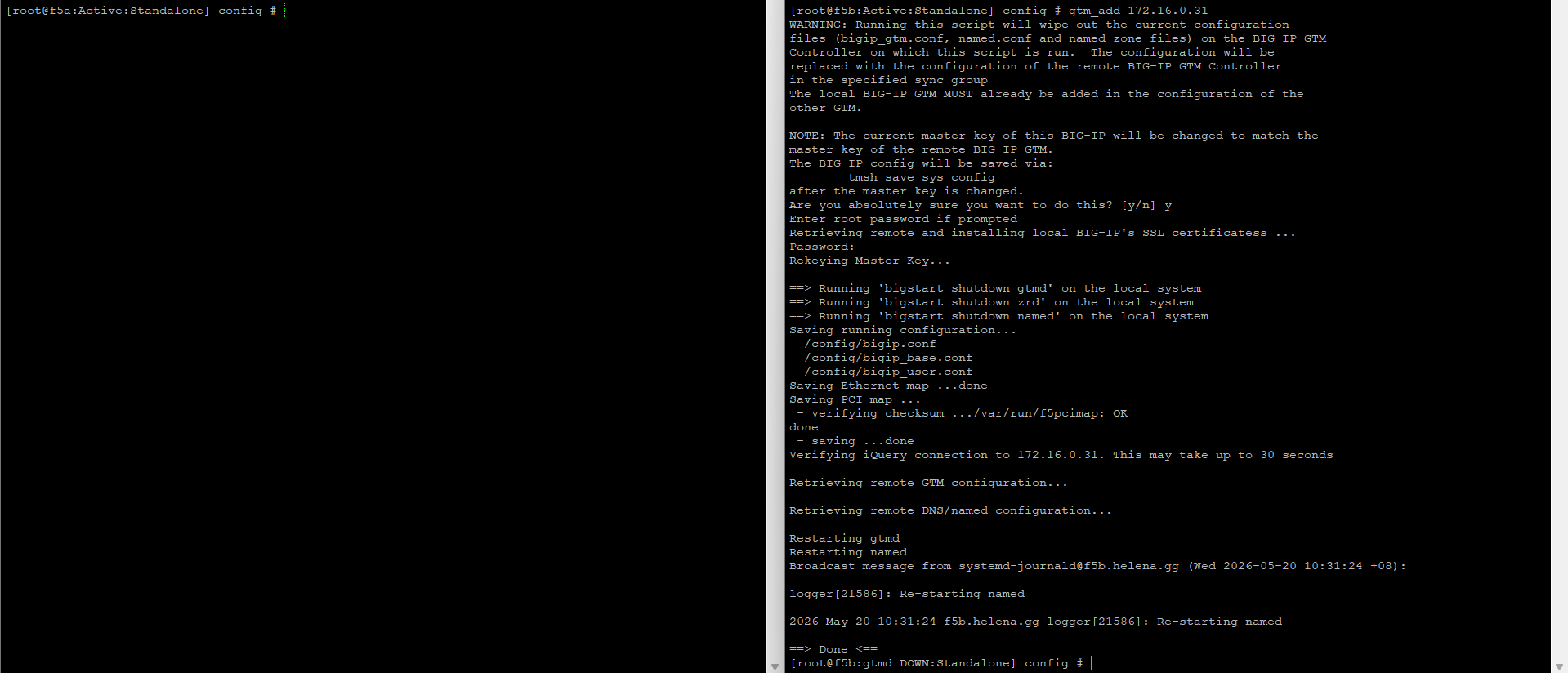
If for some reason the Sync is not happening, we can manually tell box 2 to retrieve GTM config from Box 1 with a cli command
1
gtm_add 172.16.0.31
Configuring DNS Delegation
Now we can proceed configuring DNS Delegation on our DNS Server, first we will add both our F5 boxes as Name Server Hosts


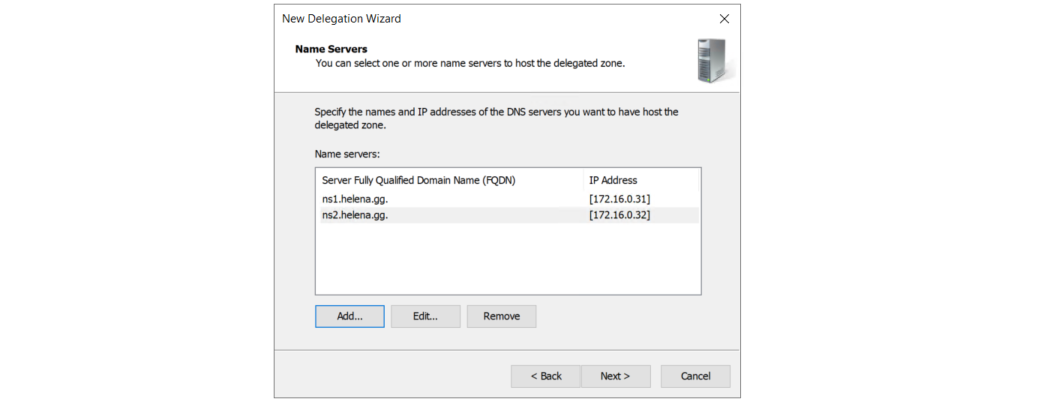
Then we create a new Delegation Domain Name “f5”, this tells the DNS Server to delegate all “f5.helena.gg” query to our nameservers
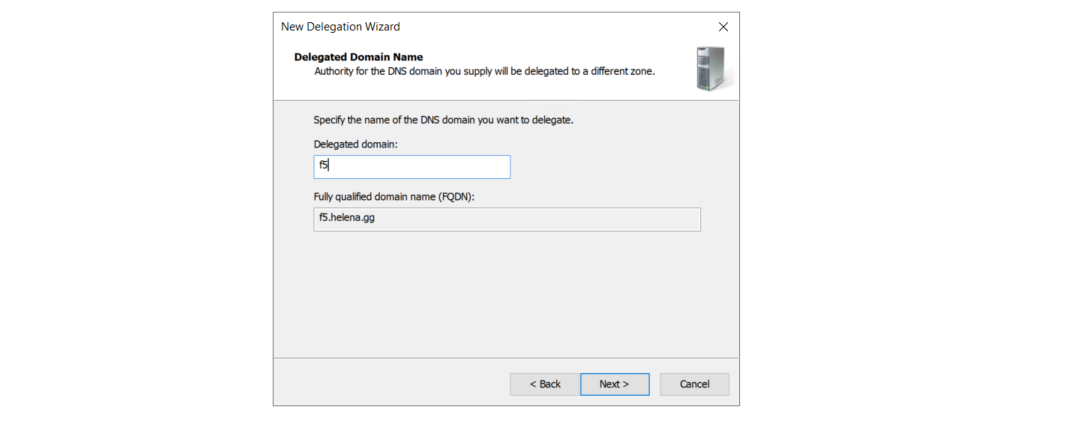
And add the nameservers
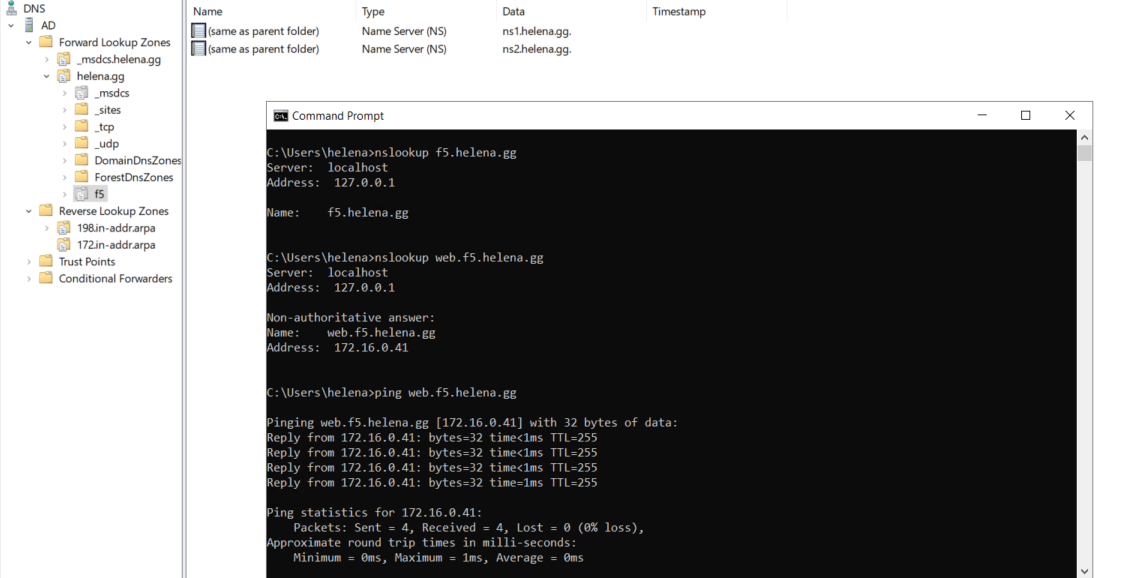
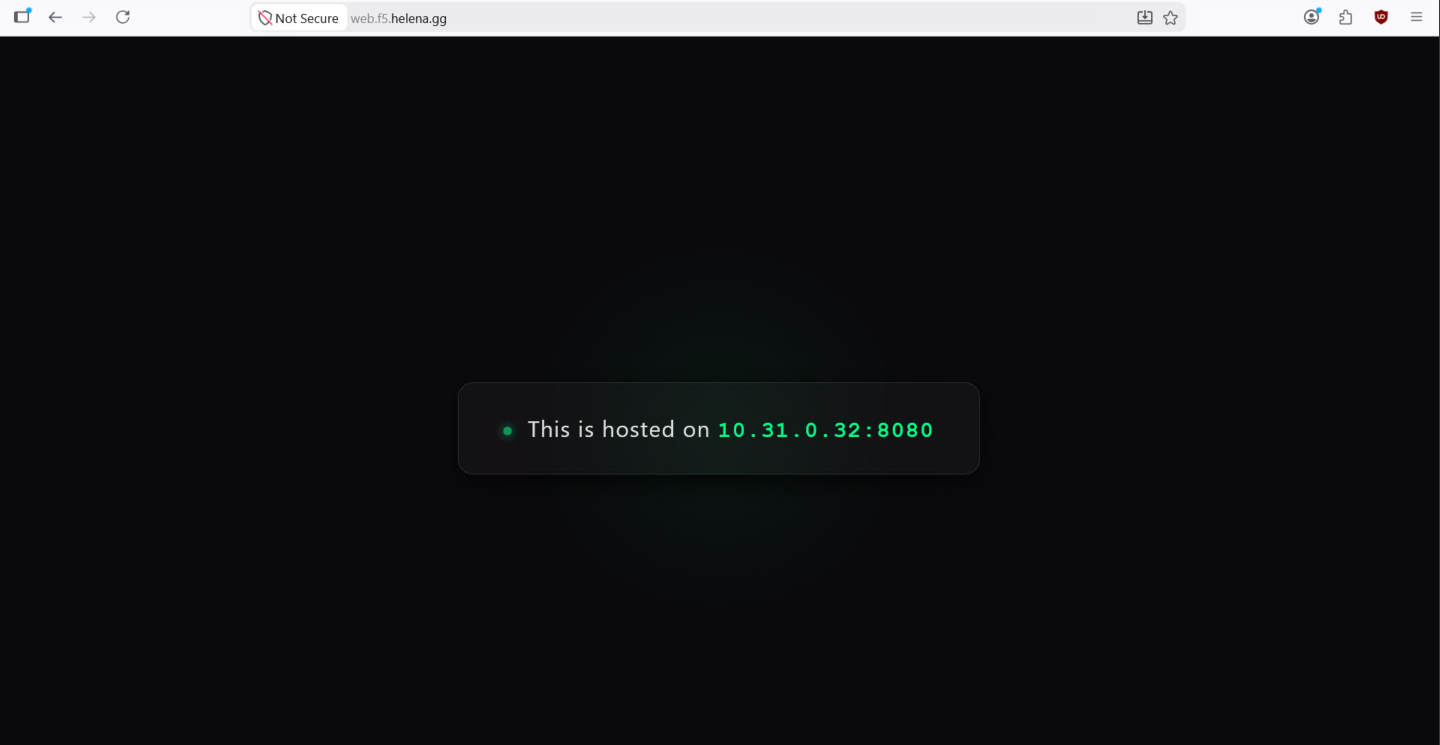
Now when we query the delegated subdomain, F5 will respond the DNS queries
Failover
We shutdown all LTM nodes on DC 1 to simulate failure, which GTM will detect and mark the member as down
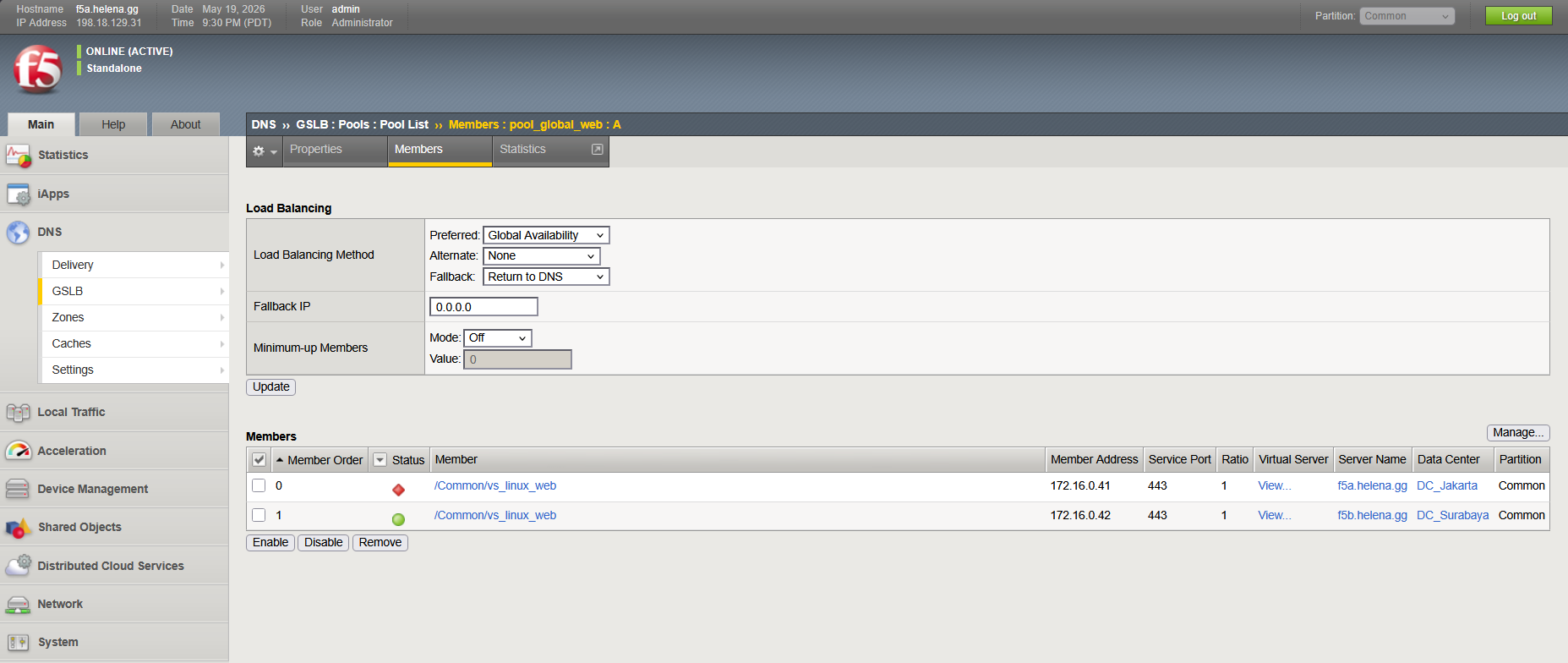
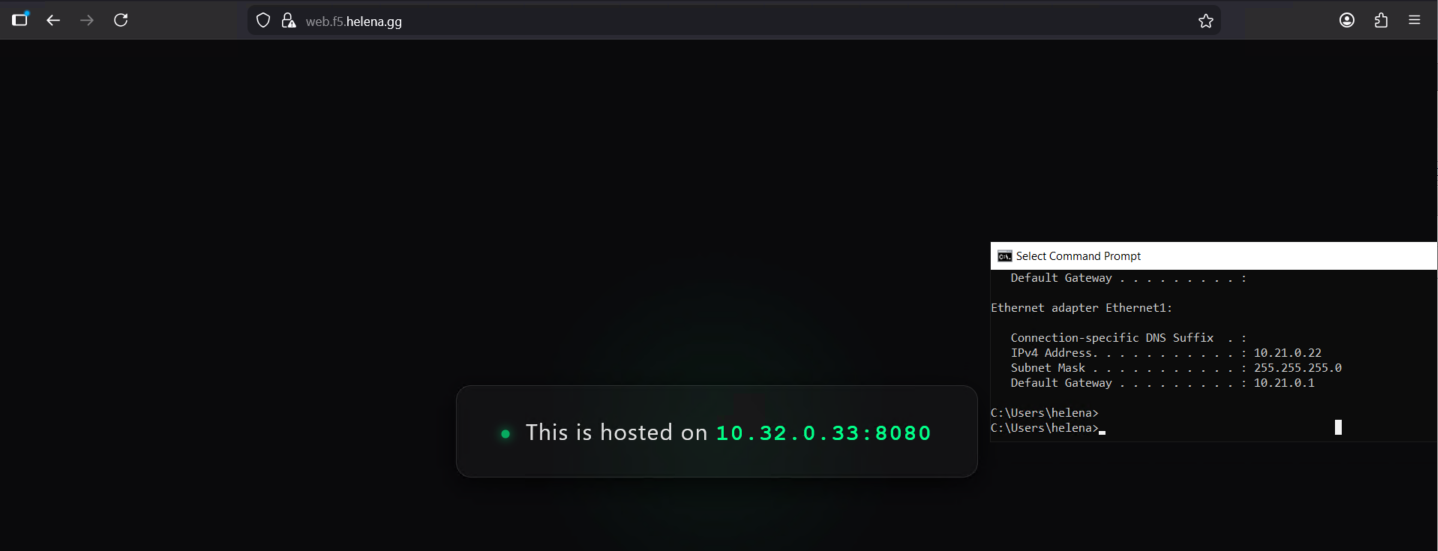
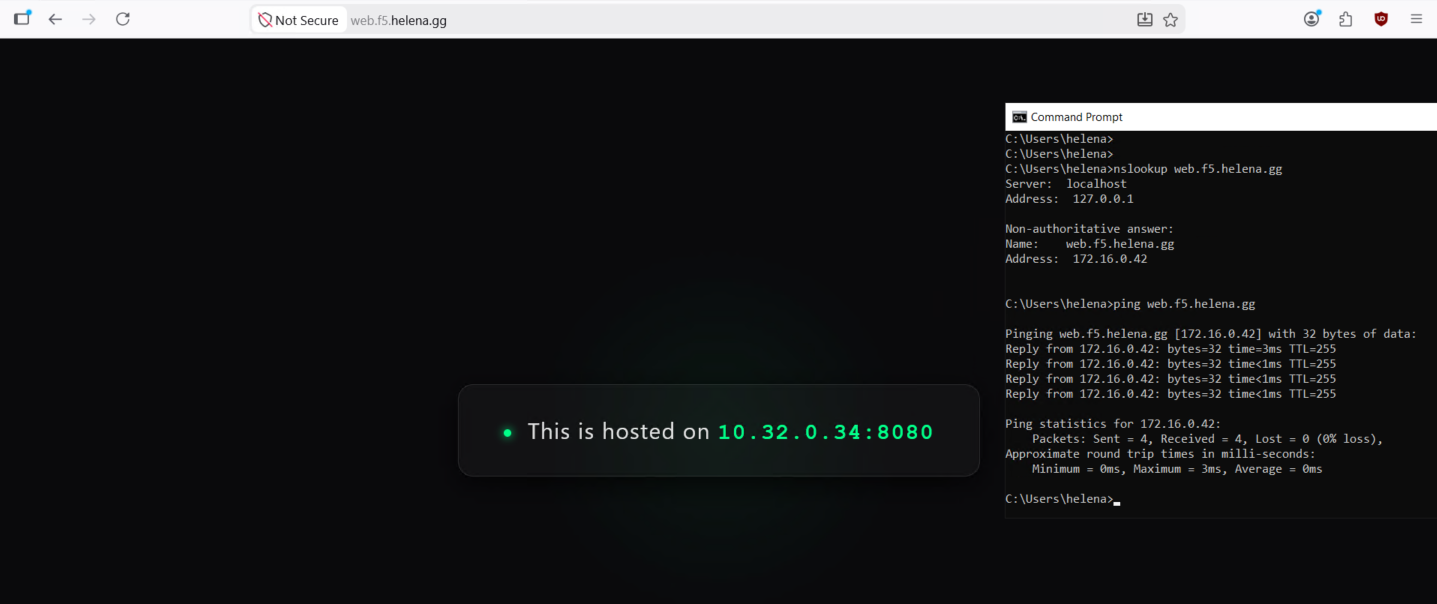
And GTM automatically routes the DNS queries to the active DC, which is our DC Surabaya
Geo Based GTM
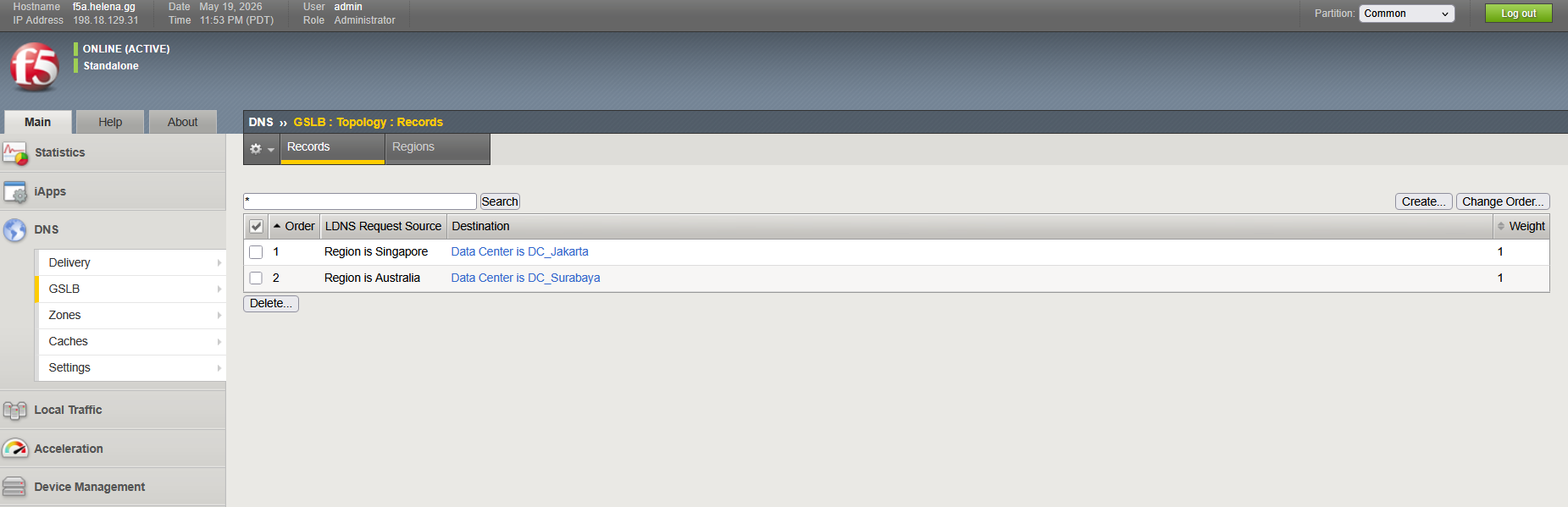
To optimize the usage and latency, we can configure GTM to serve specific DC based on the clients’ region. Here we will split it into 2 client origins, Singapore and Australia where each will be prioritized by dedicated DC
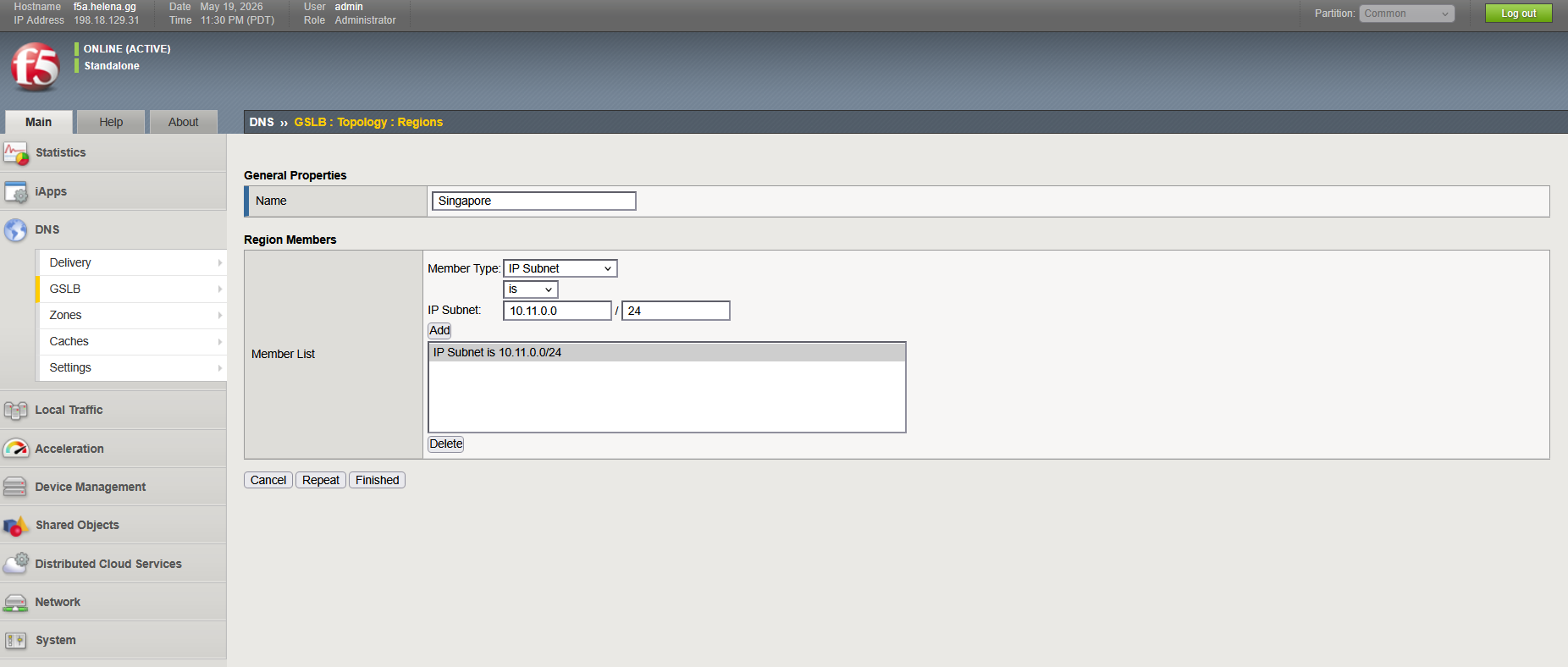
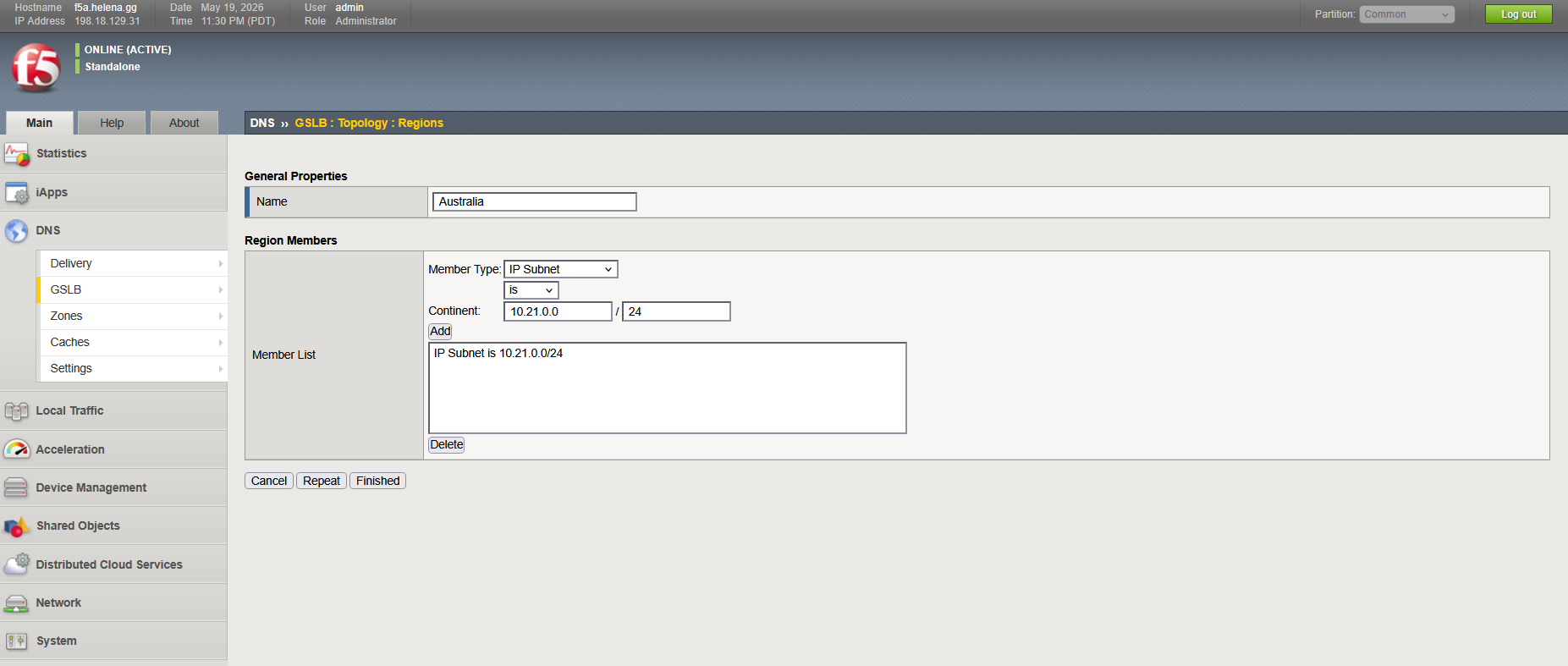
First we create the Regions on DNS » GSLB » Topoology Regions, we use subnets to identify each region
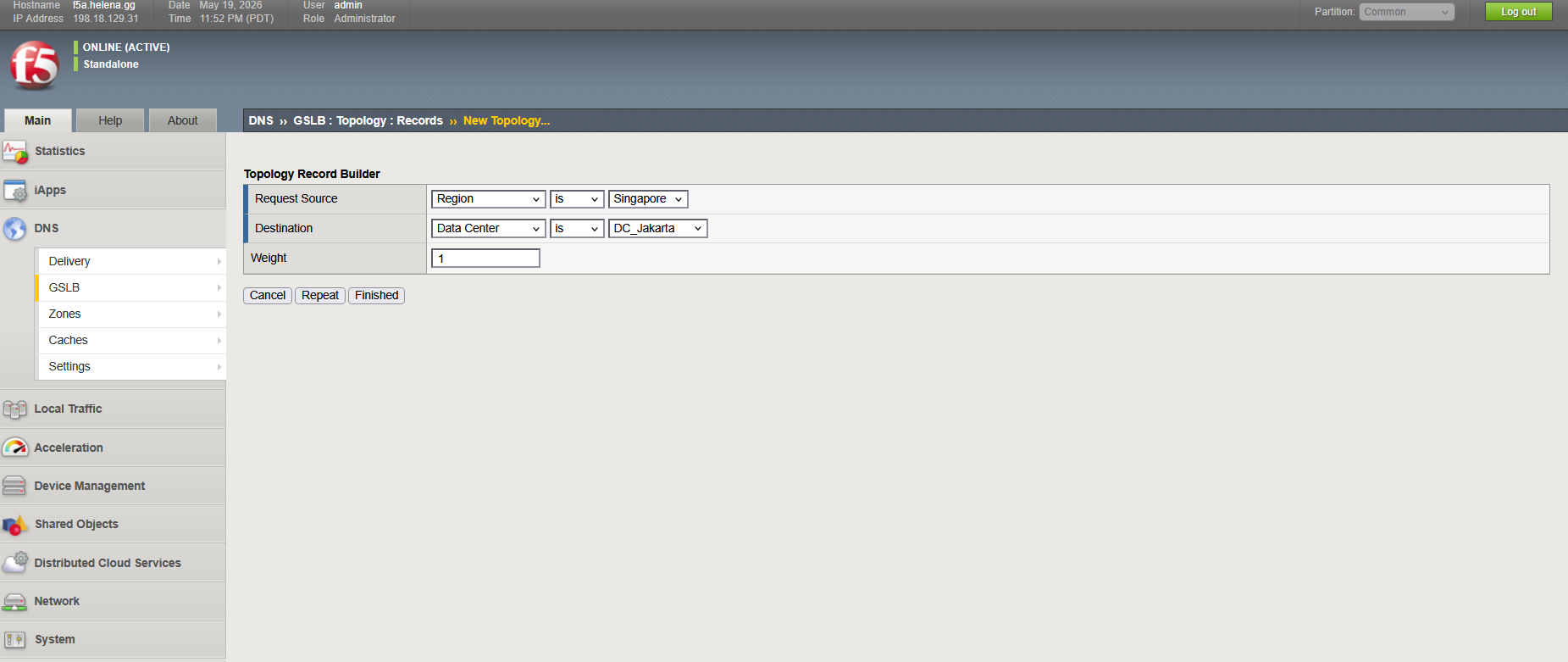
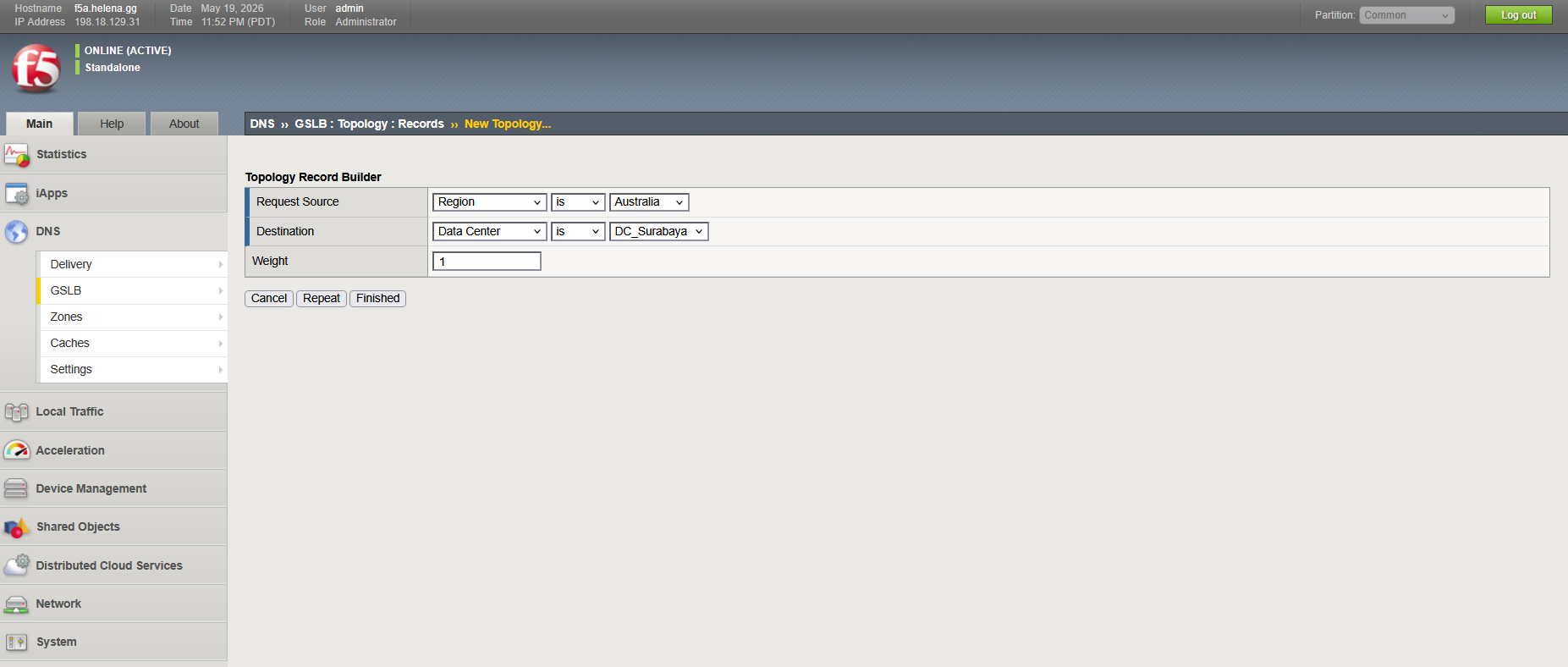
Then on Topology Records we create the mapping for each region to use specified DC
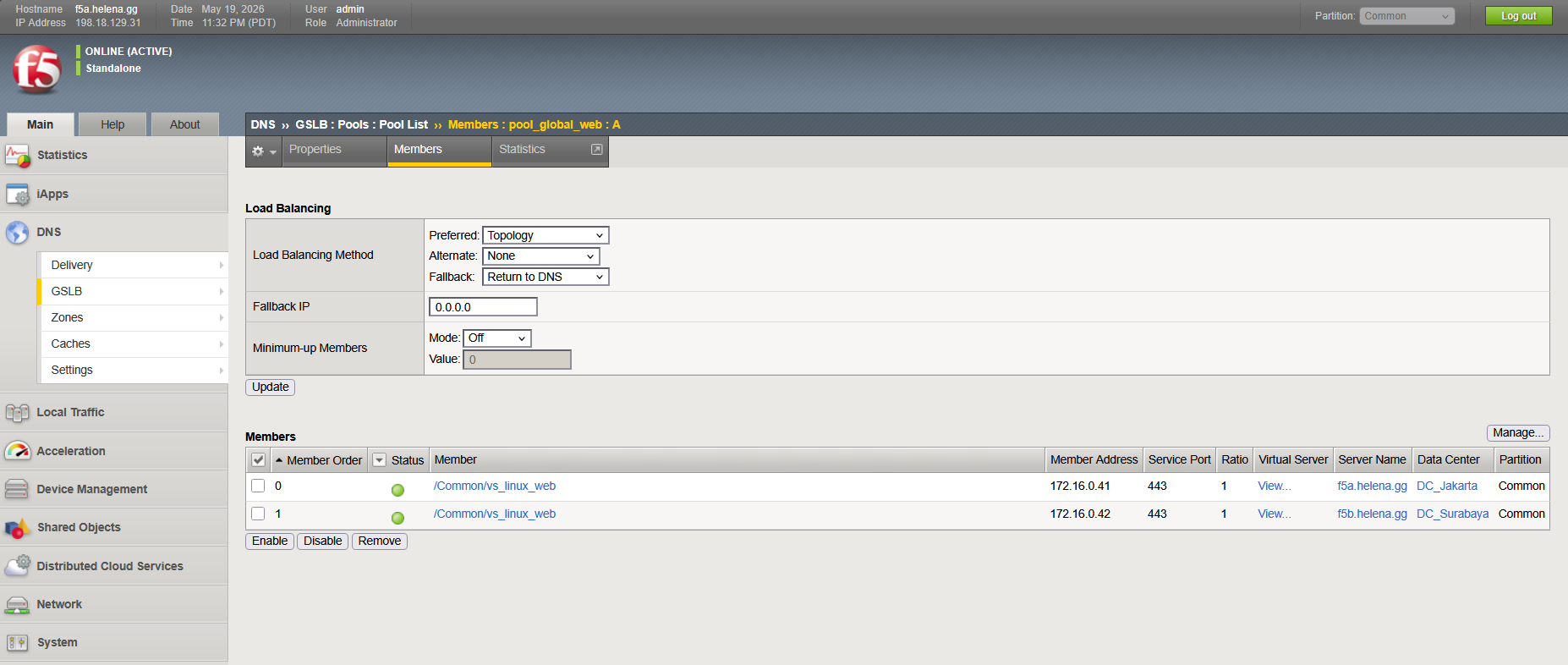
On the Pool, we change the load balancing method from Global Availability to Topology
And now requests from Singapore Region will be served by DC Jakarta
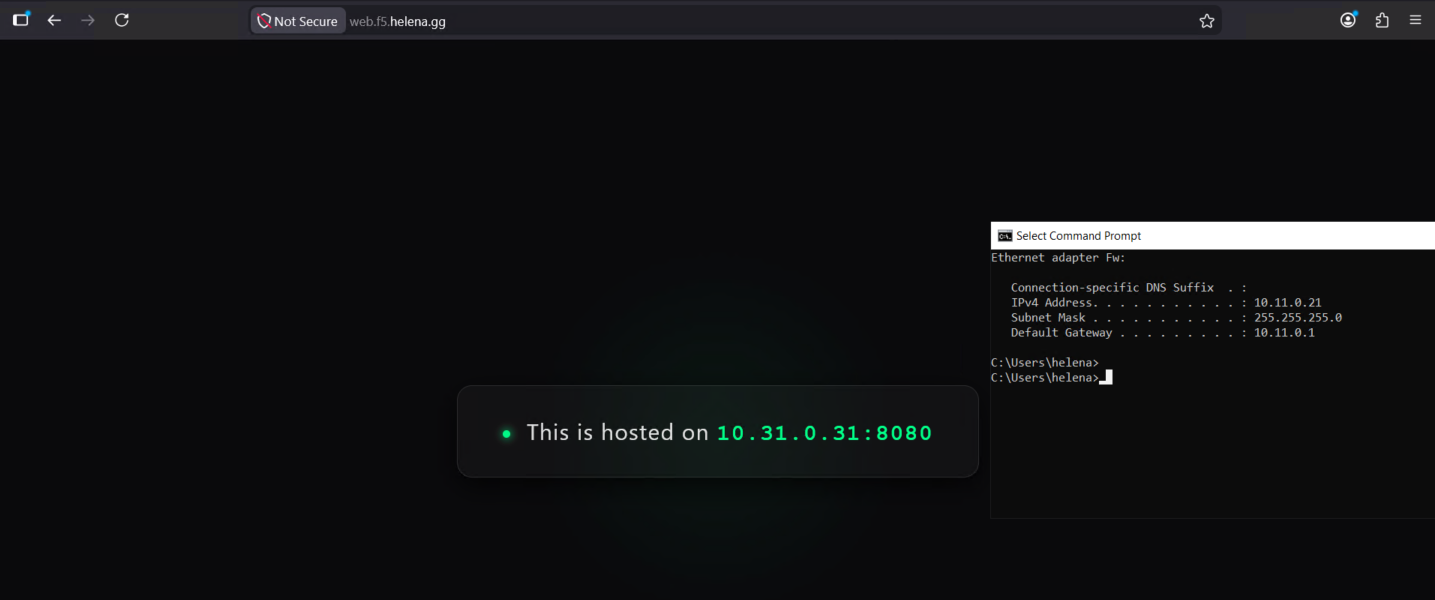
While requests from Australia Region is served by DC Surabaya