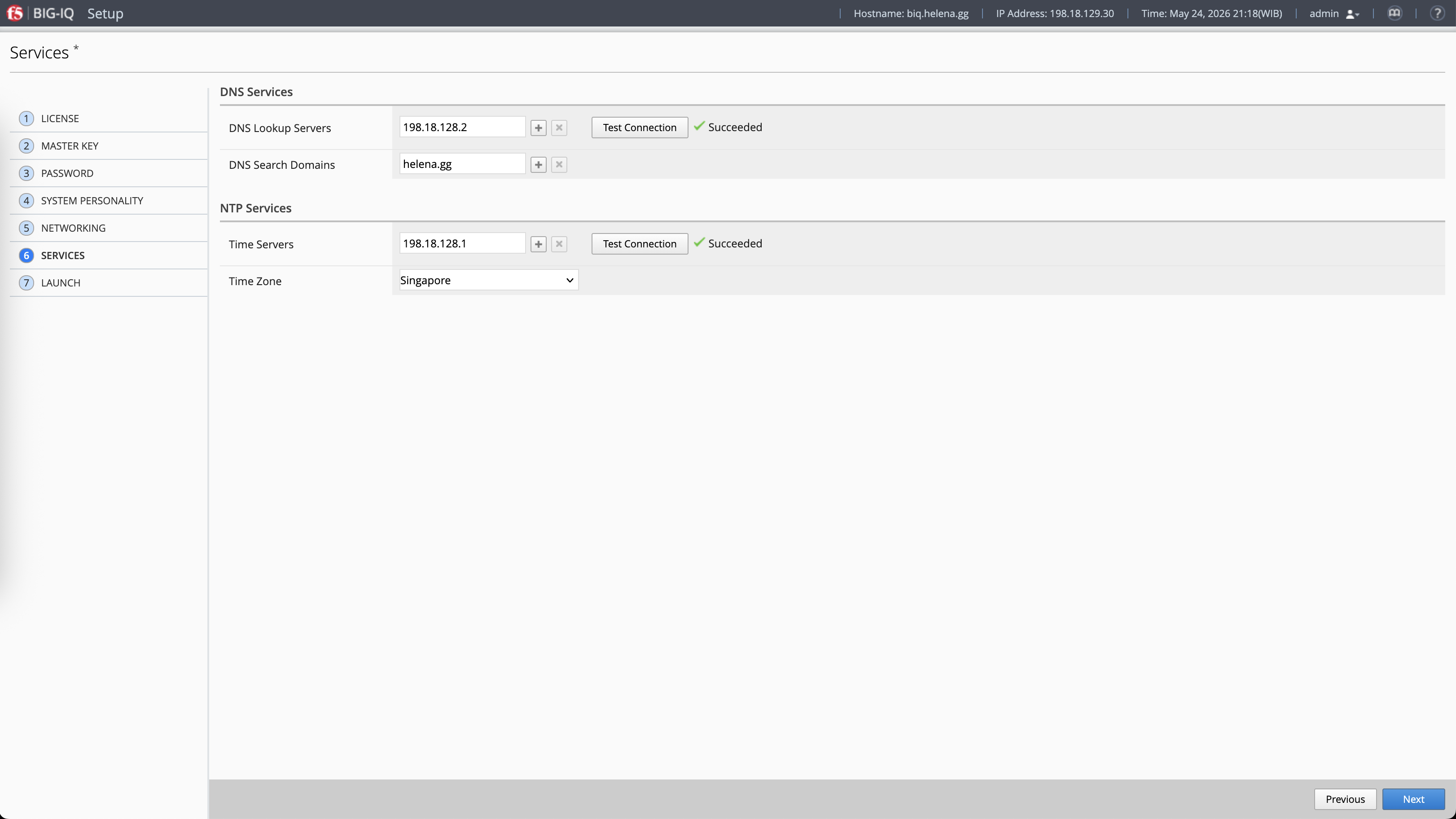
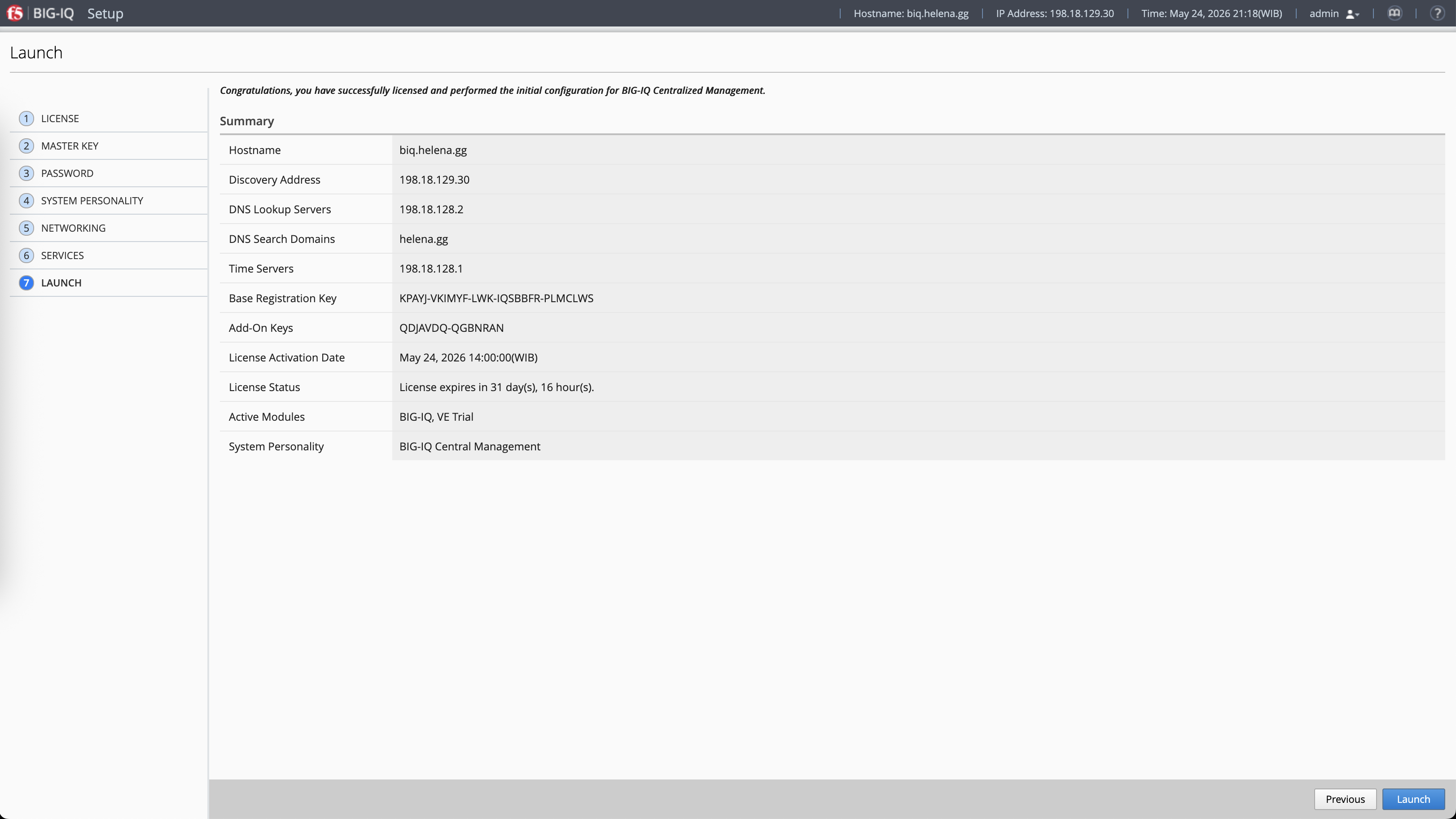
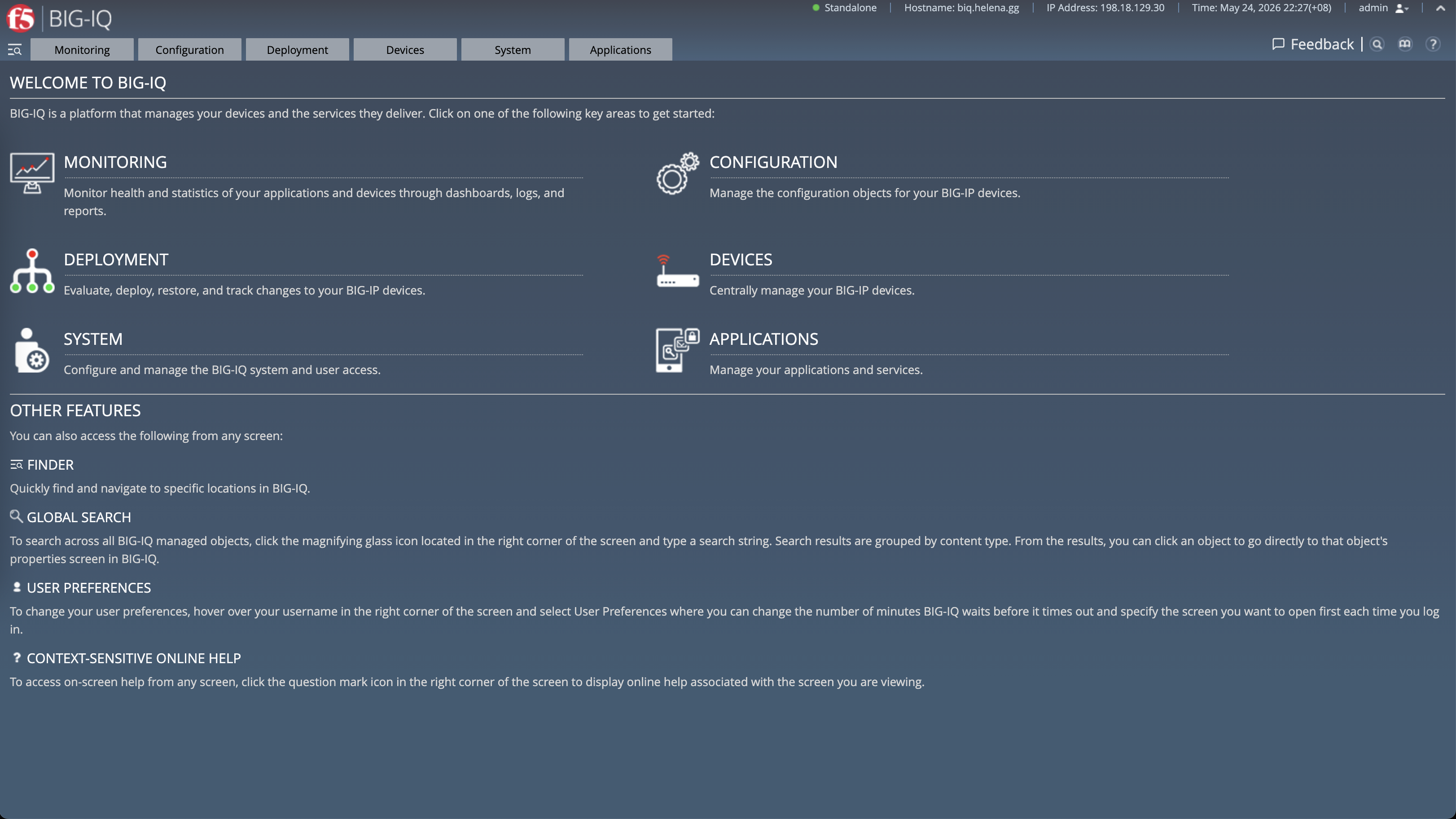
As our infrastructure grows with multiple LTM and GTM nodes running across DC Jakarta and DC Surabaya, managing each device individually becomes highly inefficient. In this lab, we will deploy F5 BIG-IQ, F5’s centralized management platform. BIG-IQ allows us to discover existing BIG-IP instances, centrally build Local Traffic Manager (LTM) services like pools and virtual servers, run pre-deployment evaluation diffs, and push configuration packages safely onto our network mesh.
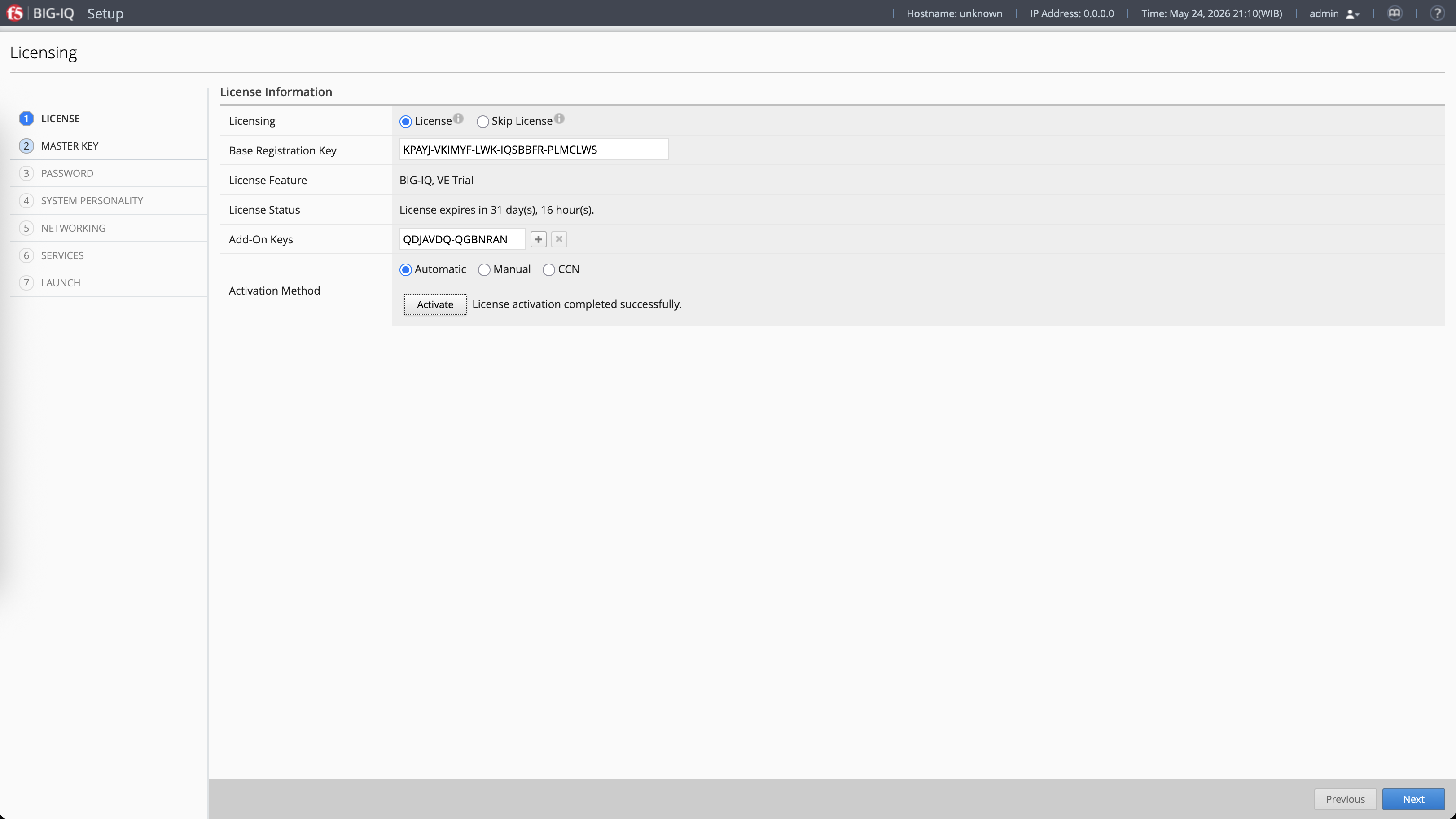
Device Discovery and Onboarding
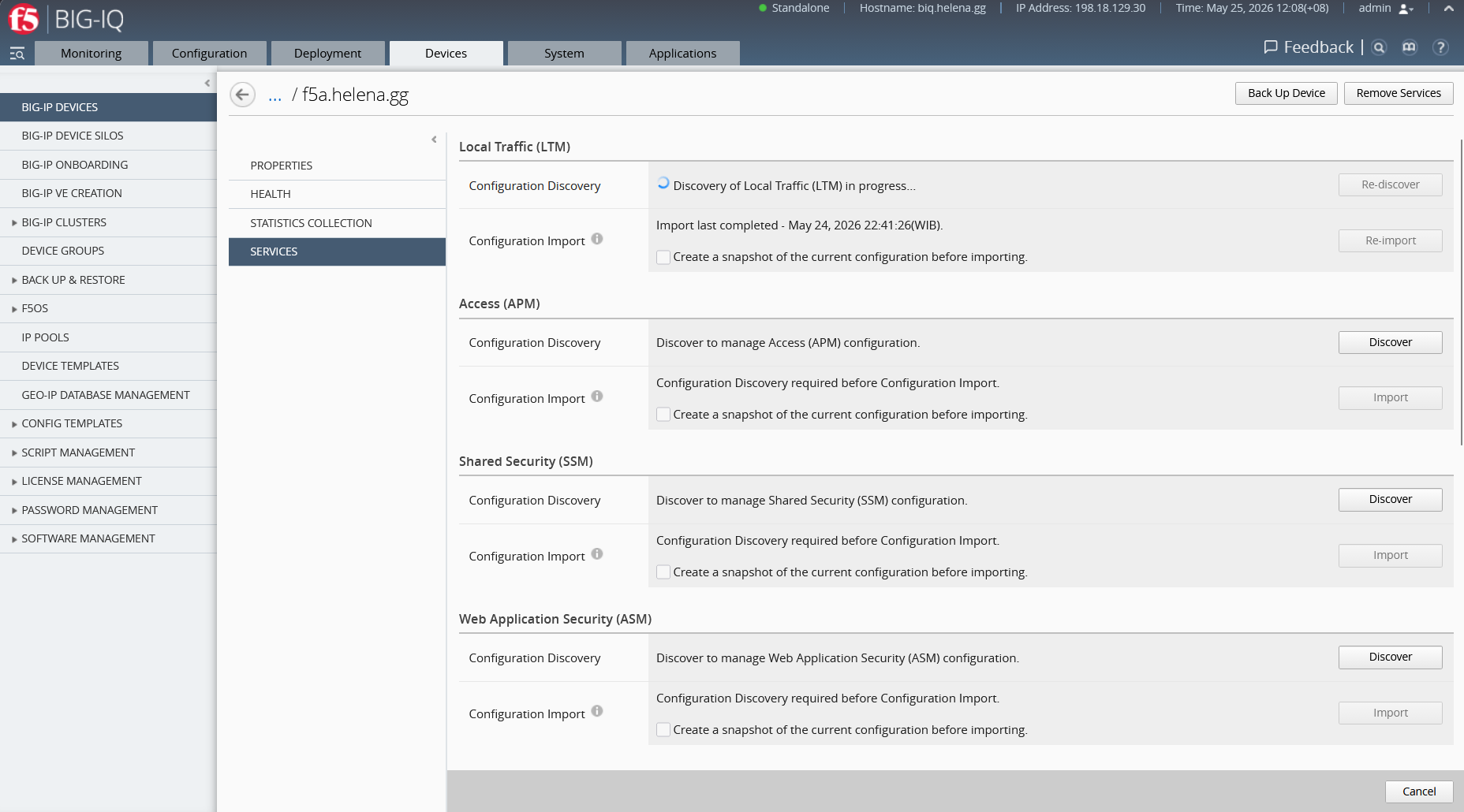
First, we boot up the F5 BIG-IQ CM (Centralized Management) console. Under the Devices menu, we discover our DC Jakarta (f5a.helena.gg) and DC Surabaya (f5b.helena.gg) BIG-IP boxes. We specify their management IP addresses (198.18.129.31 and 198.18.129.32) and enter credentials to establish secure SSL trust.
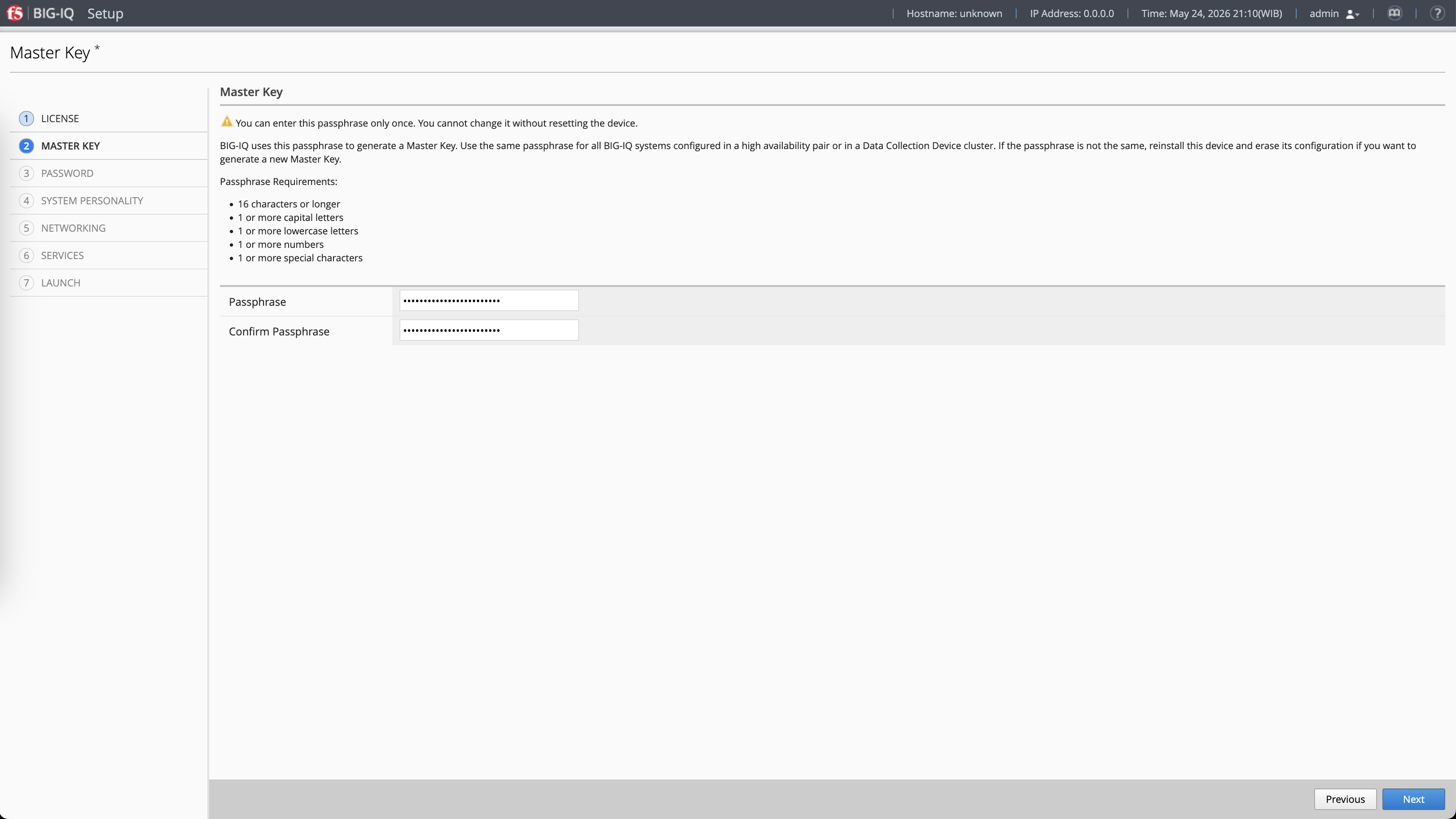
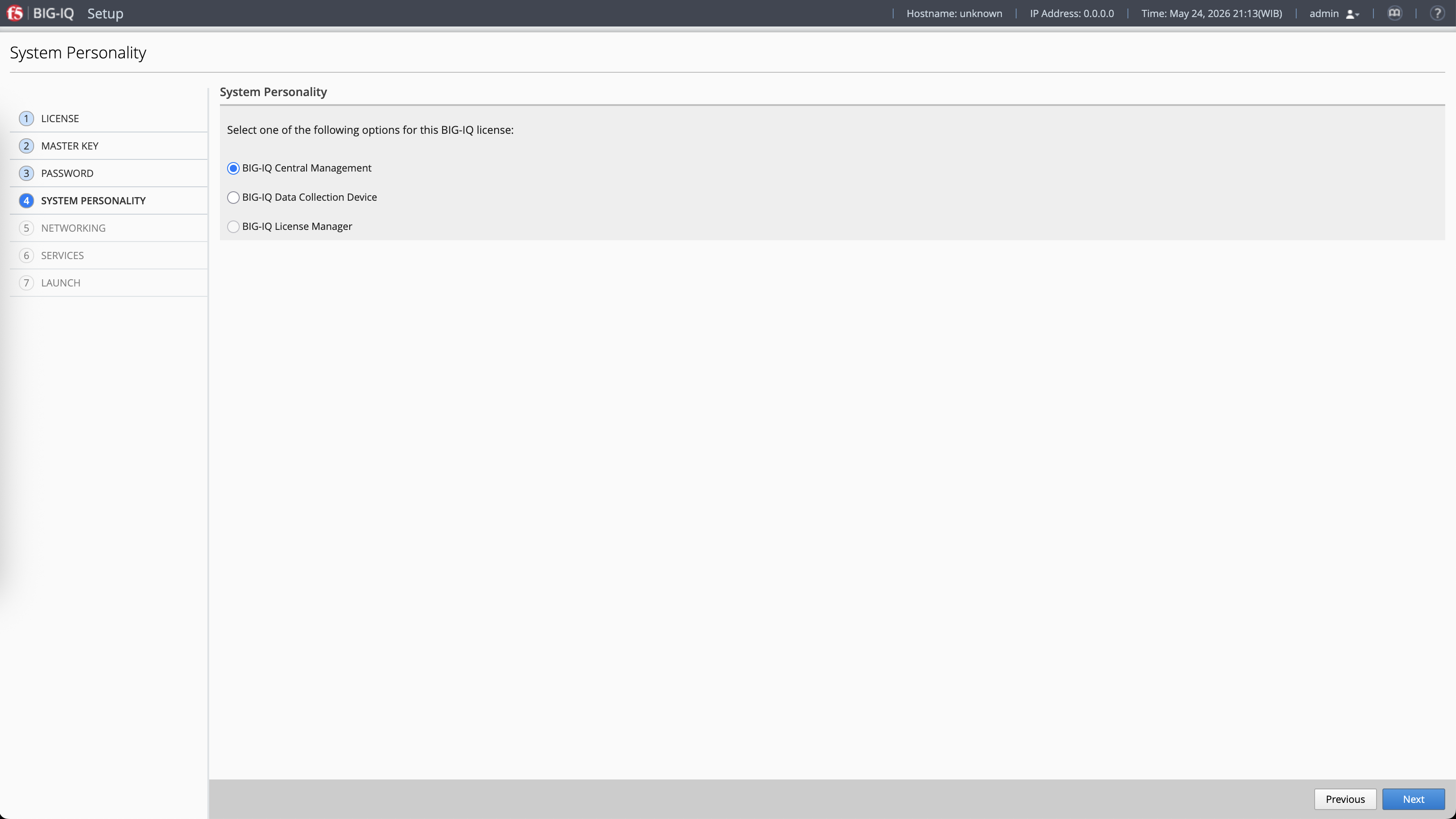
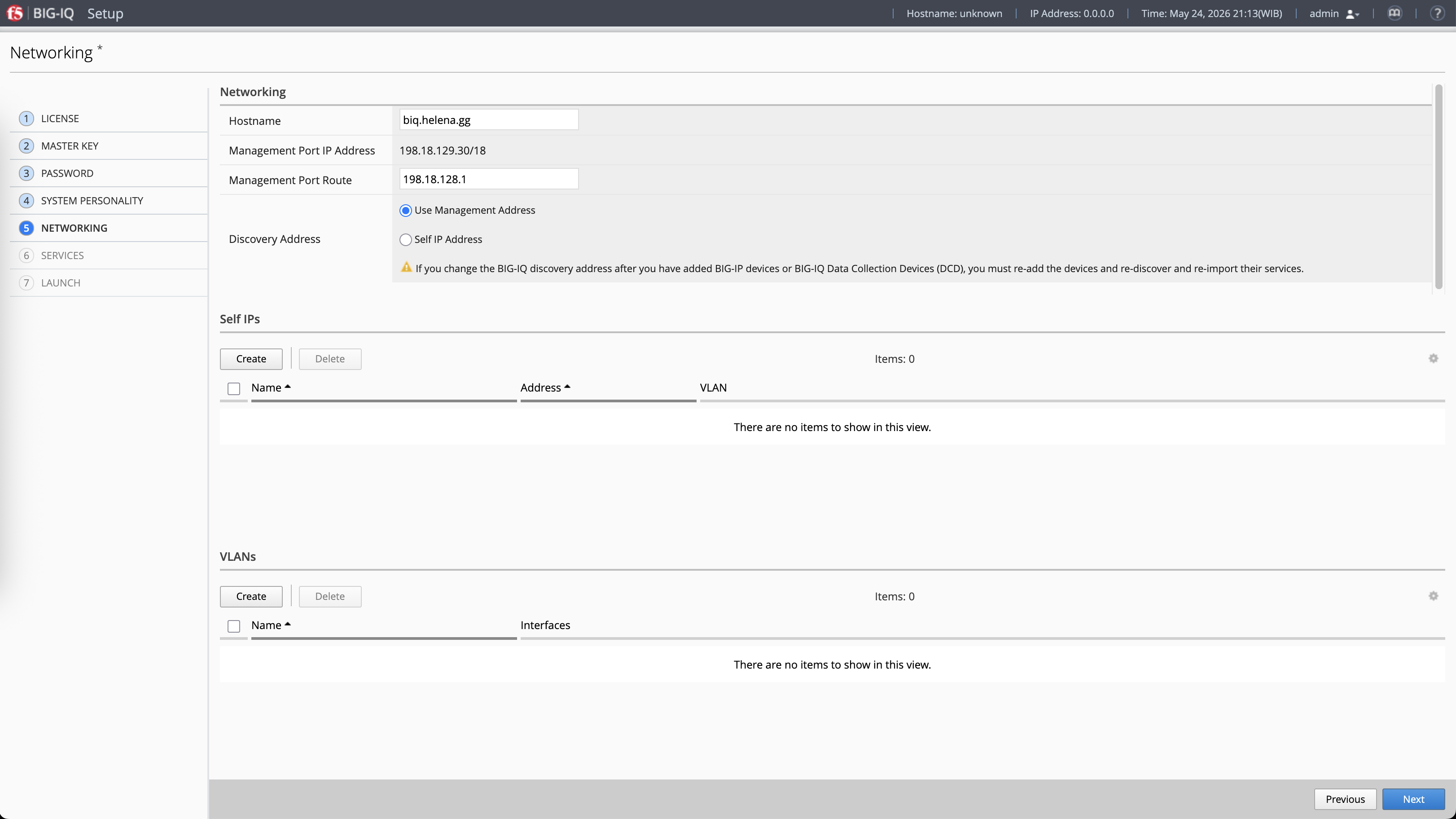
During discovery, BIG-IQ imports the running configurations from both devices, importing LTM services, resolving database dependencies, and adding them to the centralized active managed inventory.
Once fully discovered, we can see both devices listed in our inventory as active, online, and completely managed by BIG-IQ.
Centralized LTM Service Creation
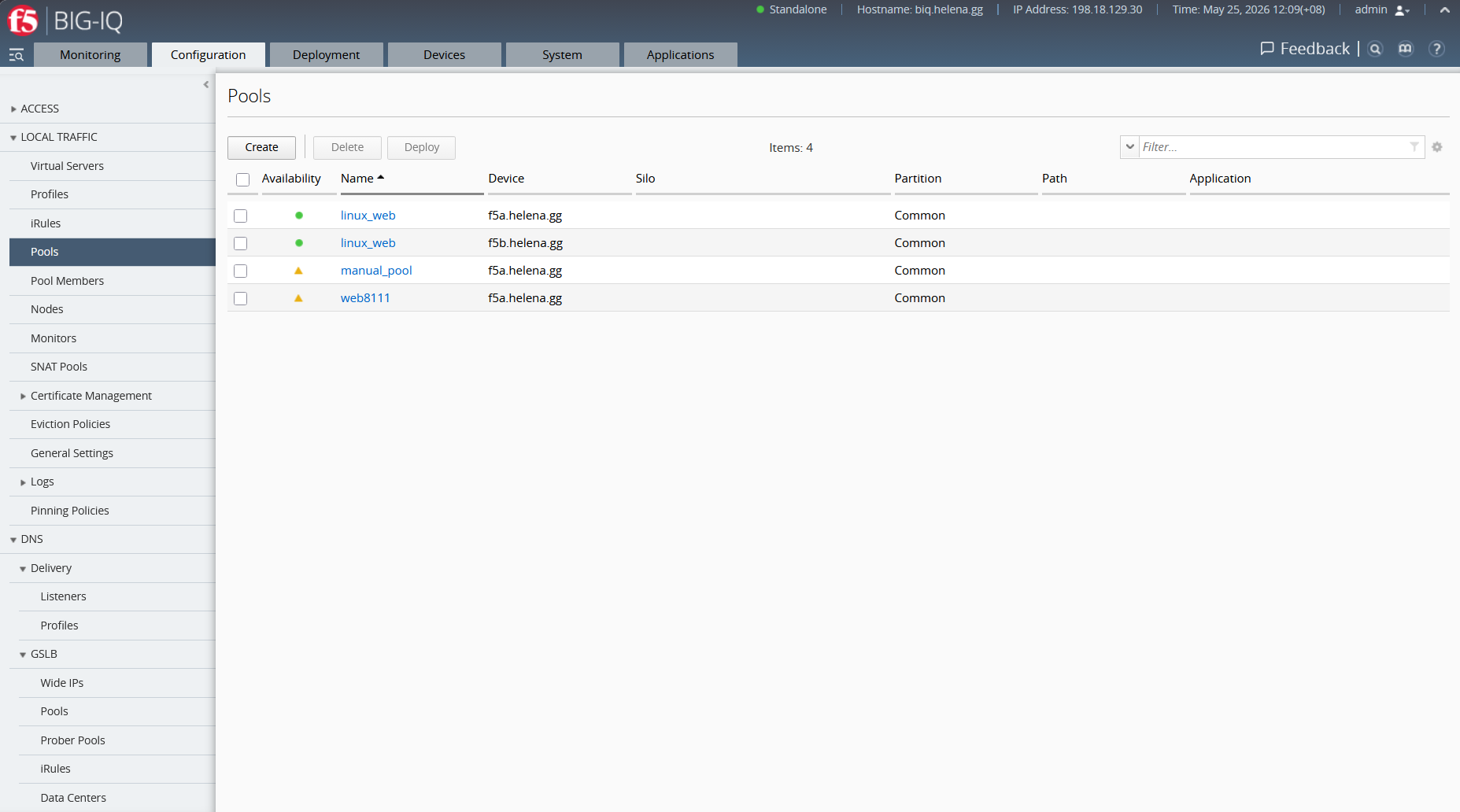
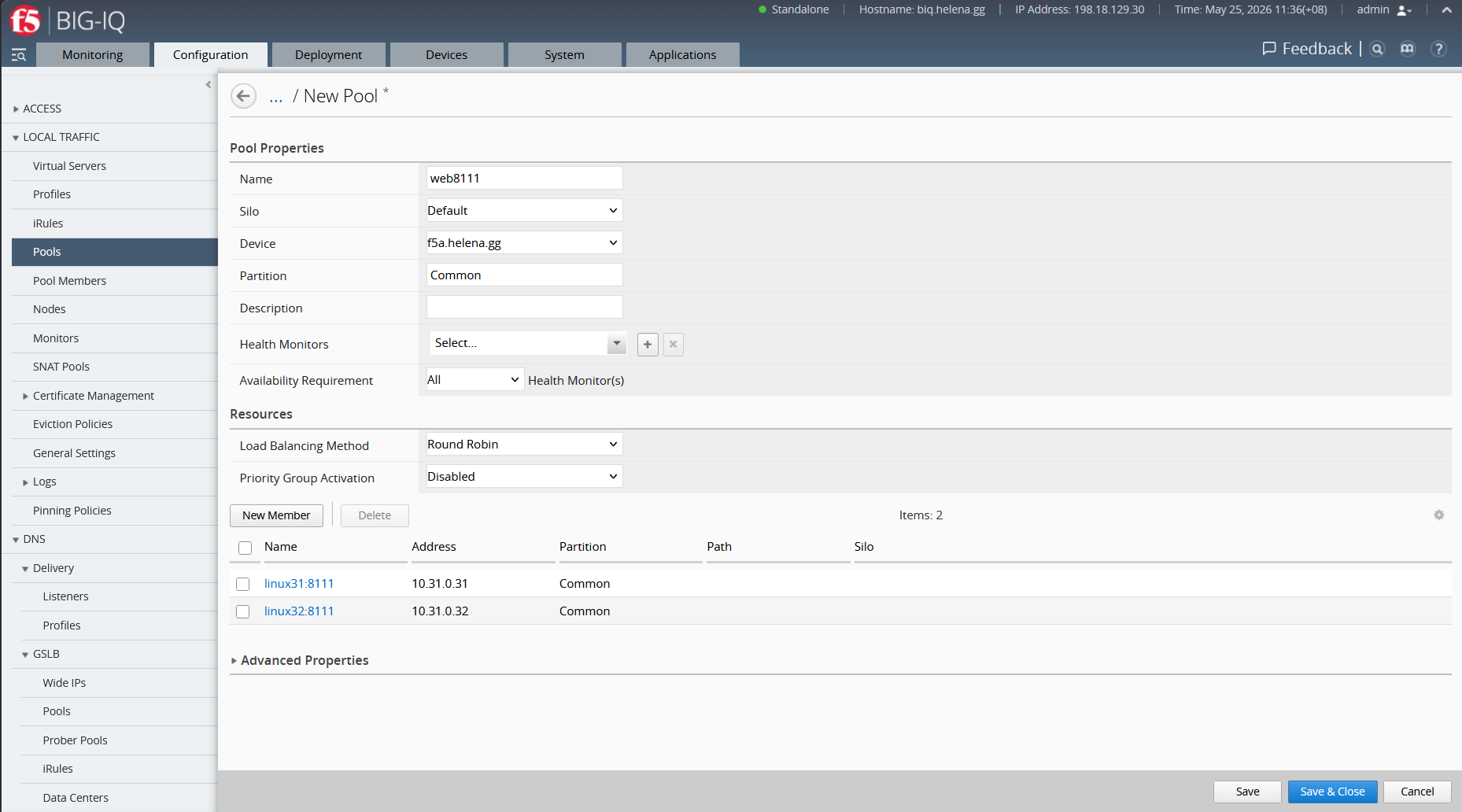
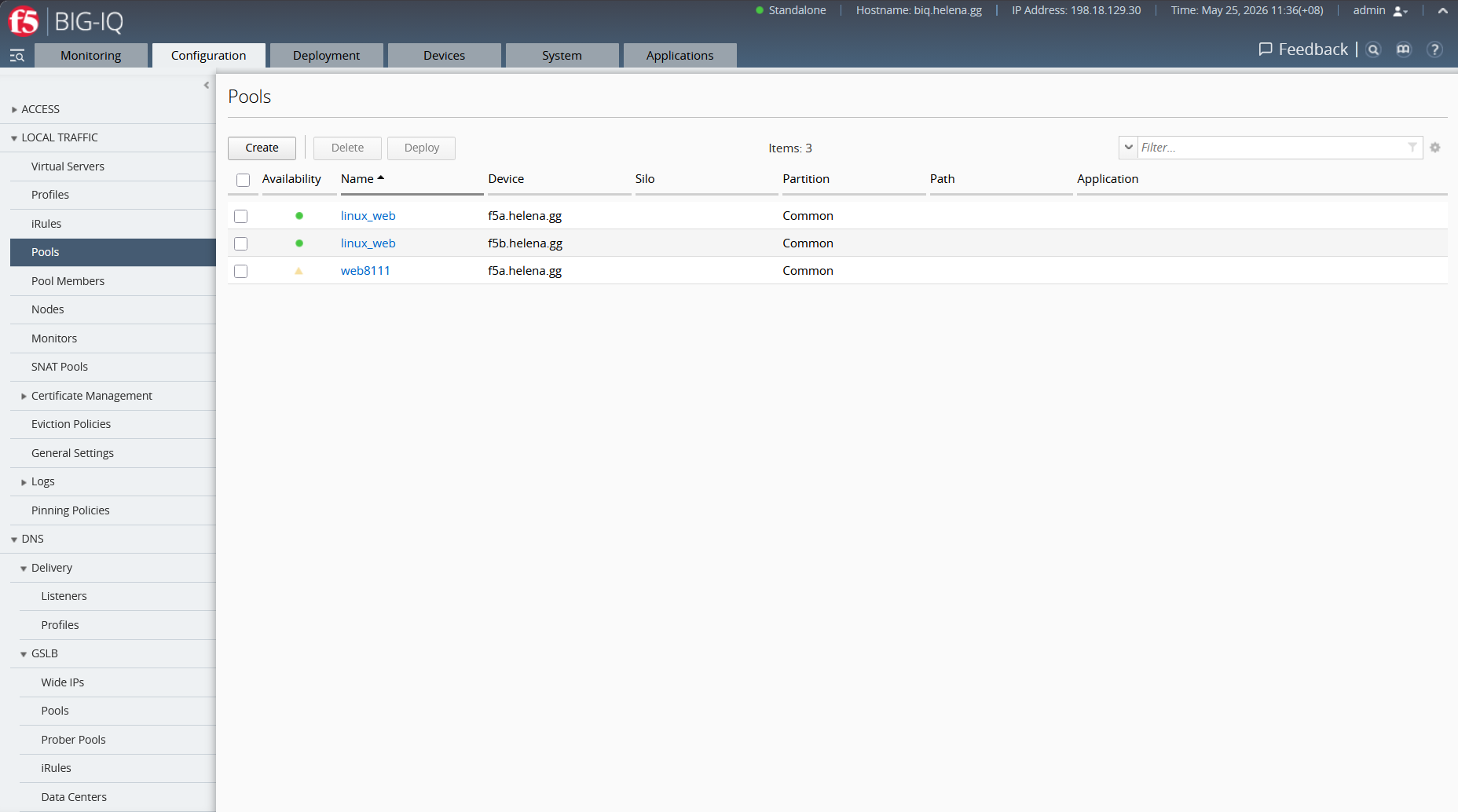
Now that our boxes are managed, we will build a new LTM application service centrally on BIG-IQ. Under Configuration » Local Traffic » Pools, we create a new pool named web8111 targeting the DC Jakarta box (f5a.helena.gg). We add two pool members, 10.31.0.31:8111 and 10.31.0.32:8111, set to Round Robin load balancing.
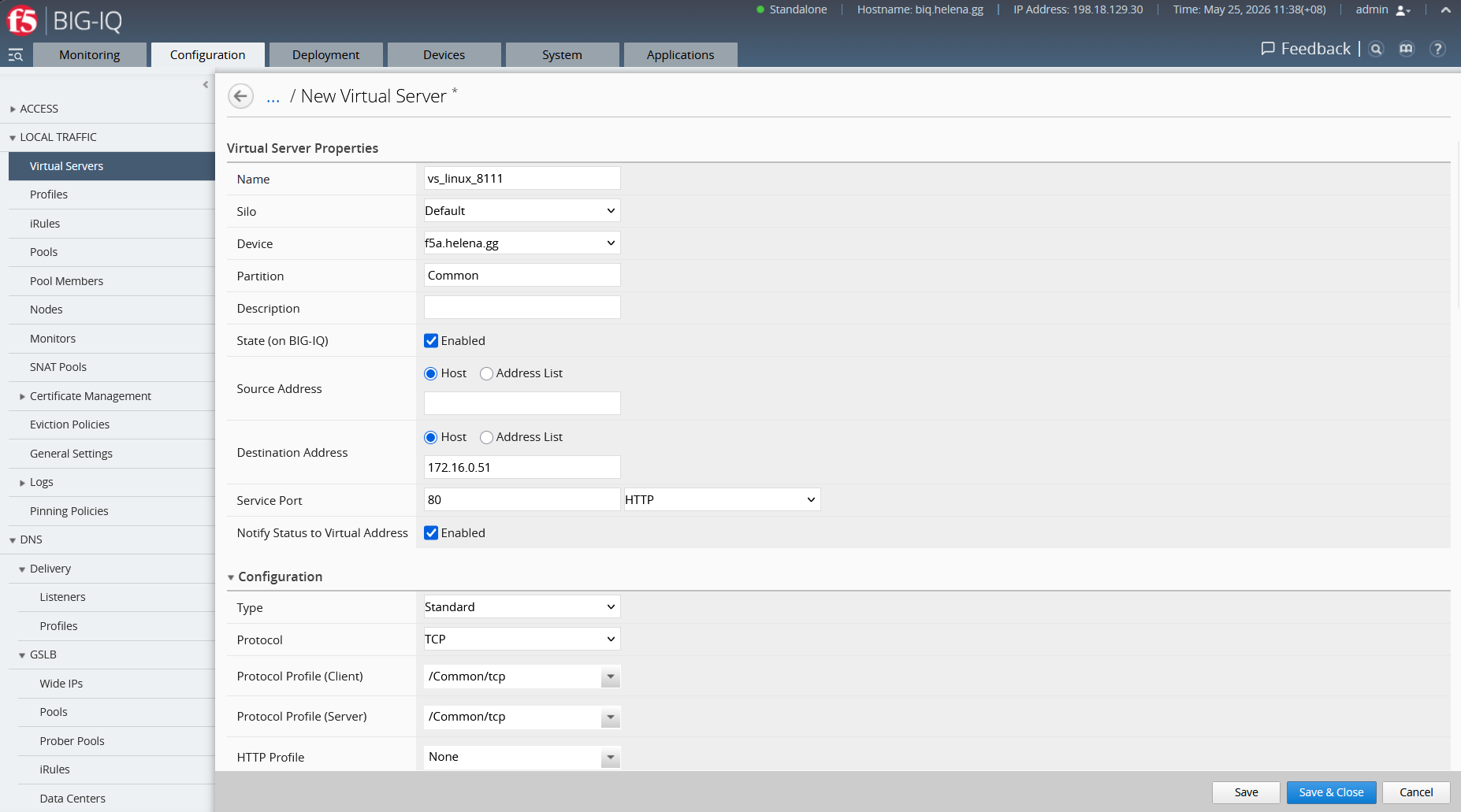
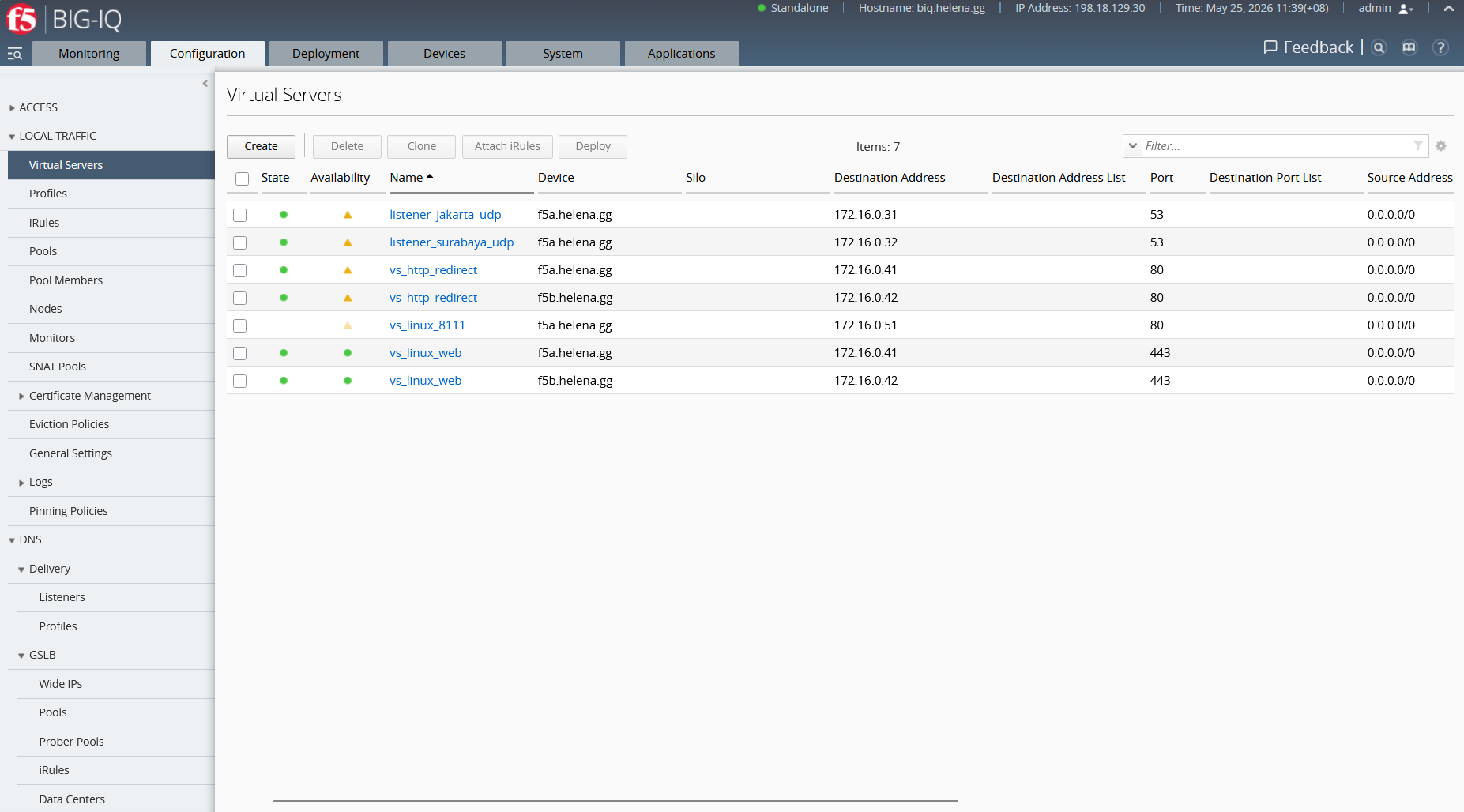
Next, we create the Virtual Server under Configuration » Local Traffic » Virtual Servers. We name it vs_linux_8111, bind it to the VIP address 172.16.0.51:80, and assign the default TCP client and server profiles.
Pre-Deployment Evaluation and Diffing
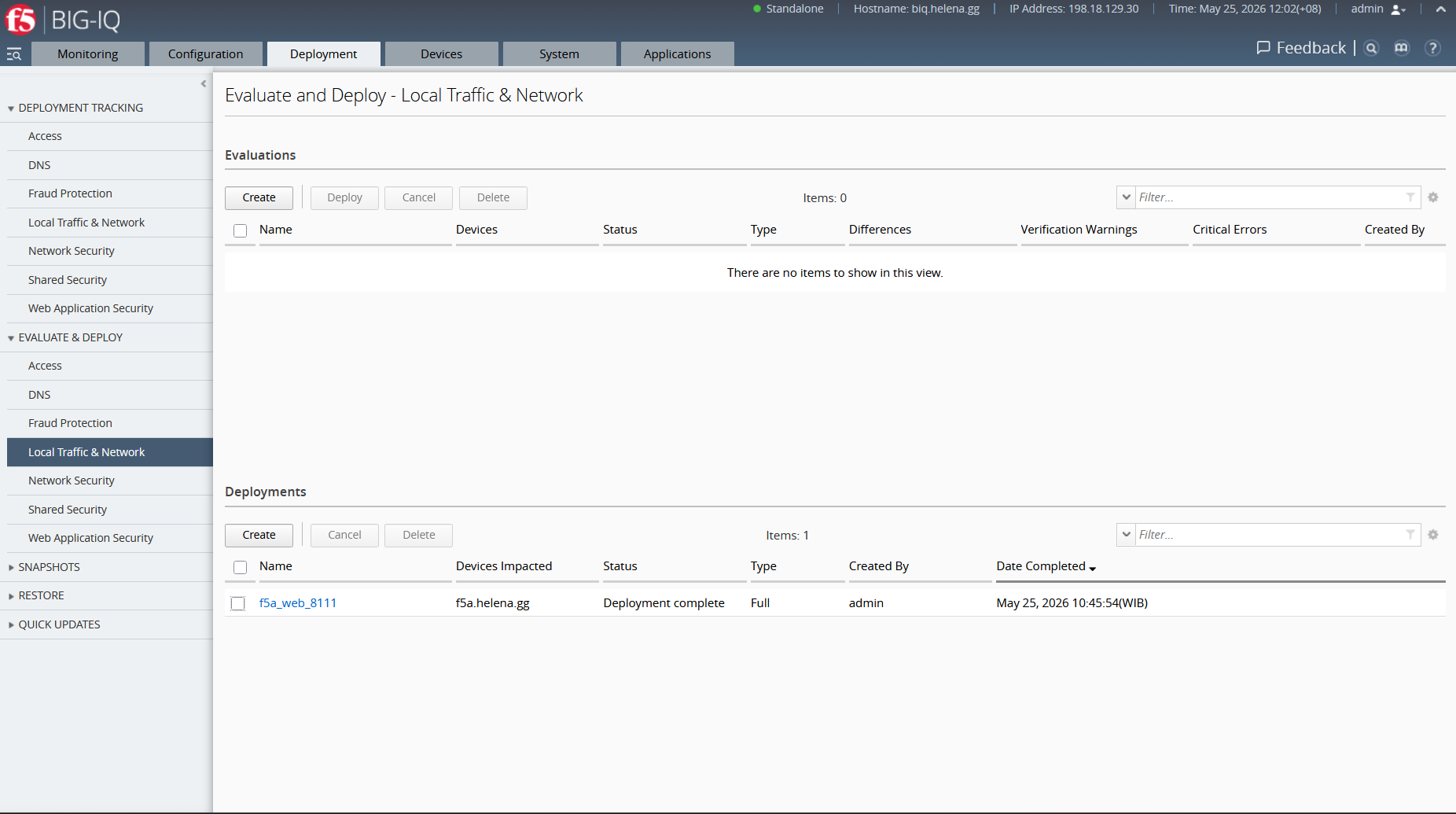
Before pushing these new LTM services onto the production BIG-IP box, BIG-IQ requires us to create a deployment package and evaluation task, which we name f5a_web_8111.
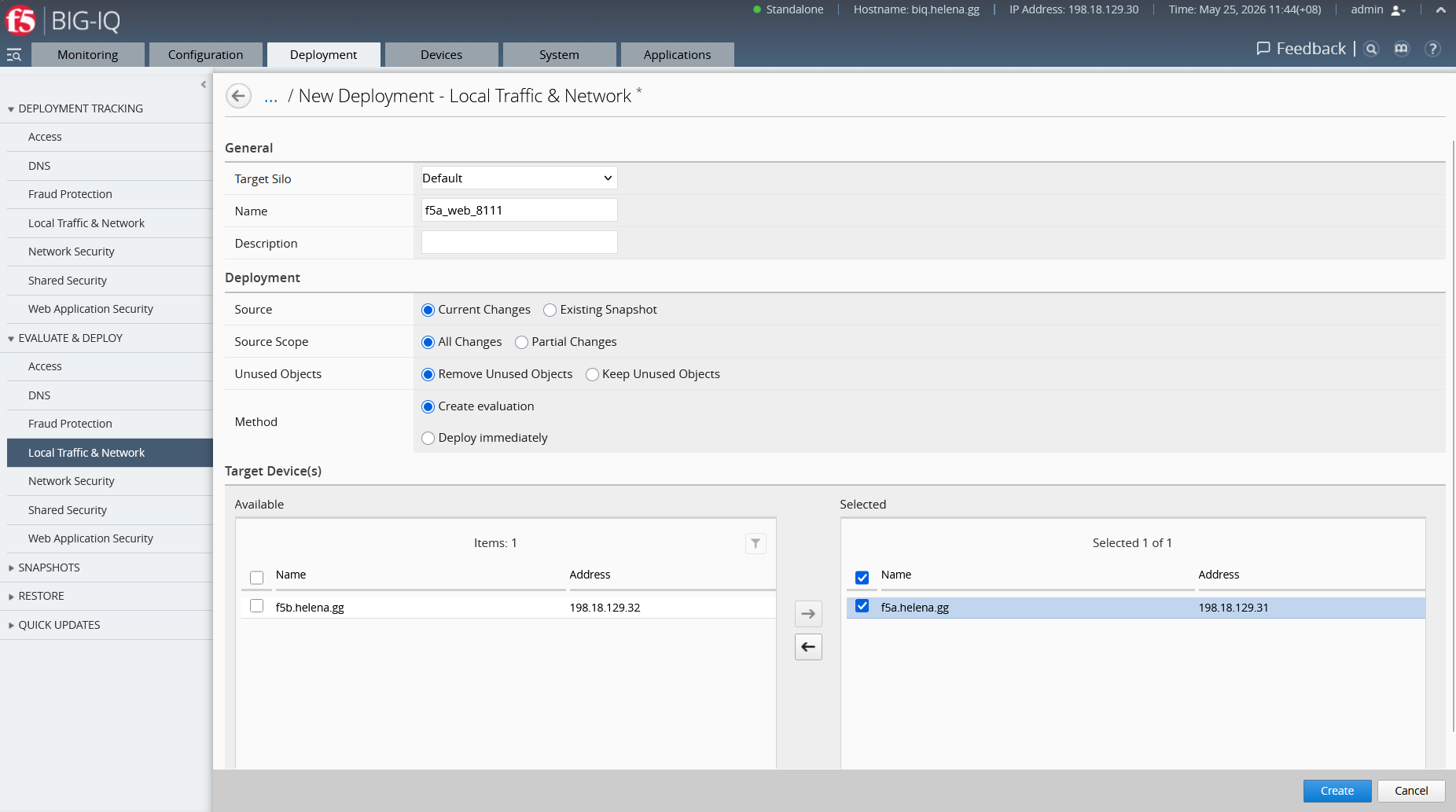
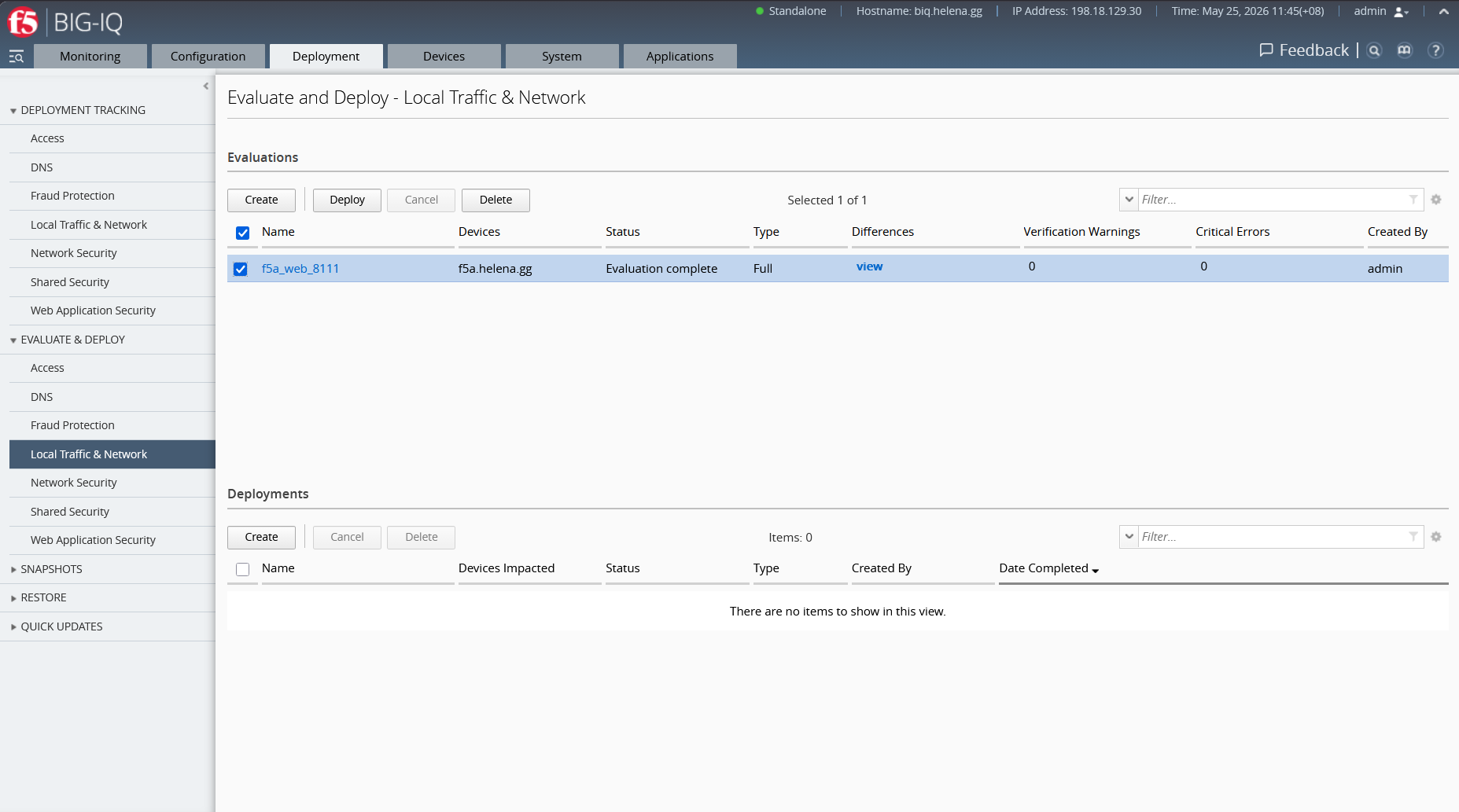
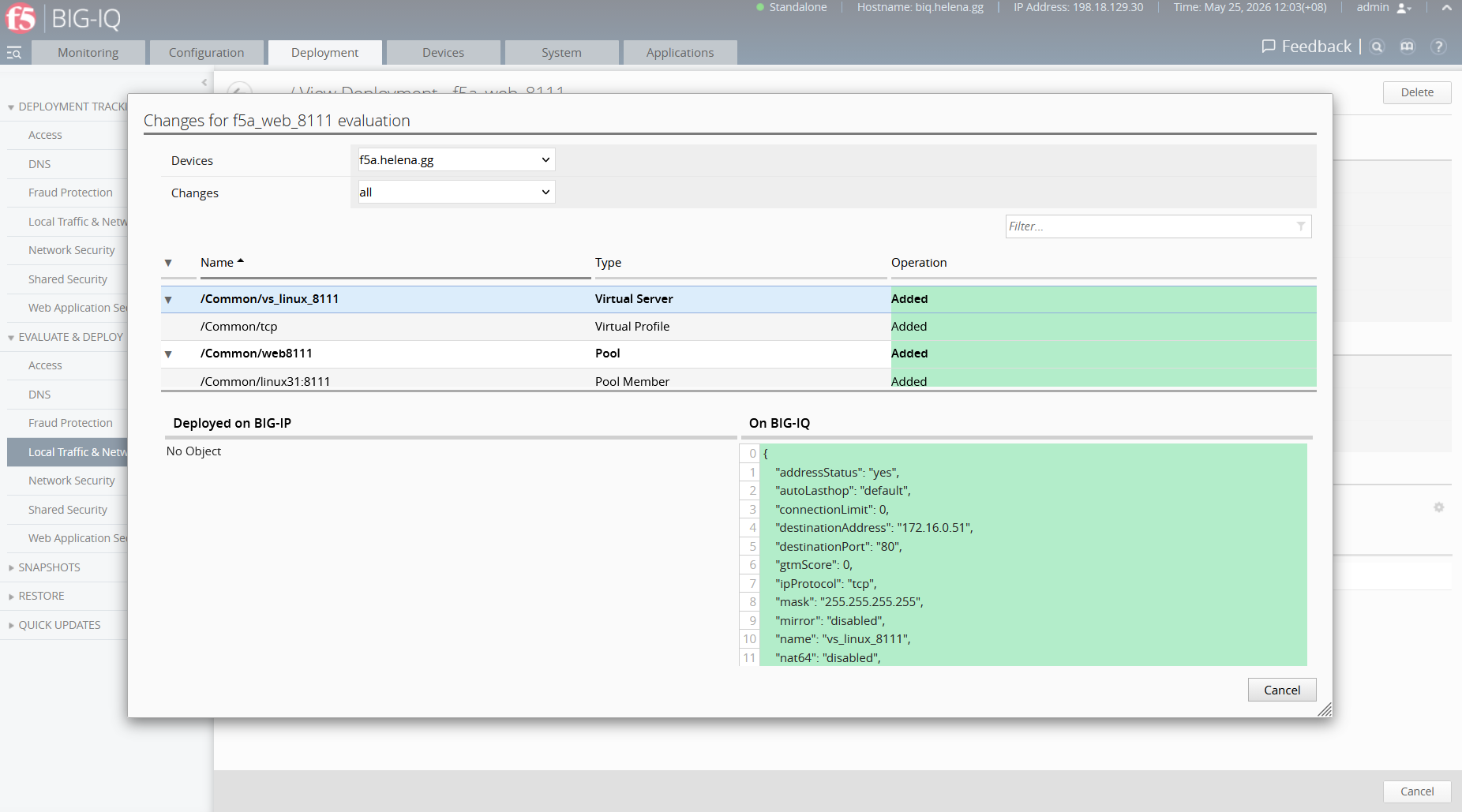
BIG-IQ compiles the evaluation package and runs a diff against the running config of the destination device. We can review exactly what objects will be created: the virtual server vs_linux_8111, pool web8111, and its members.
Deploying and Verifying the Services
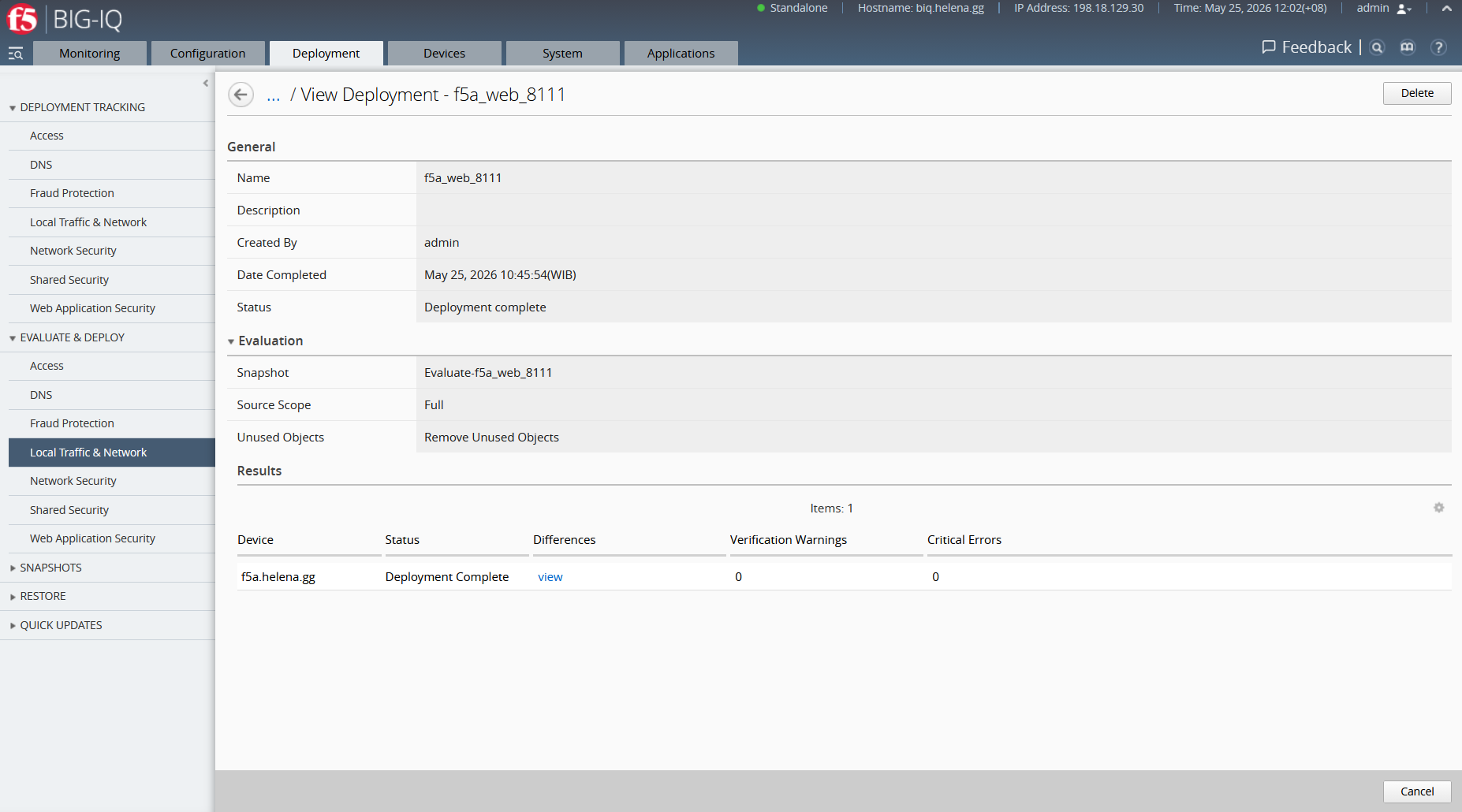
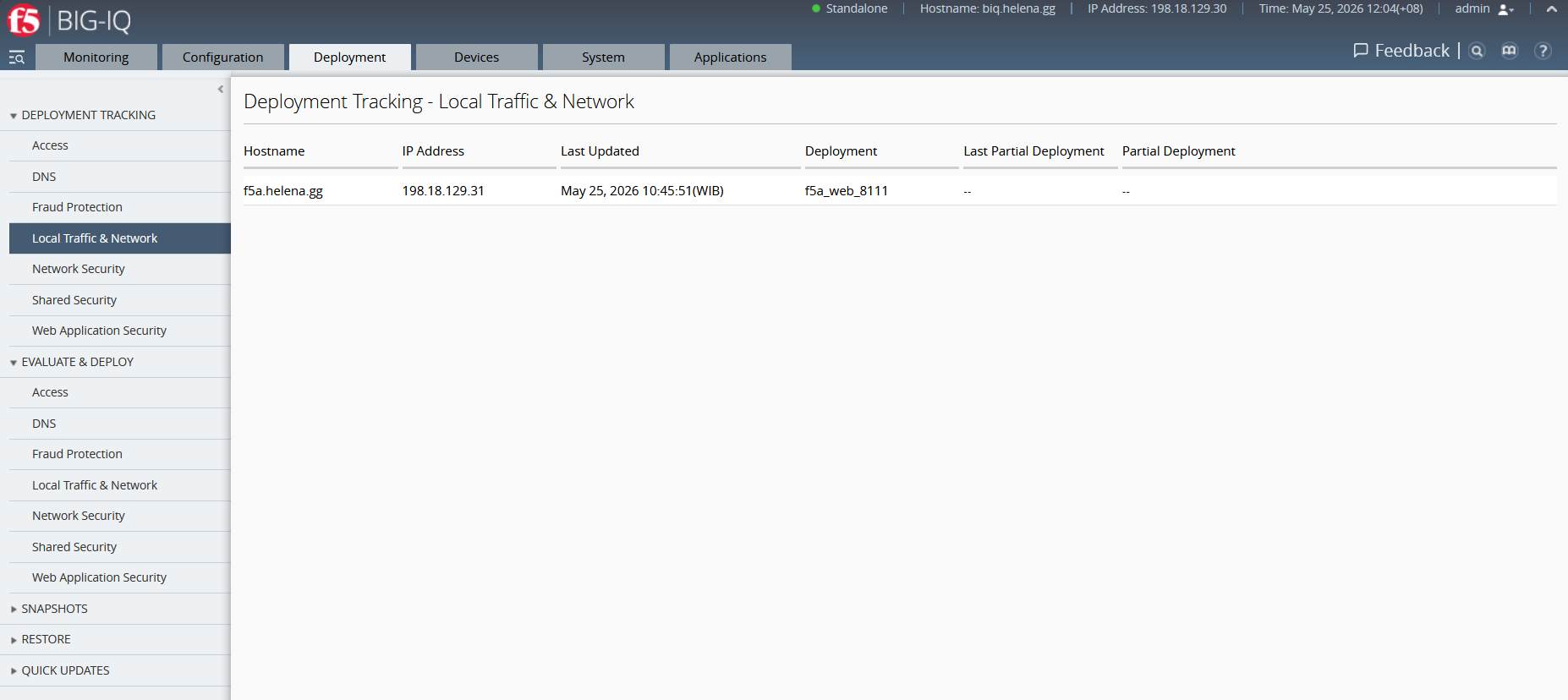
Once the evaluation is complete and verified, we run the deployment. The change package is securely committed to our target device.
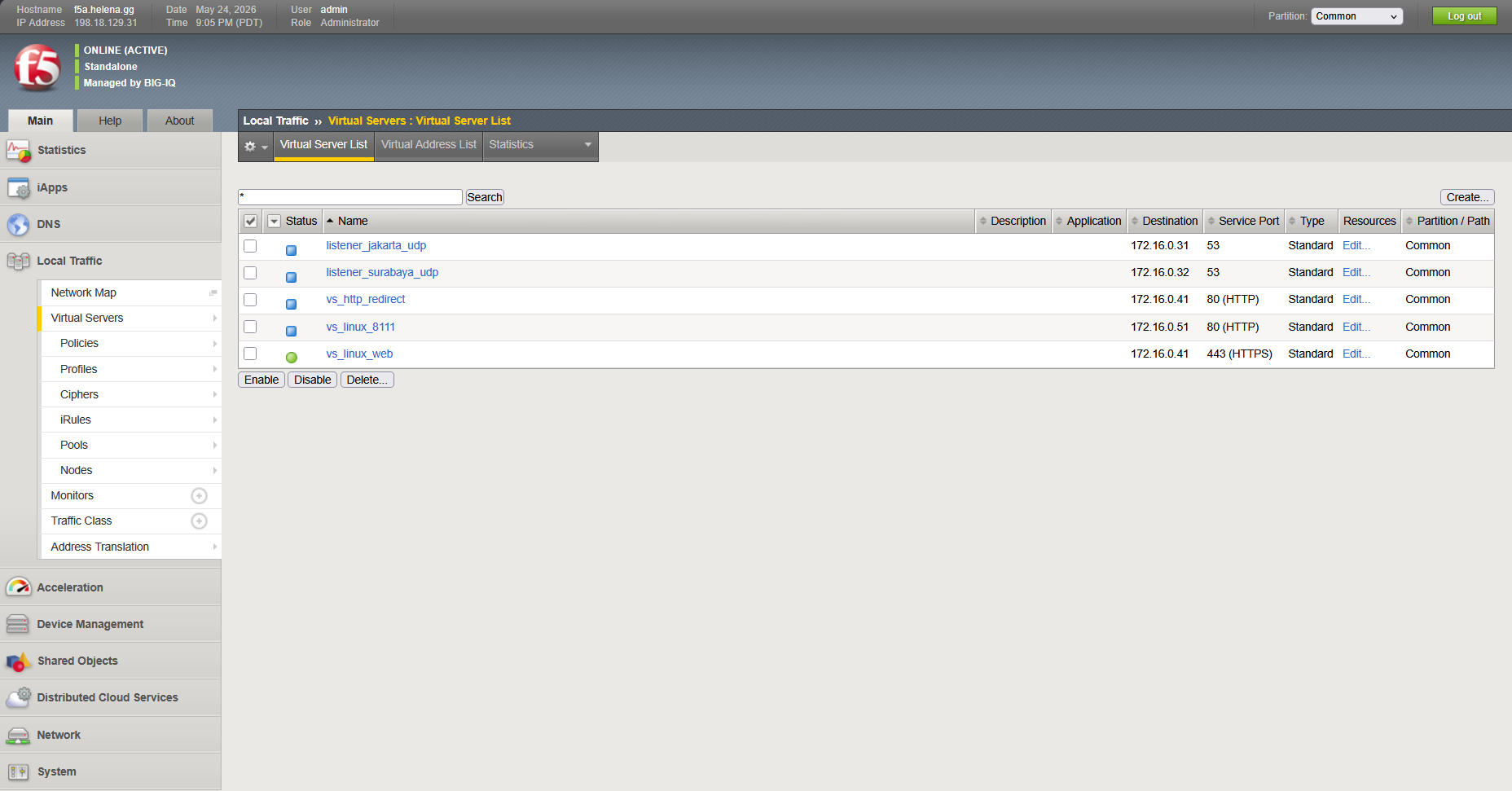
To verify, we log directly into the local GUI of f5a.helena.gg. Under Local Traffic » Virtual Servers, we see our new virtual server vs_linux_8111 actively listening on port 80.
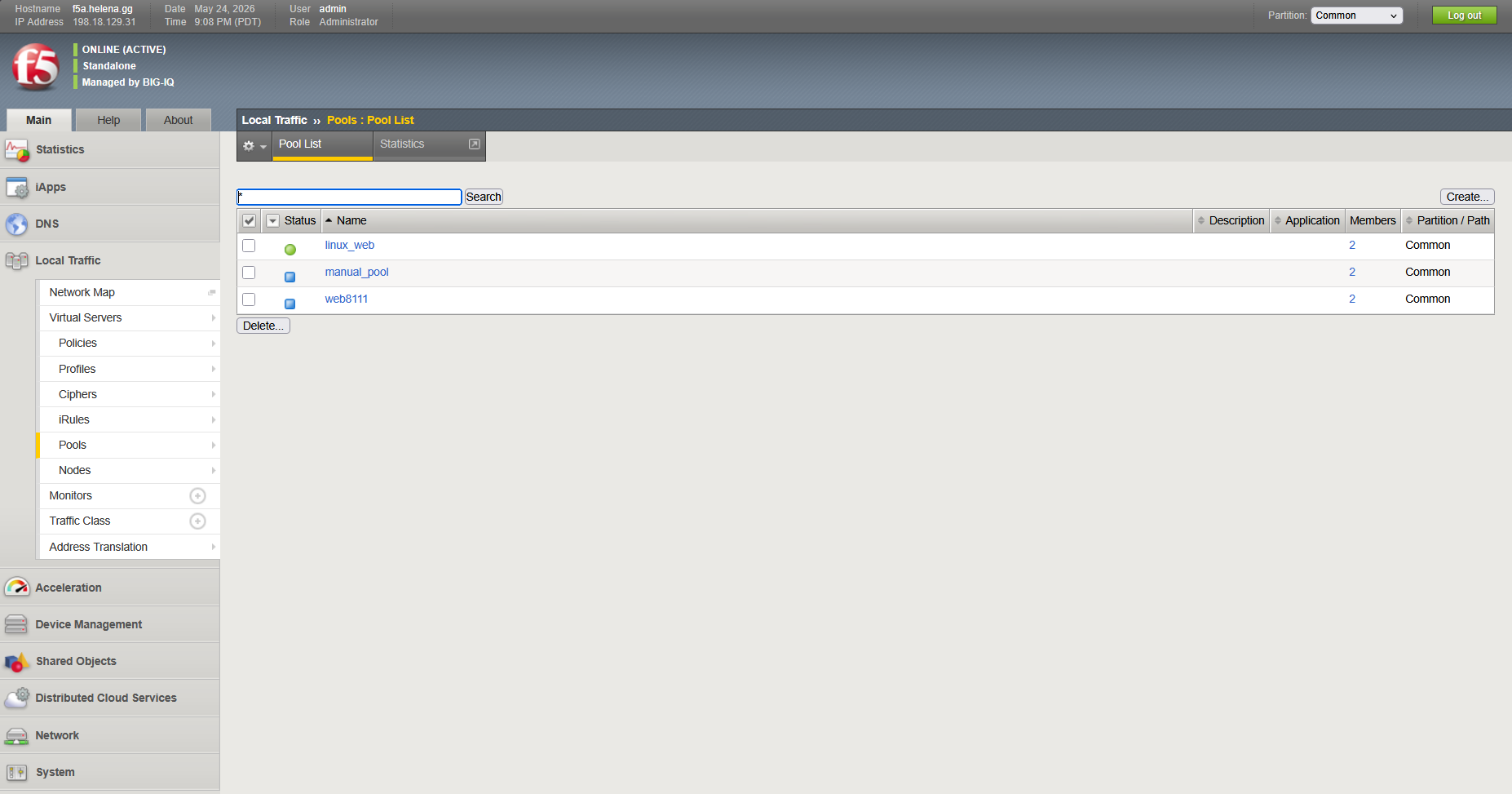
We navigate to Local Traffic » Pools, and verify that the web8111 pool has been successfully built and associated with the virtual server.
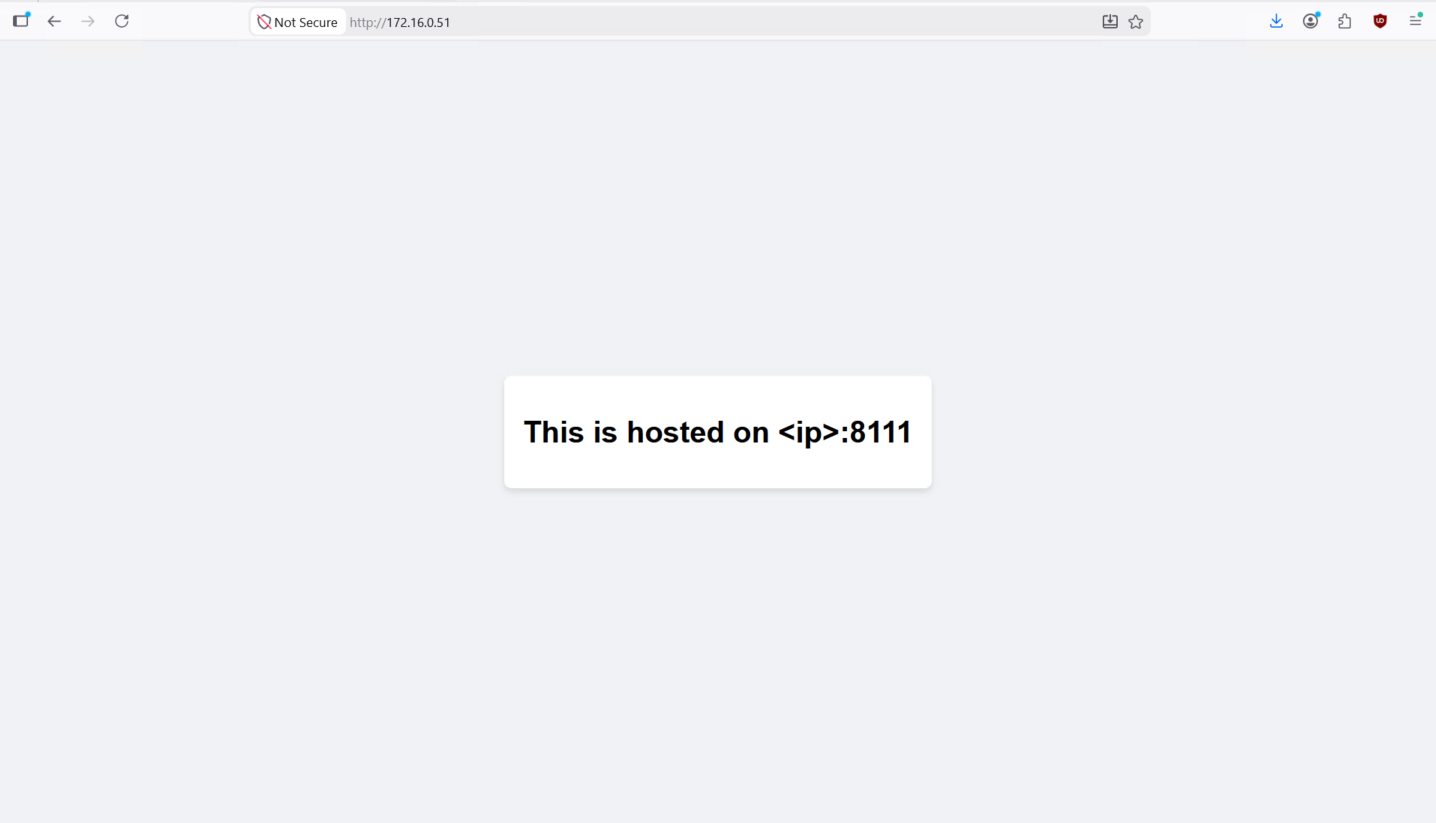
Finally, we test client access by opening our browser and hitting our newly deployed virtual server VIP at http://172.16.0.51. The connection is received by F5 LTM and successfully load balanced to our backend Linux nodes on port 8111.
Syncing Out-of-Band Changes
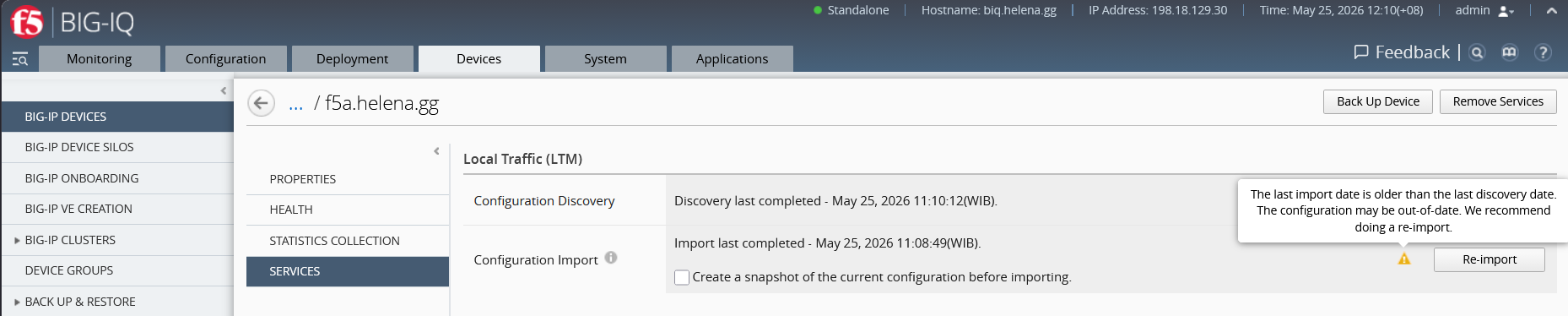
If a change is made locally on a BIG-IP box out-of-band, BIG-IQ will notify us that the running configuration is out-of-sync. To resolve this, we can run System » Properties » Services, where we trigger a configuration re-discovery and import task to resynchronize our centralized dashboard inventory database.